Screen Therapy
A calm Mac companion that tracks screen time, times your breaks and watches out for your eyes
A native macOS menu bar app for people who live at their desks. It measures screen time and focus on the Mac itself, times 20-20-20 eye breaks behind calming full-screen scenes, and, with the camera (only if you opt in), counts blinks, notices tired eyes and a tense brow, and checks that a break really was a break. No account, no cloud, no analytics.
- Client
- Personal product
- Field
- Native macOS & On-Device AI
- Stack
- Swift, SwiftUI, AppKit, Core ML, MediaPipe
- Status
- In progress
Overview
Screen time that looks after you, not just counts you
The problem
Most screen-time tools count hours and stop there. Break timers interrupt mid-sentence, in the middle of a call, or halfway through a drag. And the thing that actually wears people out at a desk — staring without blinking, forgetting to look away, sitting rigid for hours — goes unmeasured, because measuring it means a camera, and nobody wants a camera feed leaving their Mac.
What I built
A native macOS menu bar app that measures your day on the Mac itself, times eye breaks so they arrive at a good moment, and — only if you opt in — reads blinks, focus and posture from the camera with on-device face models. Swift, SwiftUI and AppKit, no account, no server. It averages under 2% of an M1's CPU.
In motion
Fifty seconds through the app.
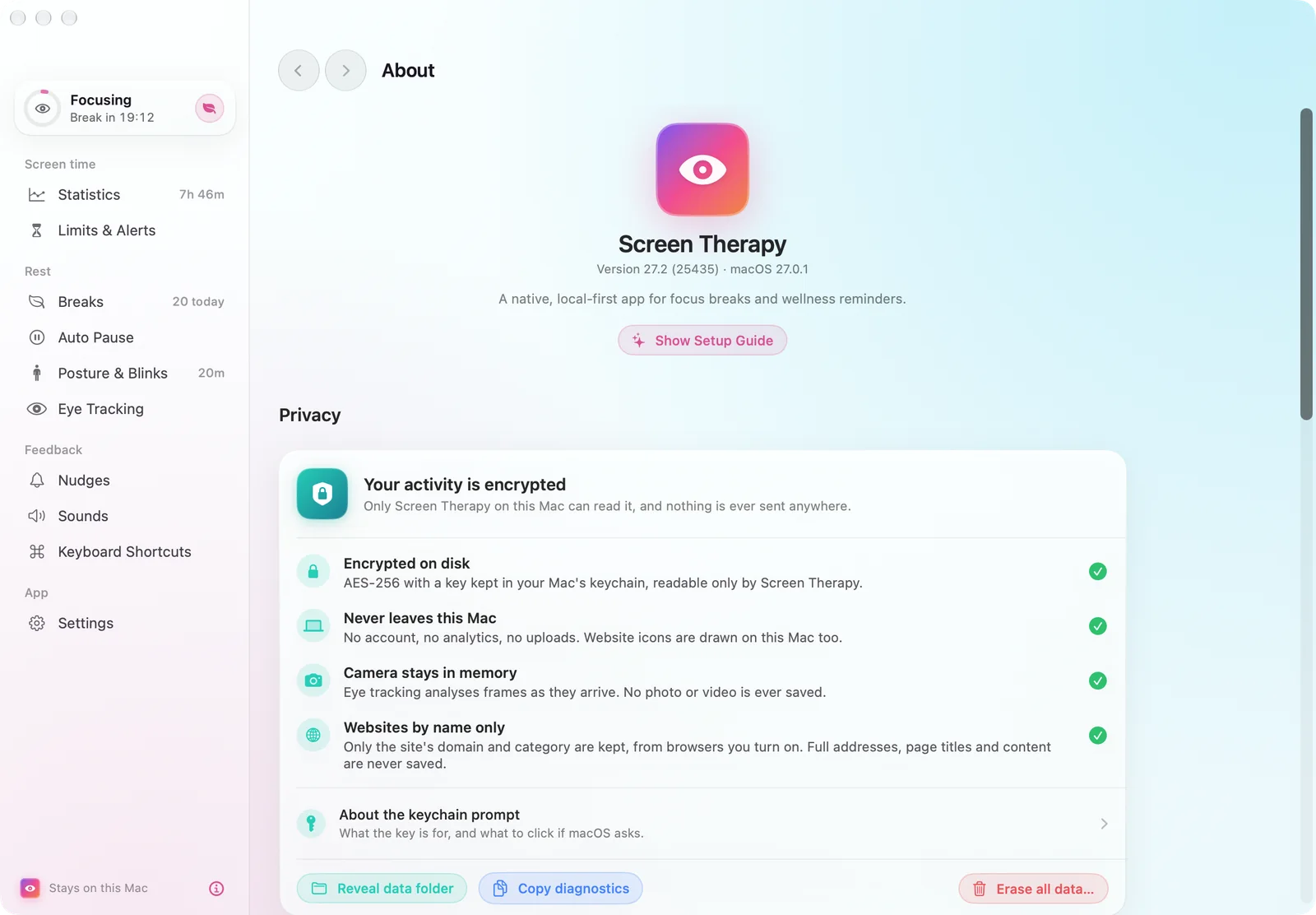
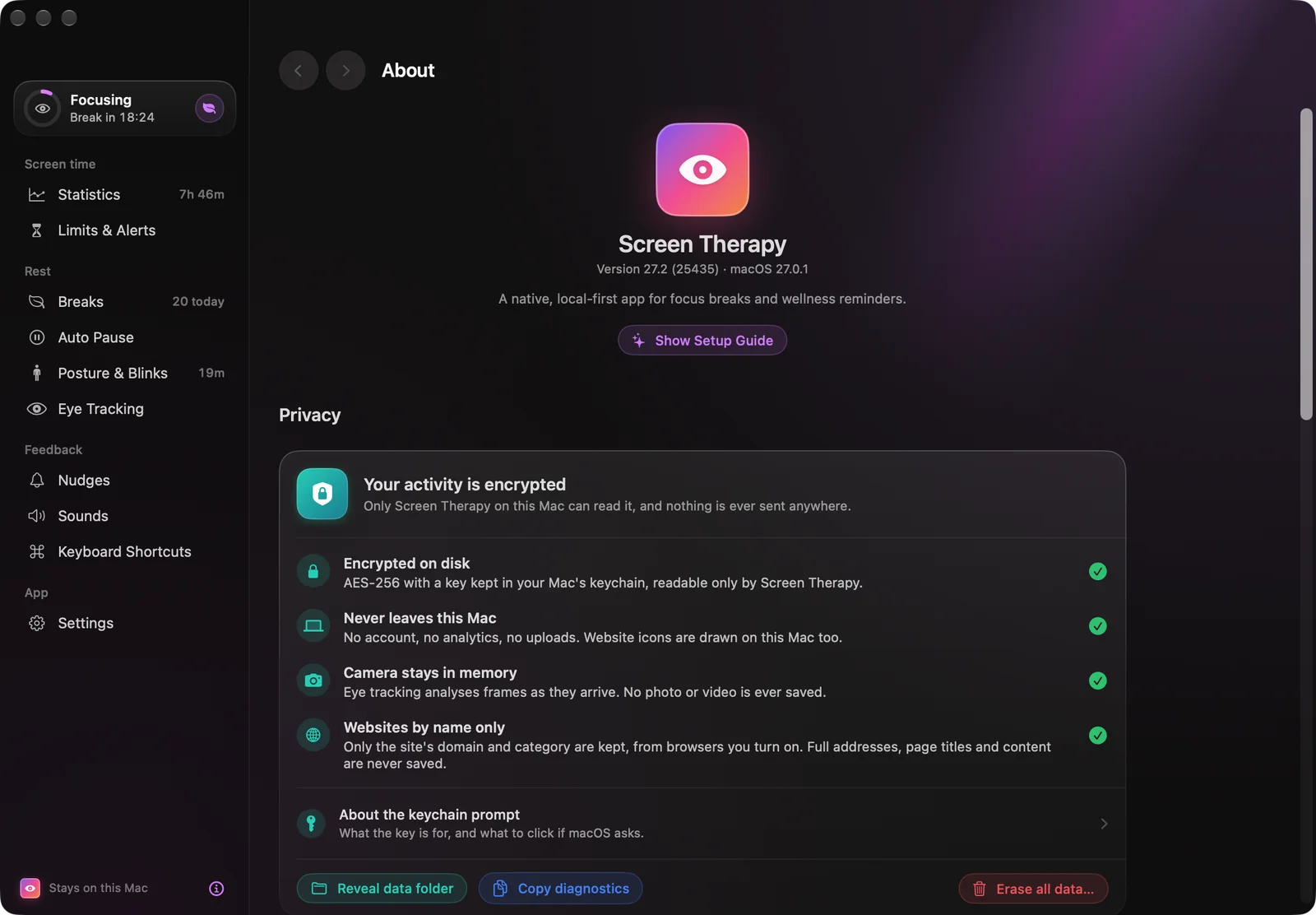
Built in HyperFrames from the app’s own screens, each one rendered from its SwiftUI views: the menu bar panel, the Screen Score, eye tracking, break scenes, both appearances and the privacy panel that says what never leaves the Mac.
01 — Statistics
Statistics first
Your whole day, in one window.
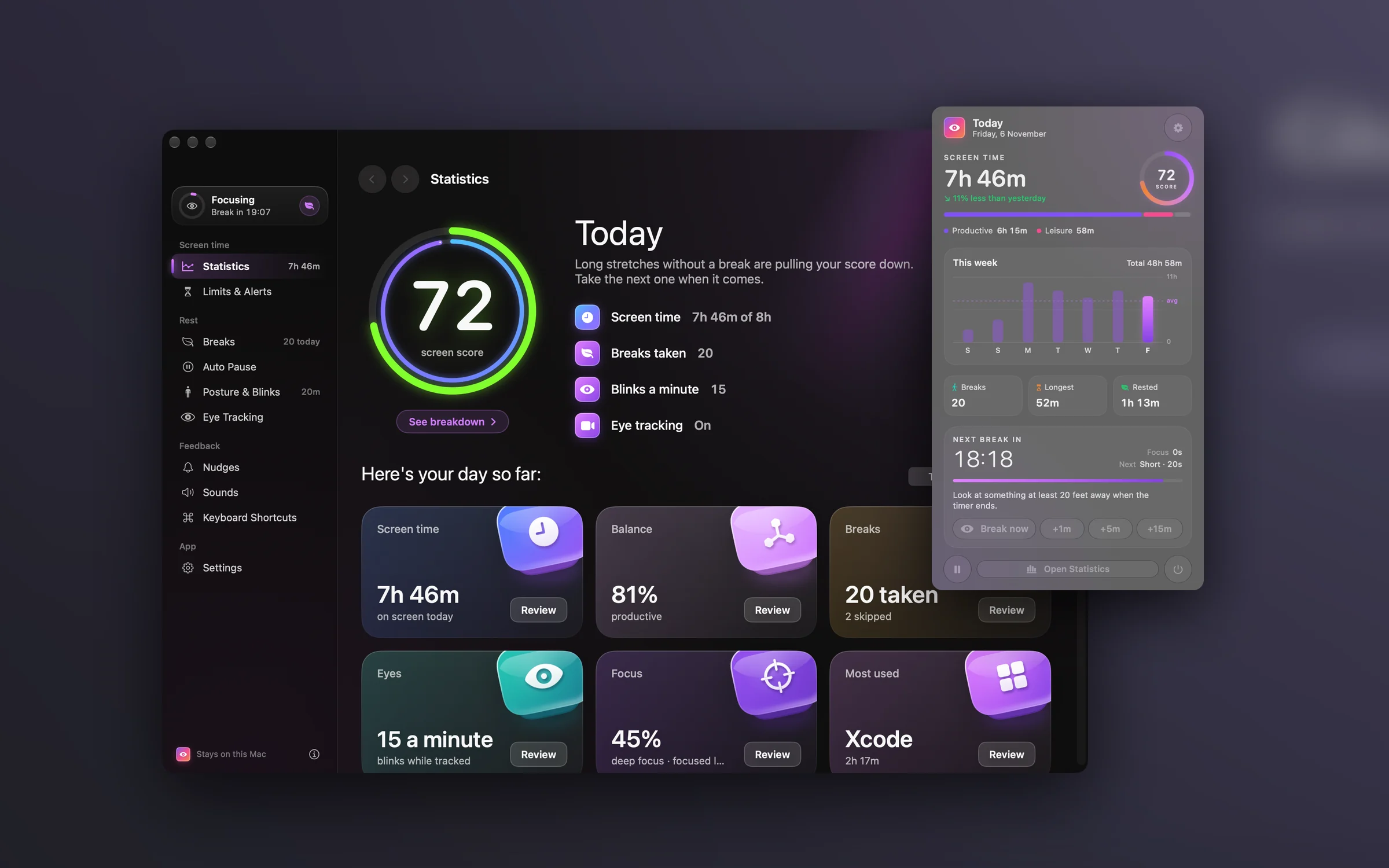
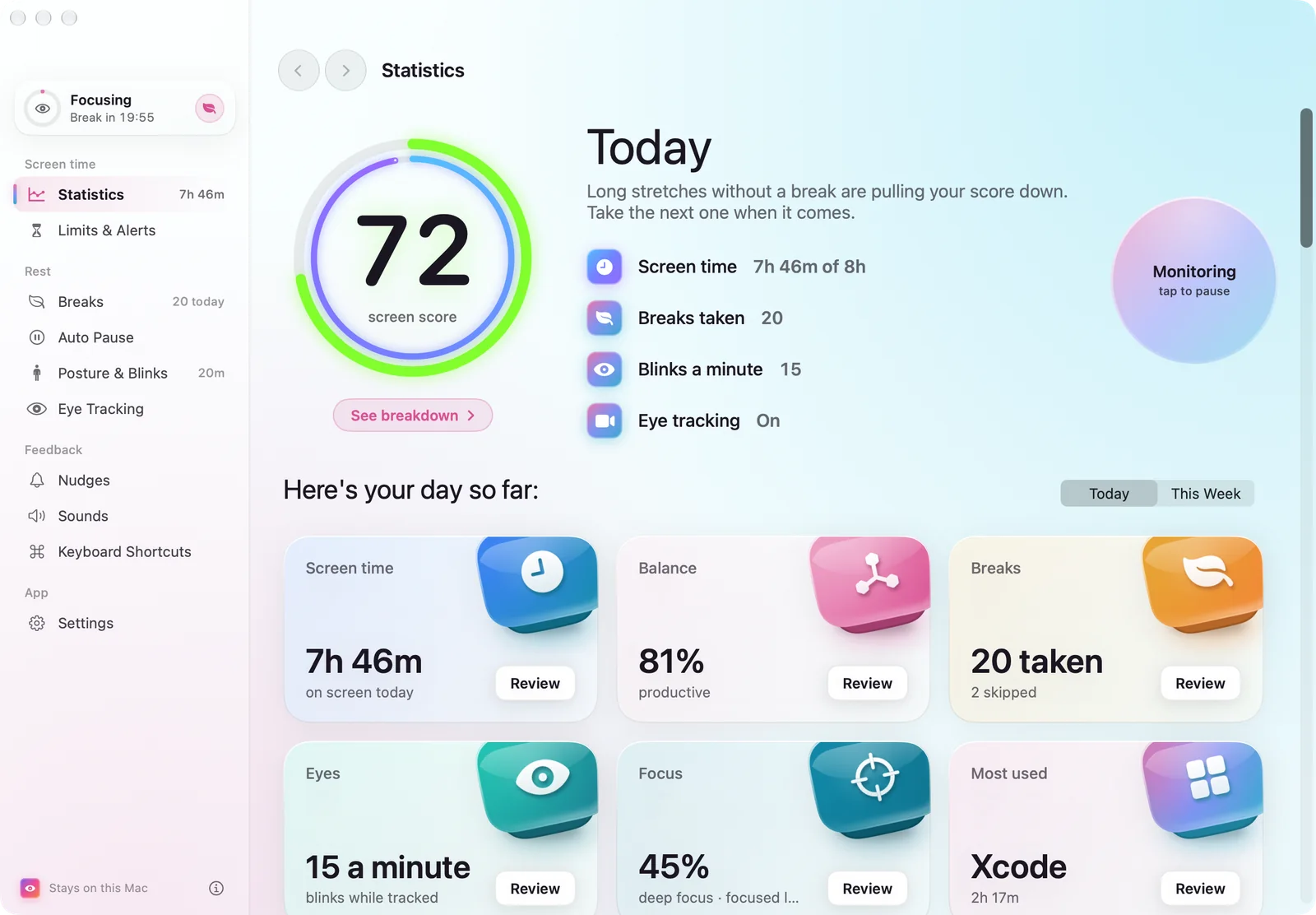
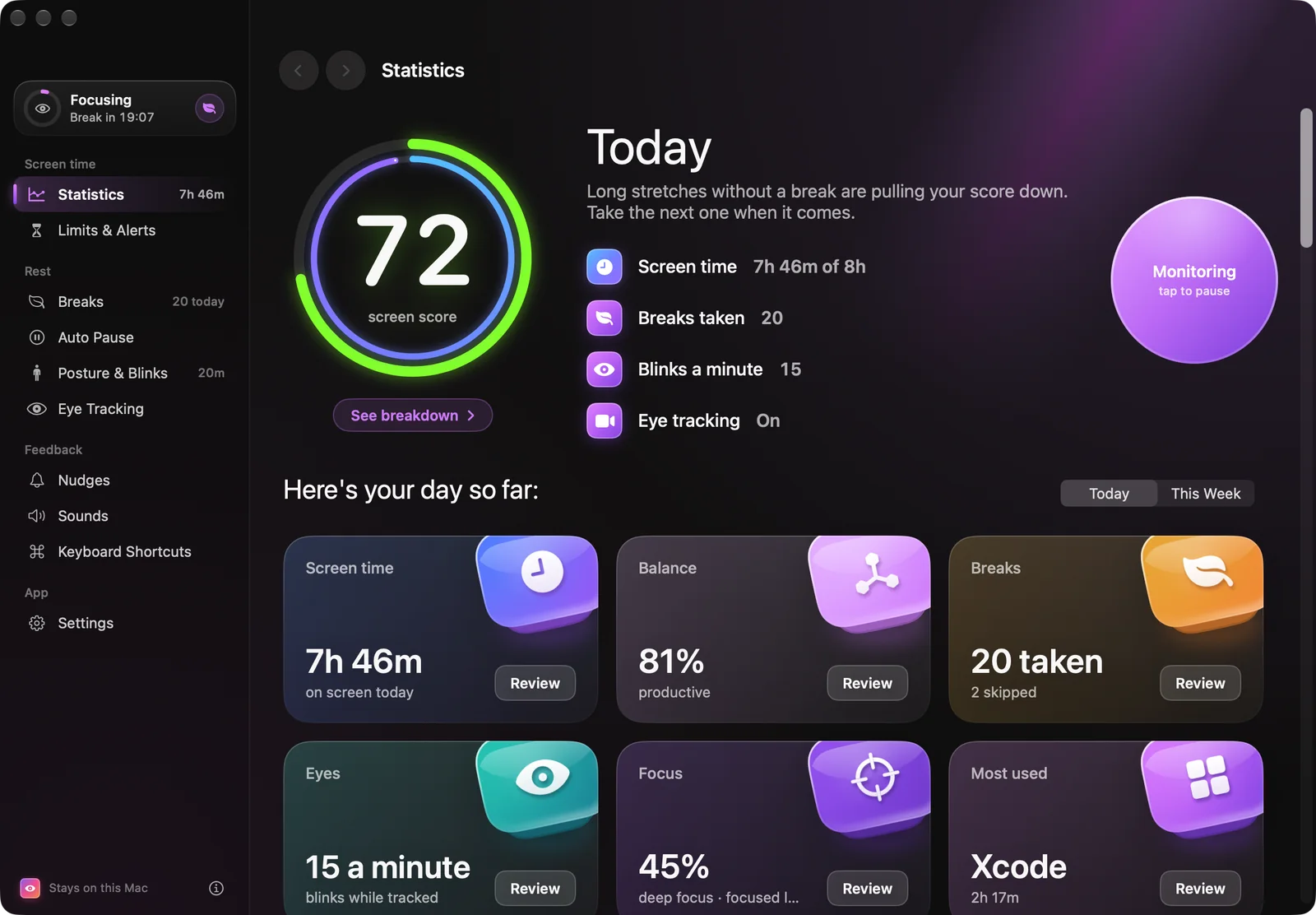
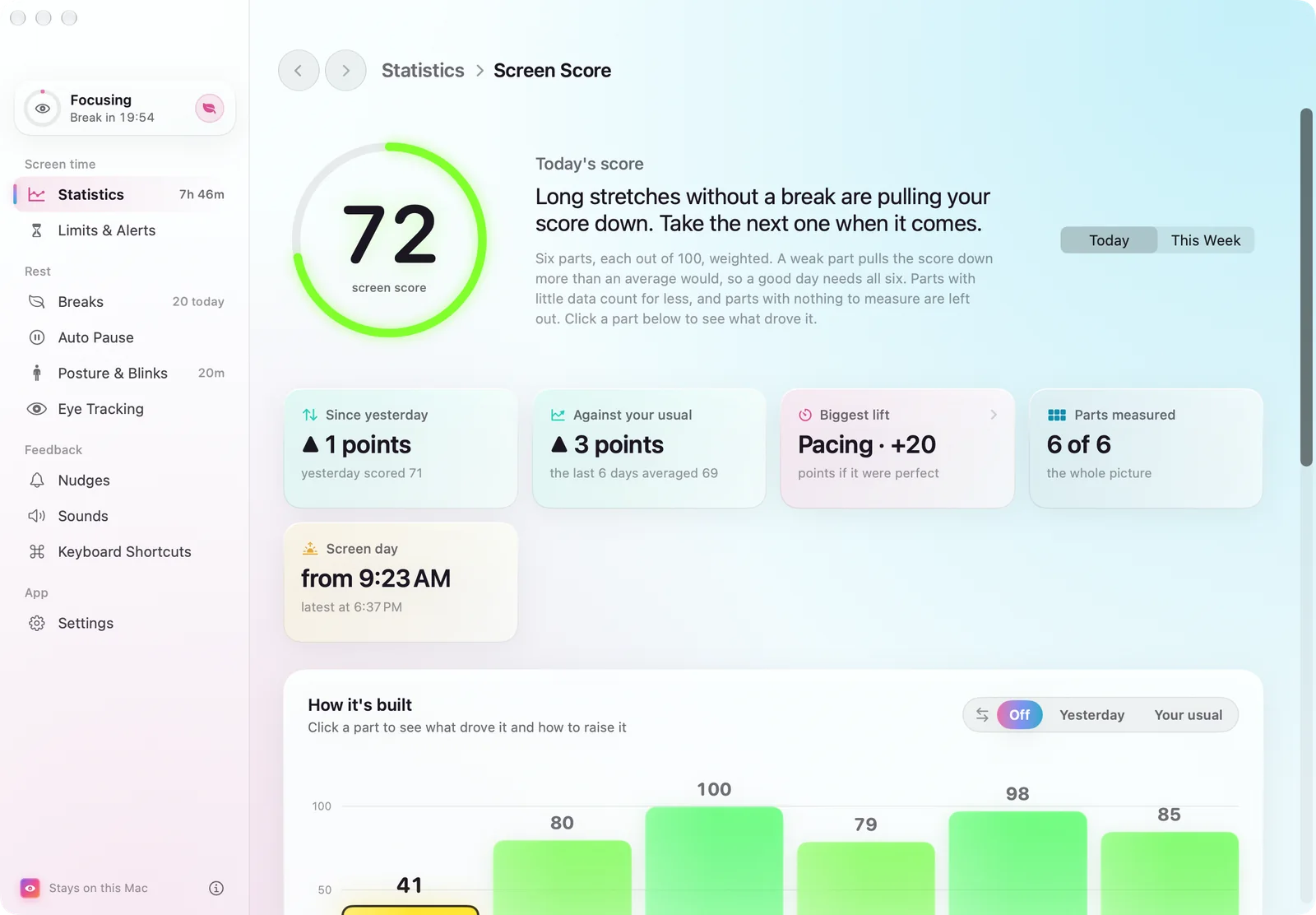
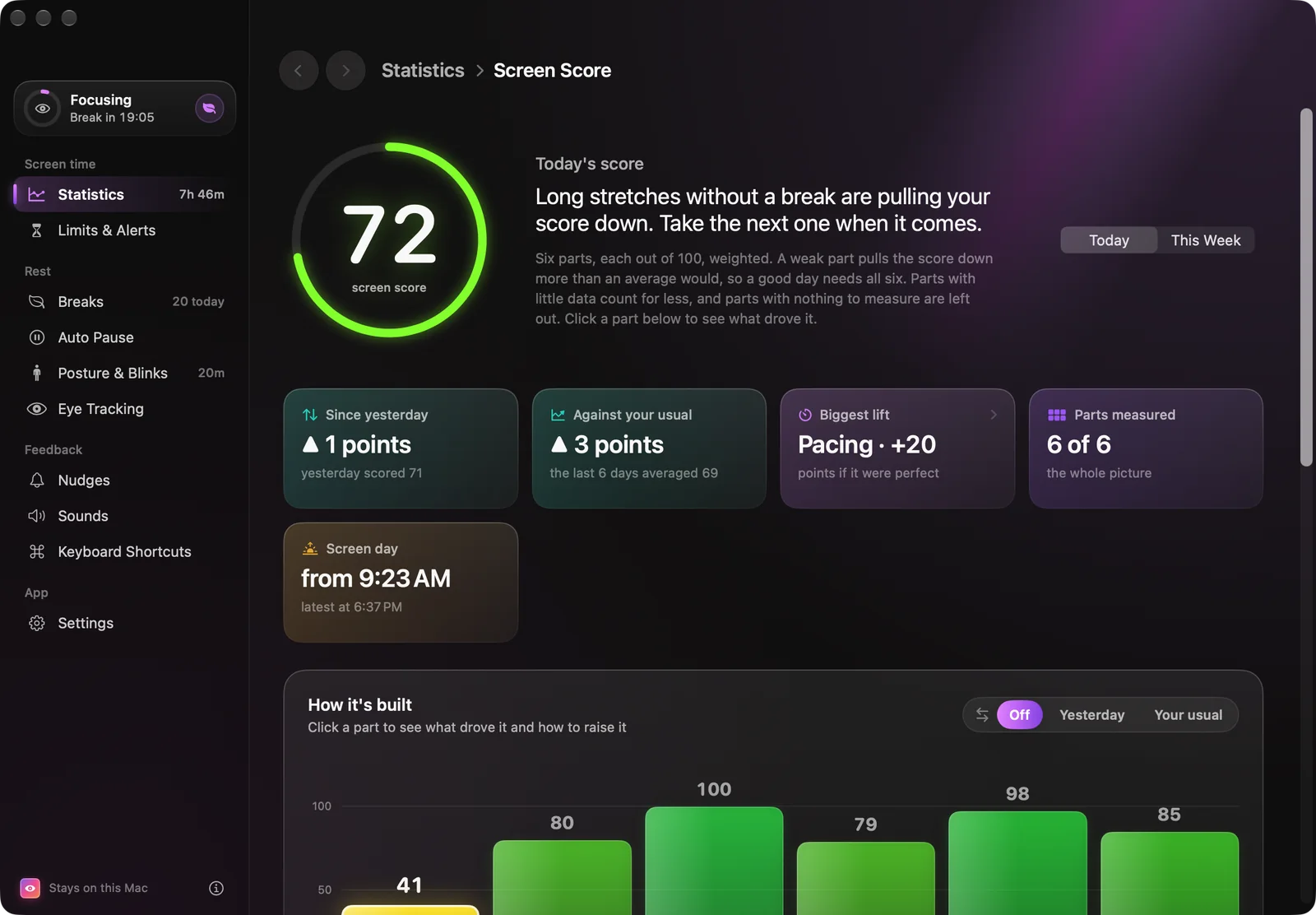
The main window opens on today: a Screen Score, screen time, breaks, the longest stretch without one and whether eye tracking is on. Below it, six tiles — screen time, balance, breaks, eyes, focus and most-used — each open a review page for today or the week.
02 — Menu bar
One click from the menu bar.
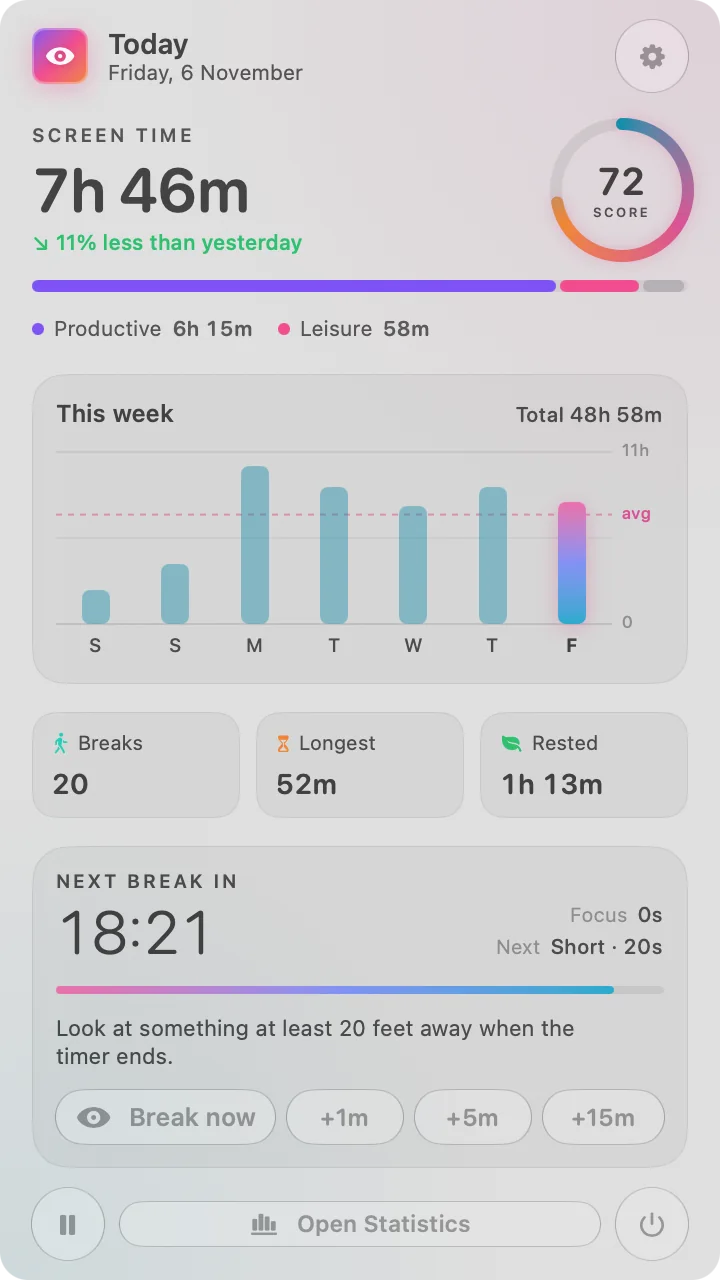
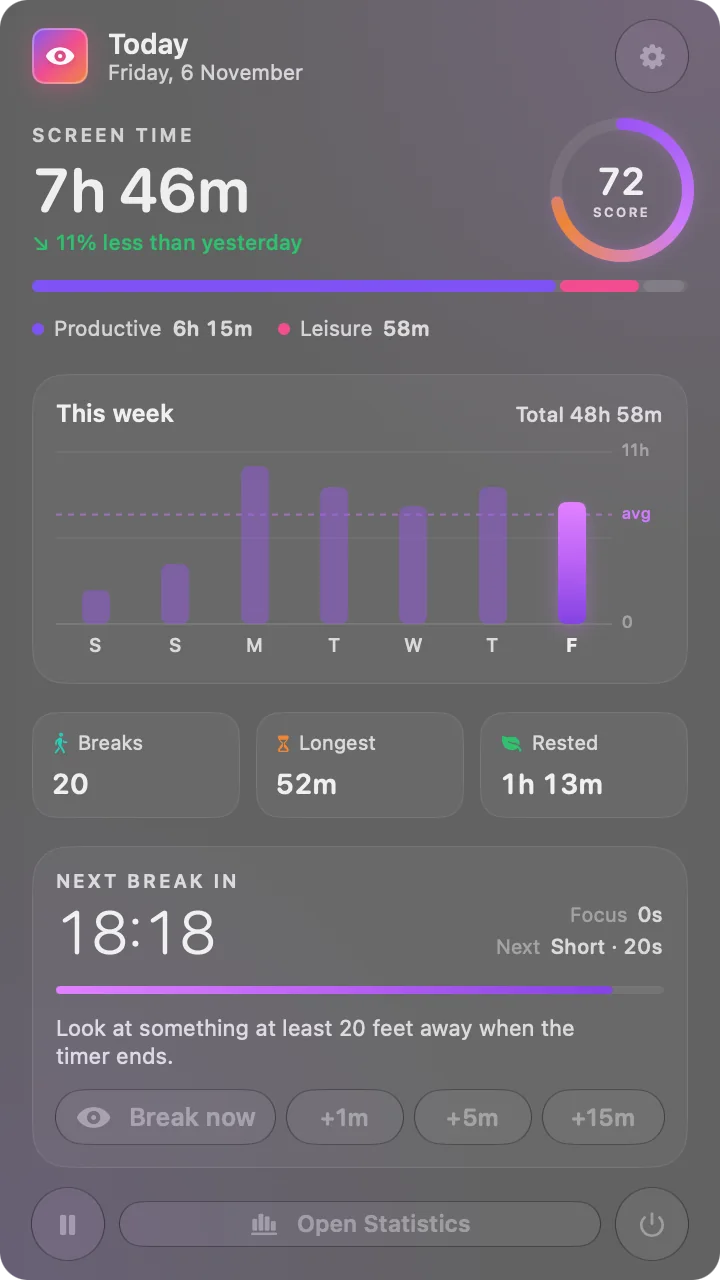
The panel puts statistics first: today’s screen time with a trend against yesterday, the Screen Score, the productive/leisure split, a seven-day chart with an average line, and the live break timer. The status item can show an icon, the score, or time to the next break.
- ⌥⌘BTake an eye break now
- ⌥⌘LTake a long break now
- EscSkip a break, or dismiss a reminder
03 — Review
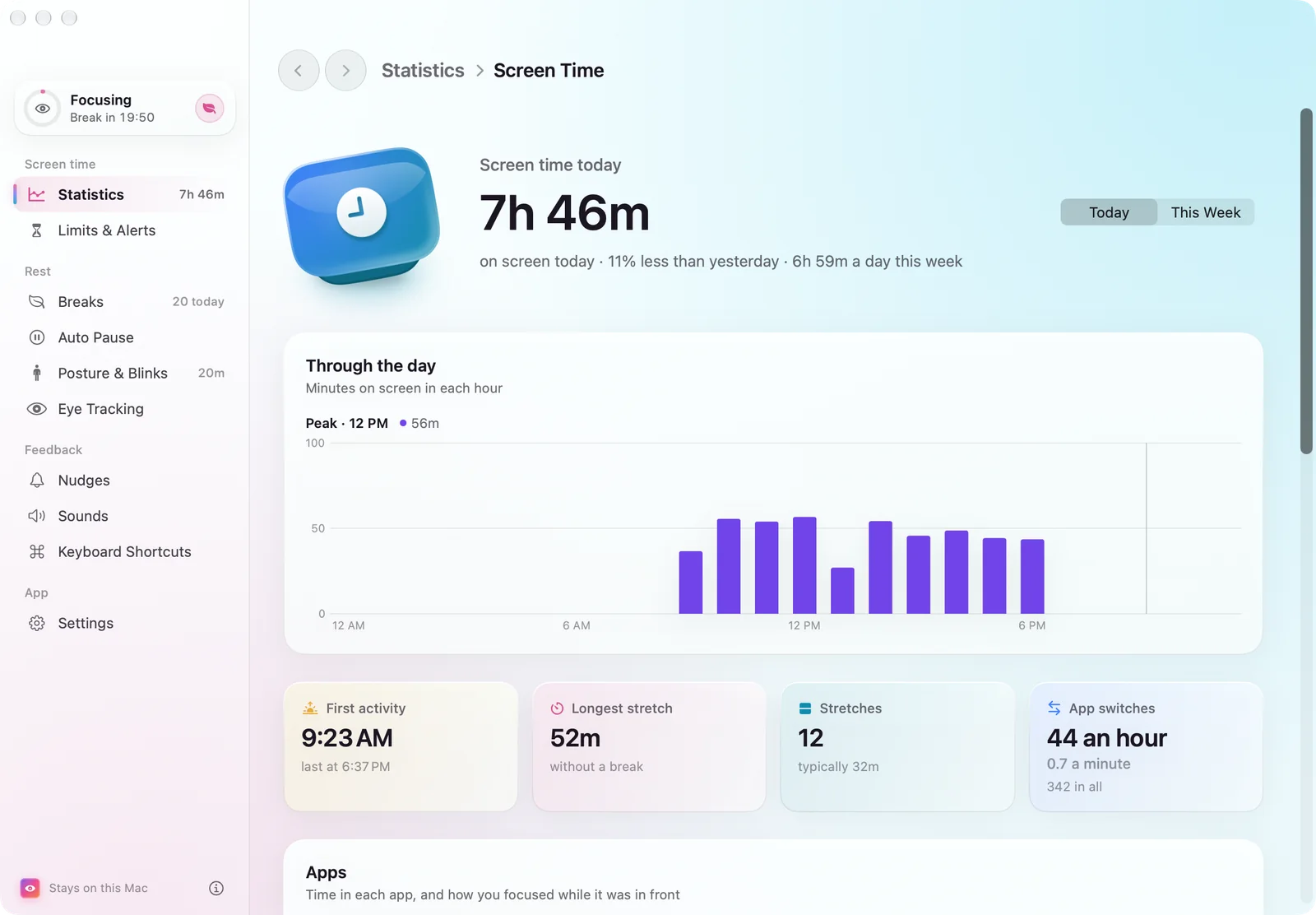
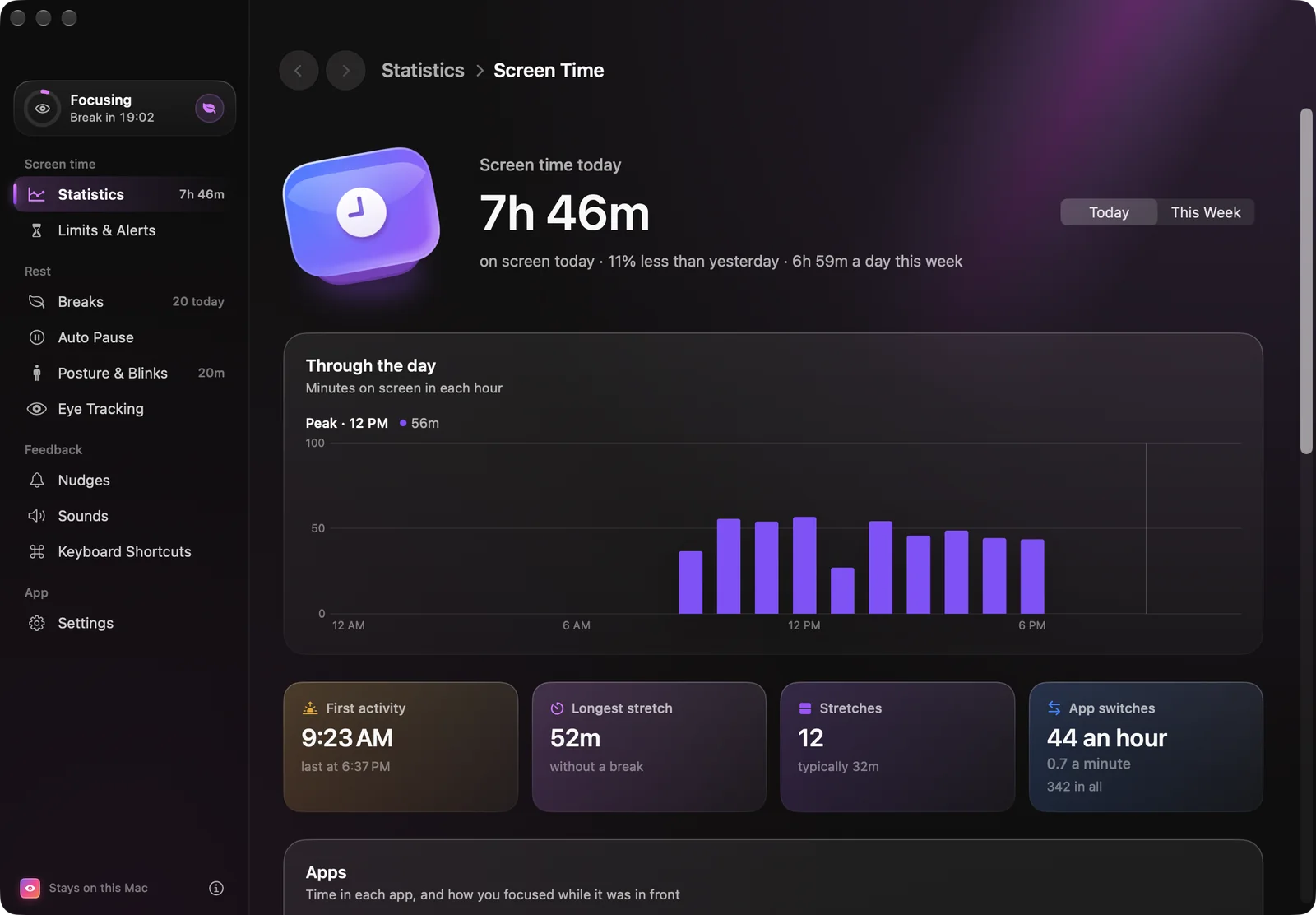
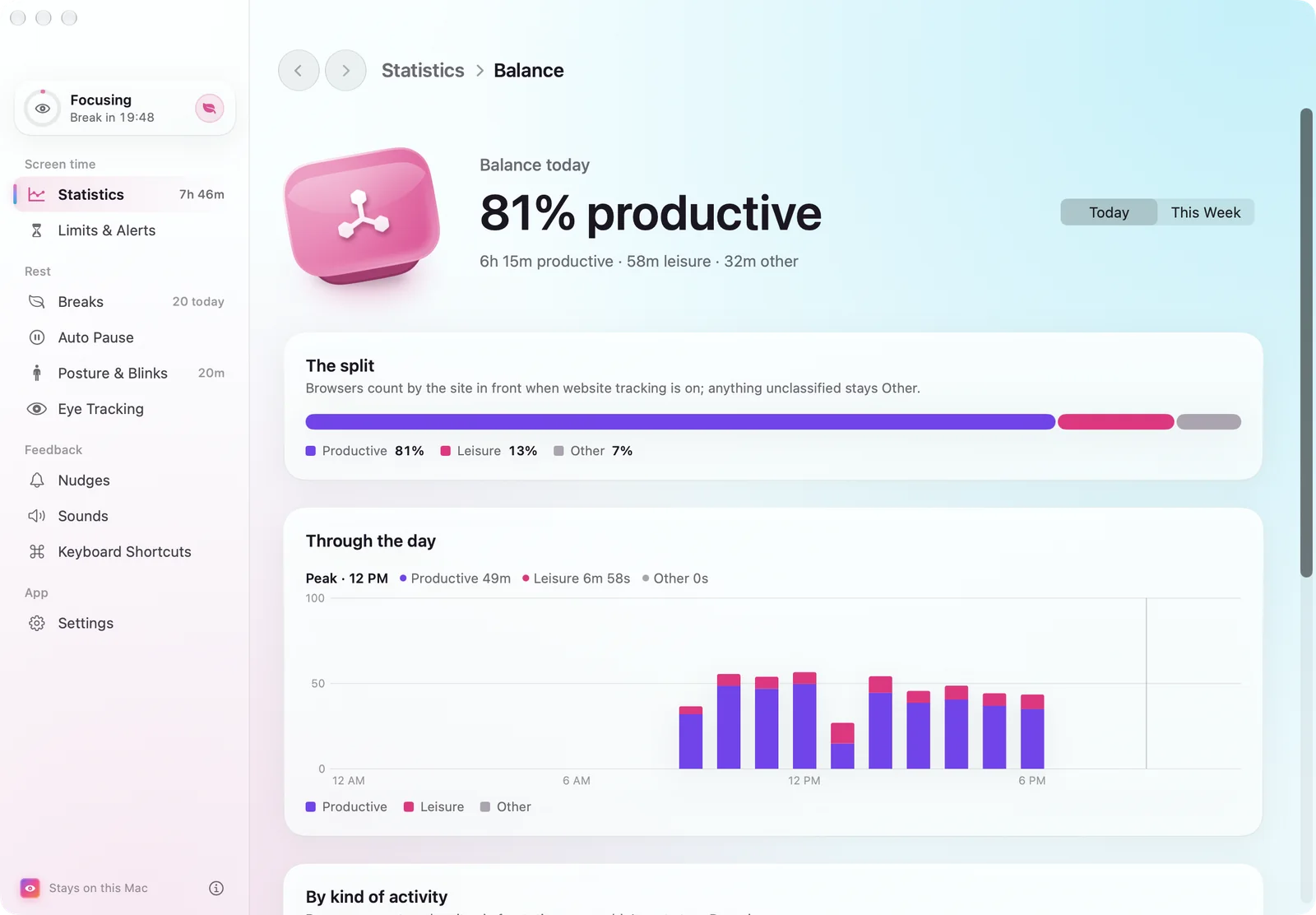
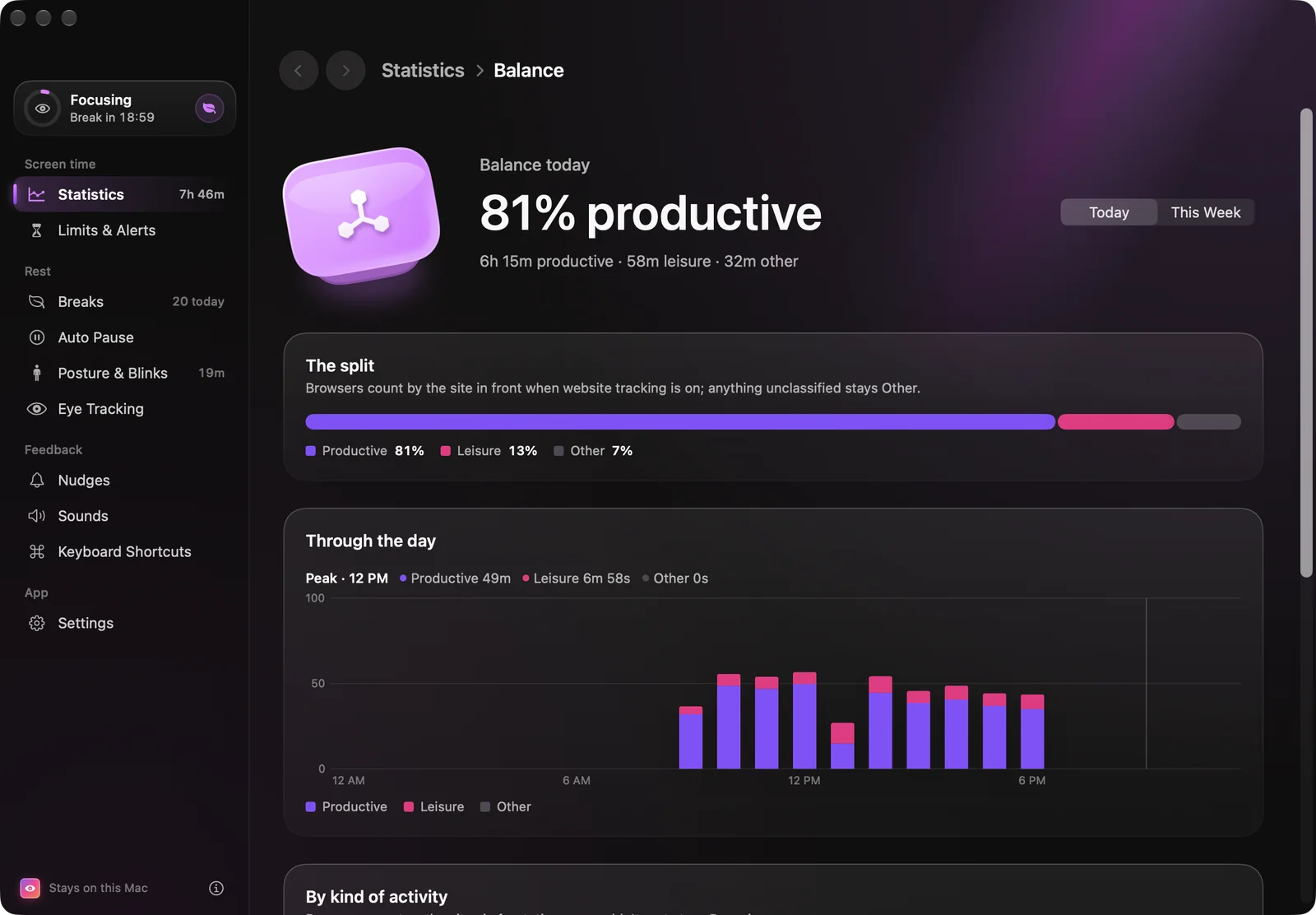
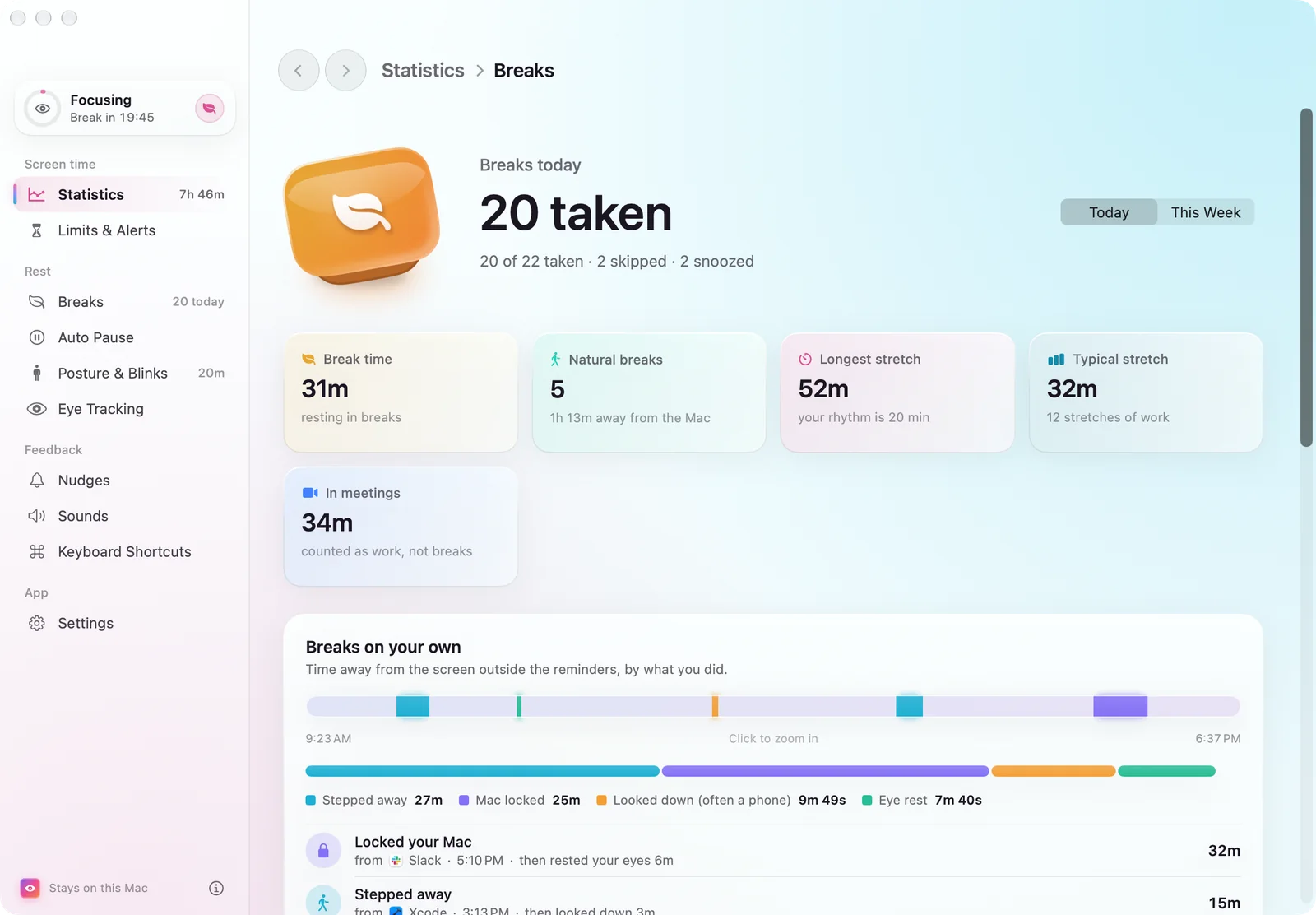
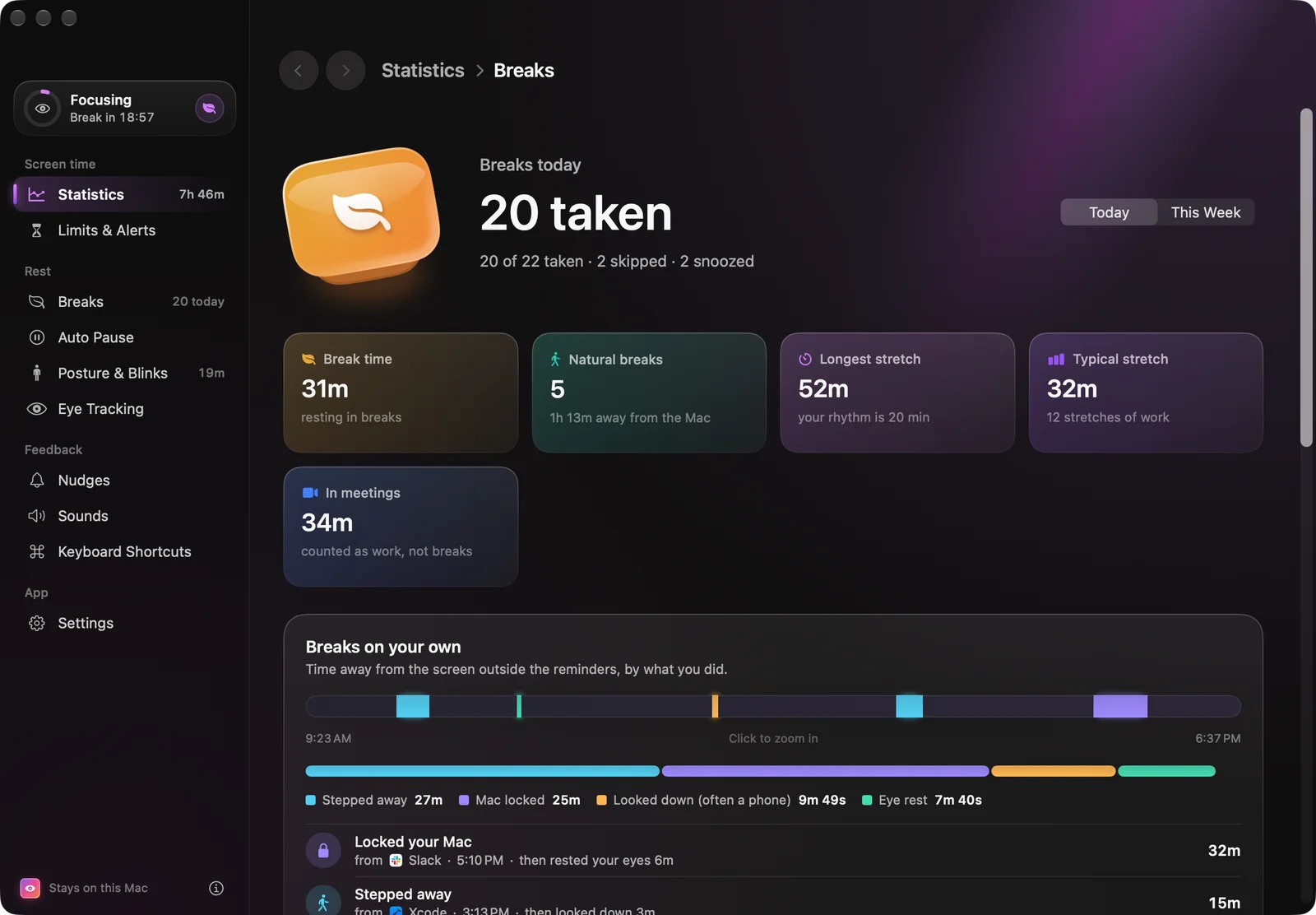
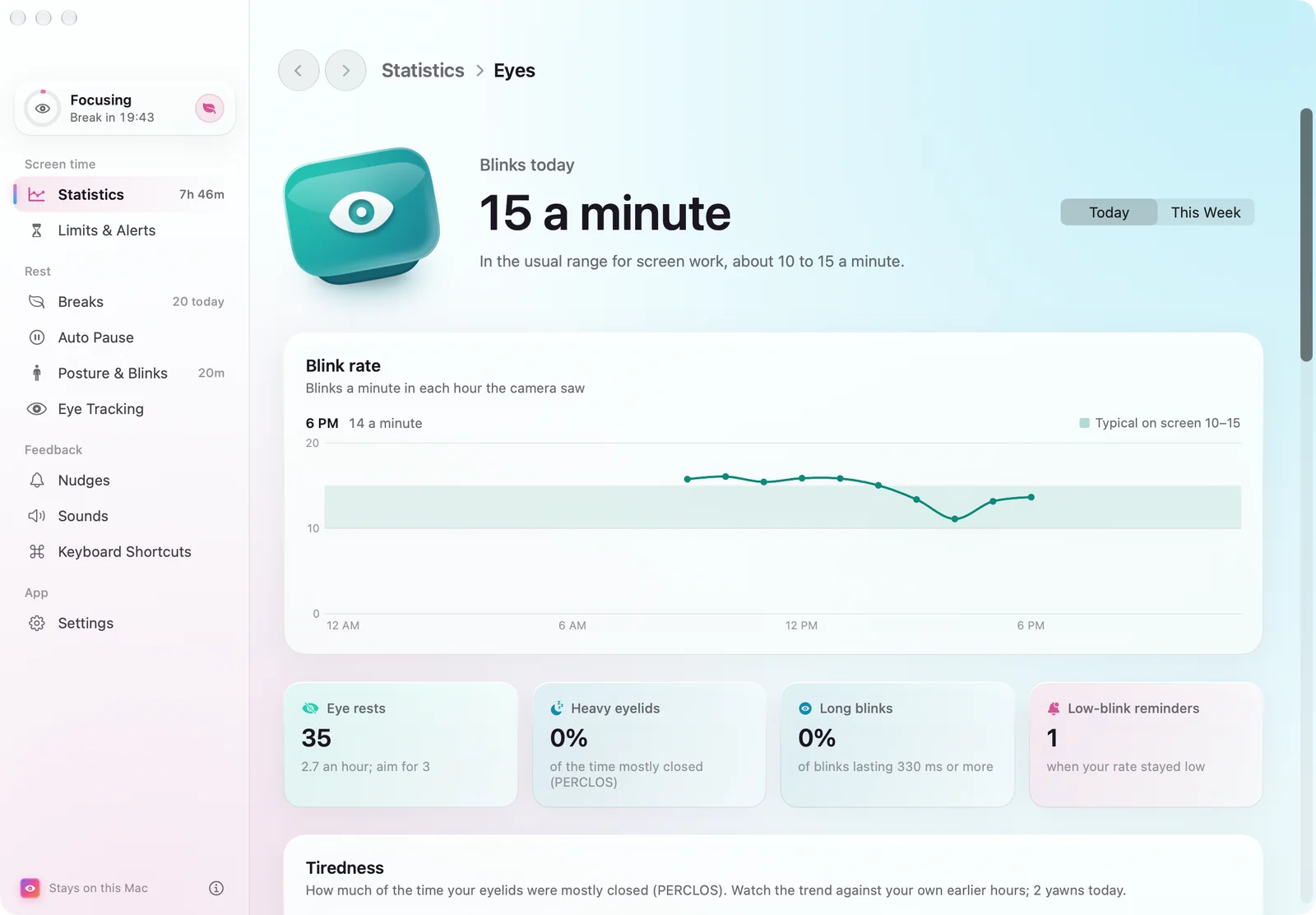
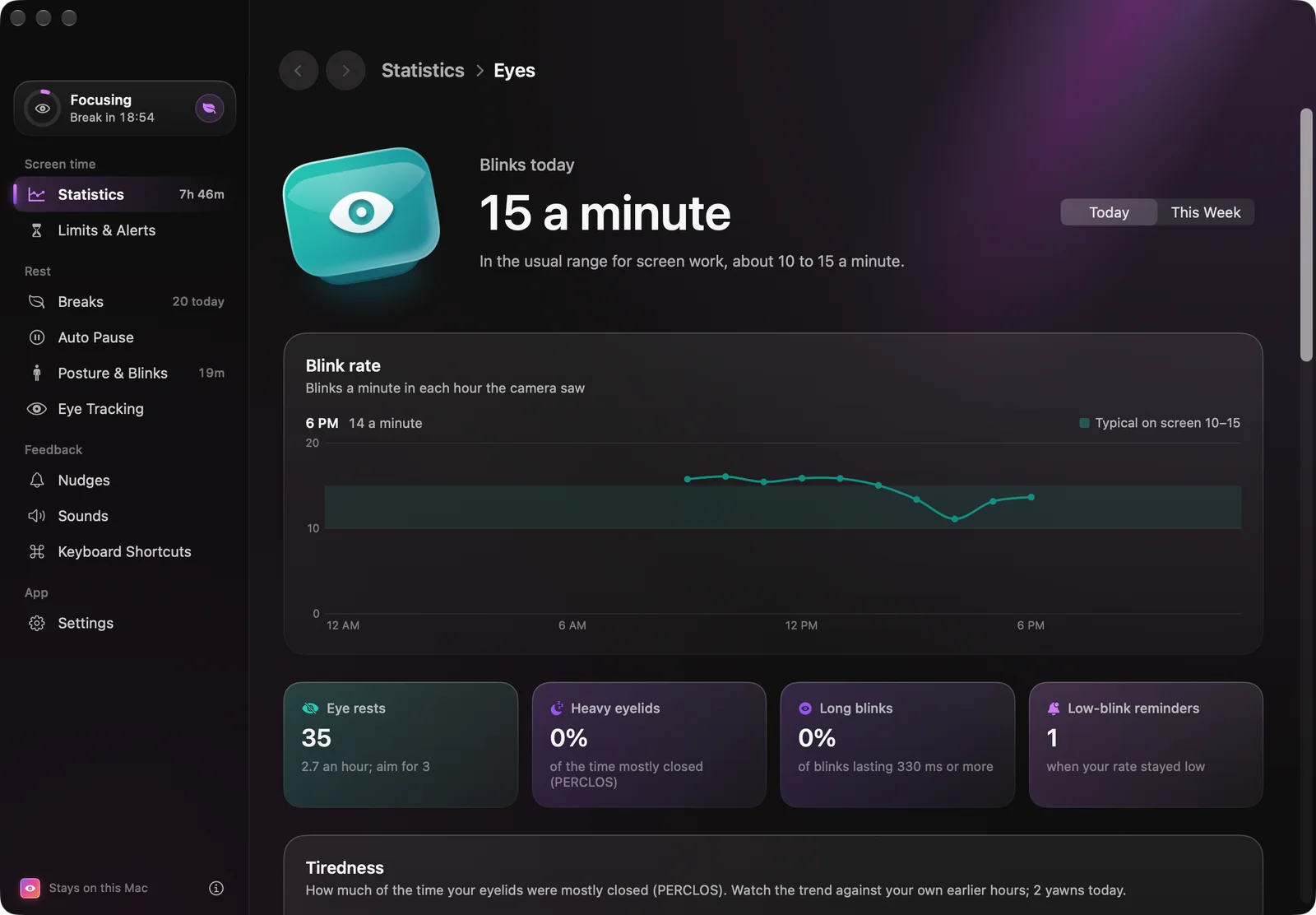
Seven pages that explain the number.
A score is only useful if it says why. The Screen Score combines its parts as a weighted geometric mean, so one weak part pulls the total down, and parts with nothing to measure are left out rather than counted as zero — turning the camera off never lowers your score.
Six parts, each out of 100: pacing, movement, balance, focus, eye care and ease. The page says which part cost the most points and how to win them back.
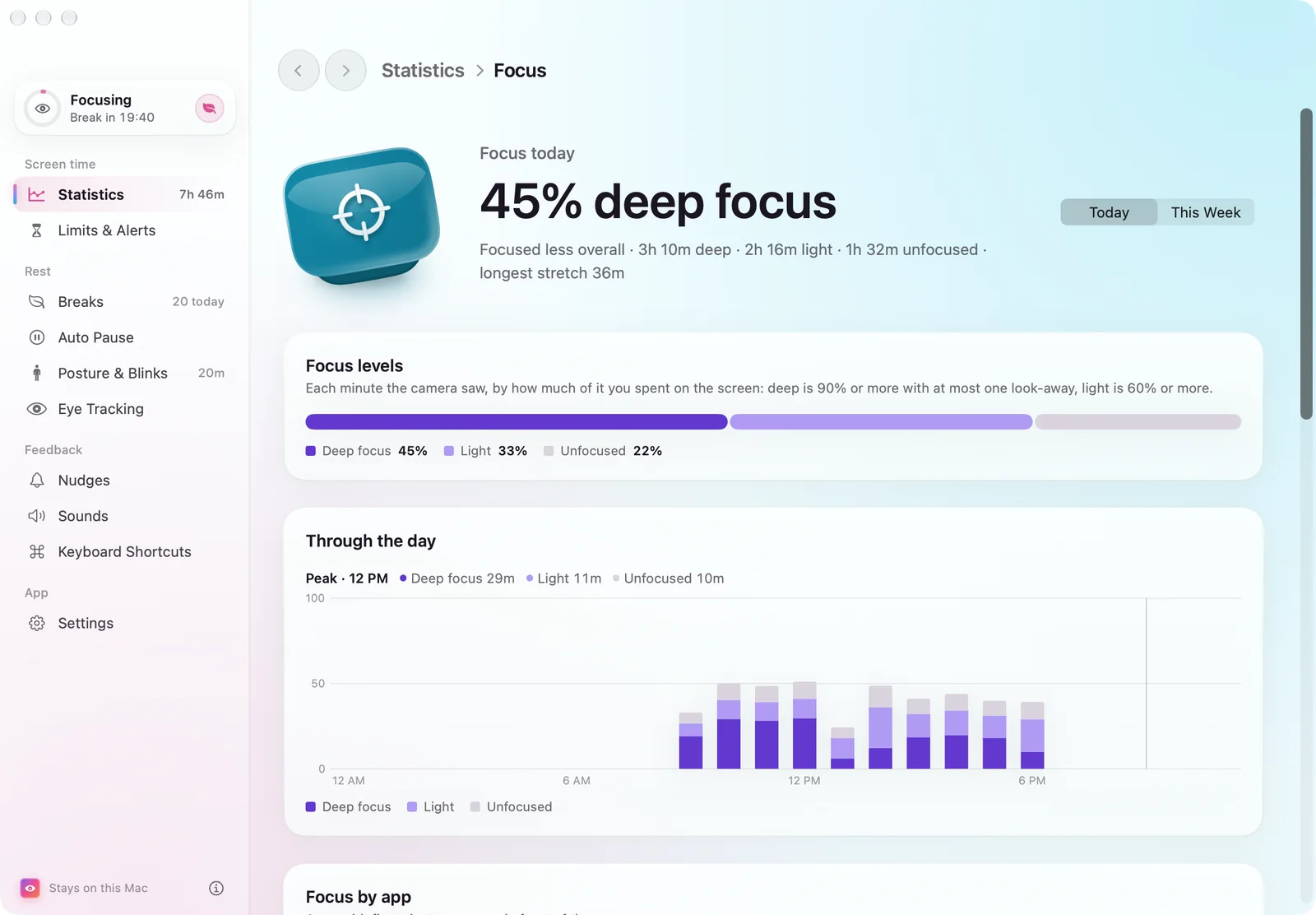
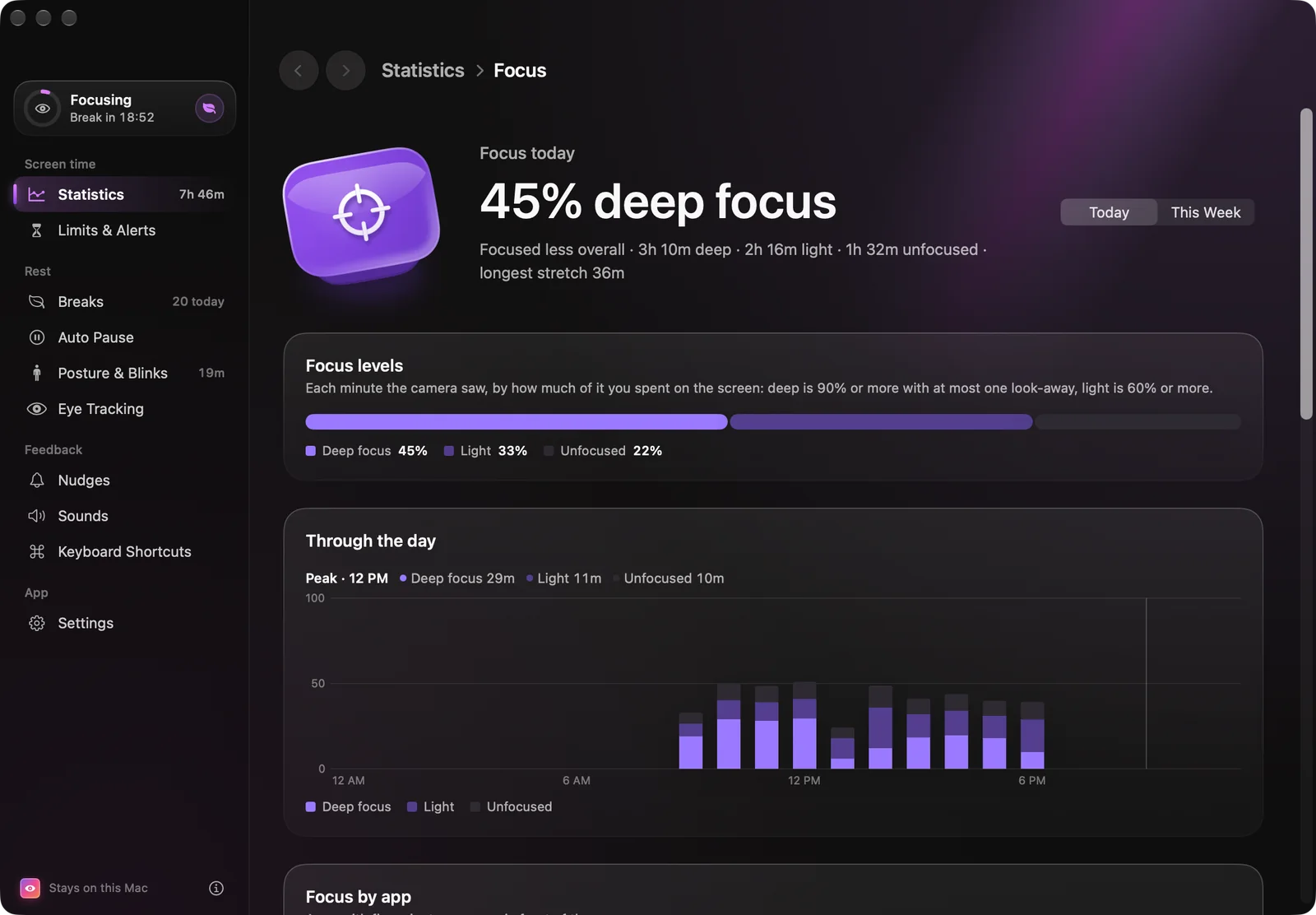
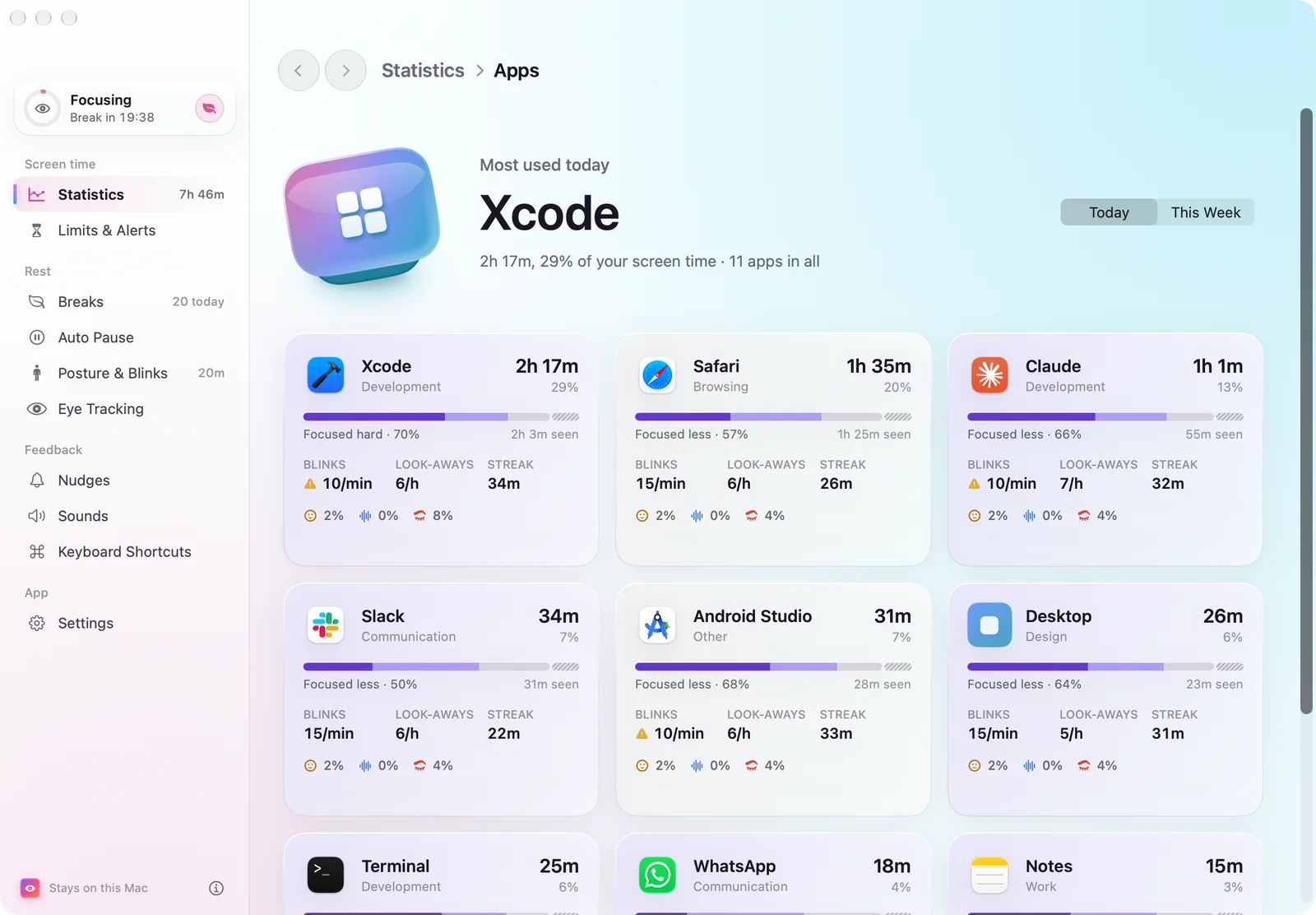
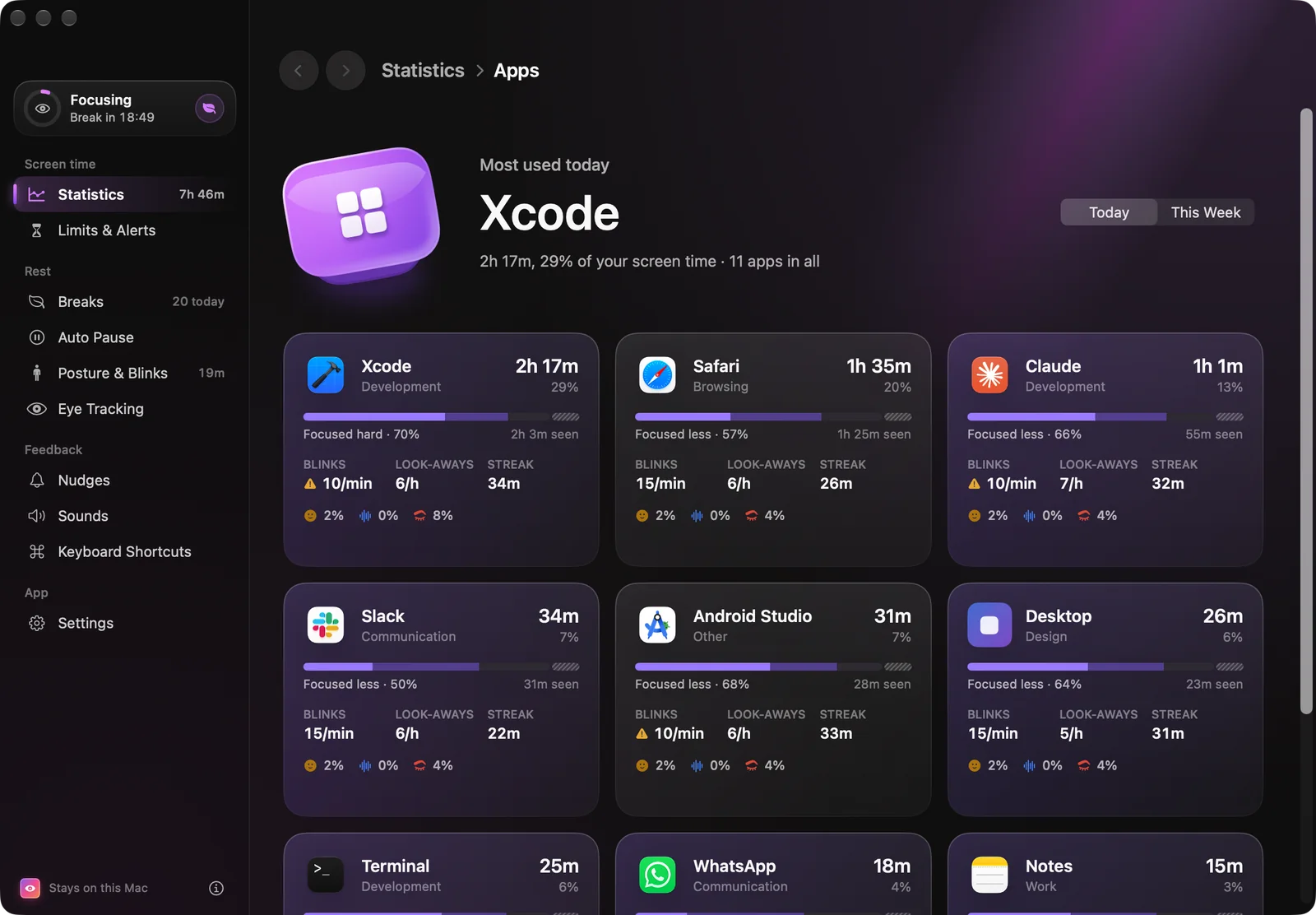
Today and the week
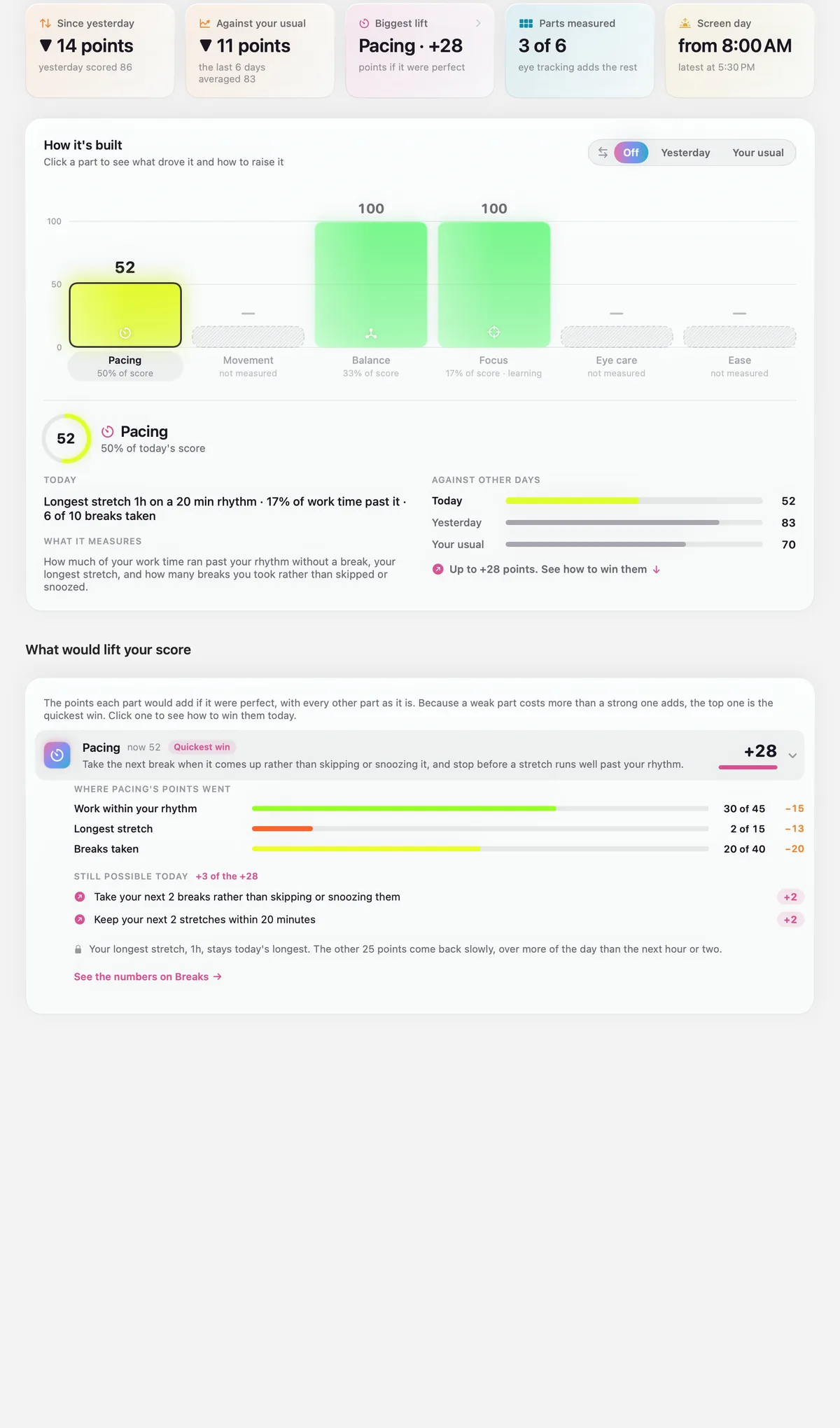
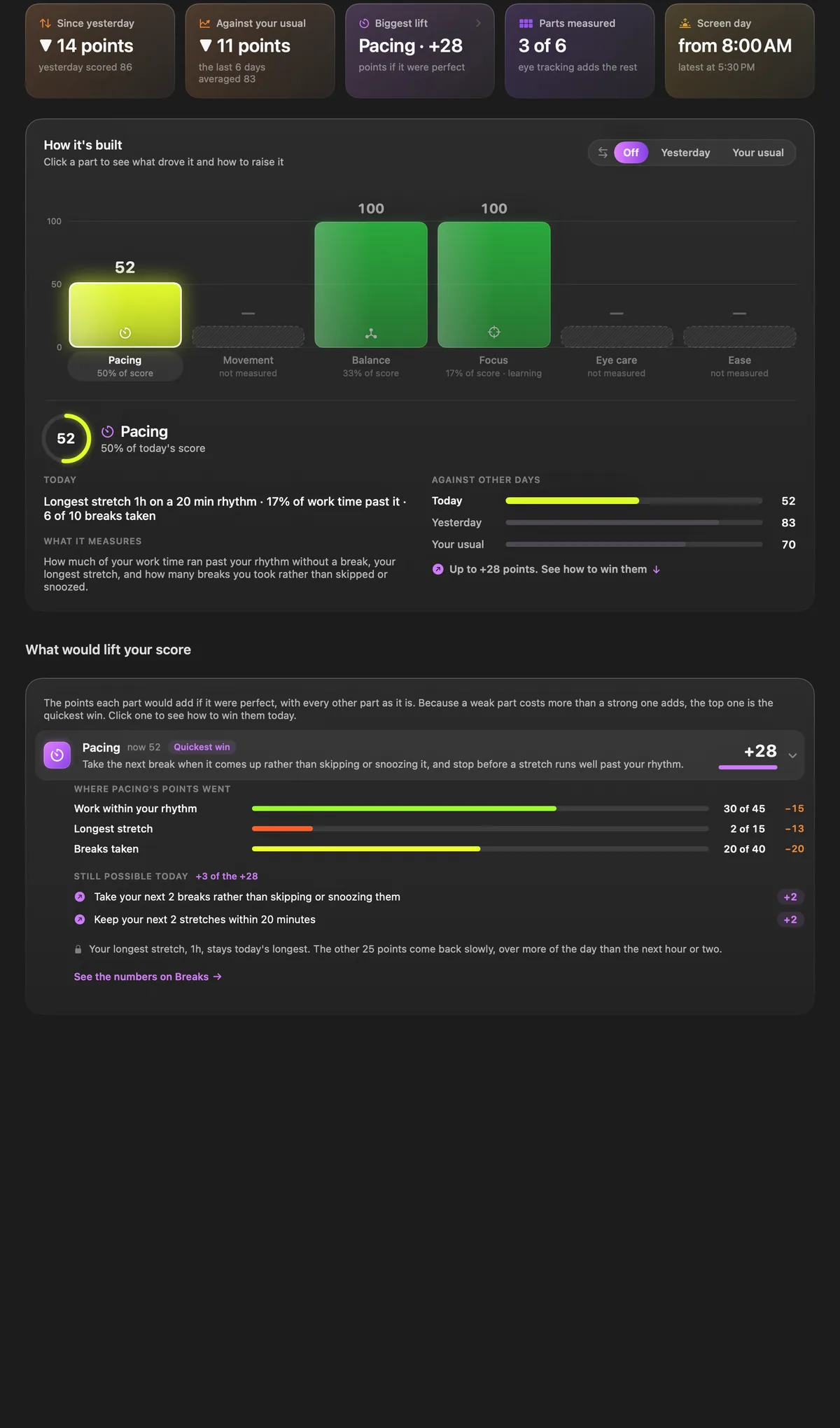
Today. Each part against your usual day, and the points you could still win back, on 3D badges.
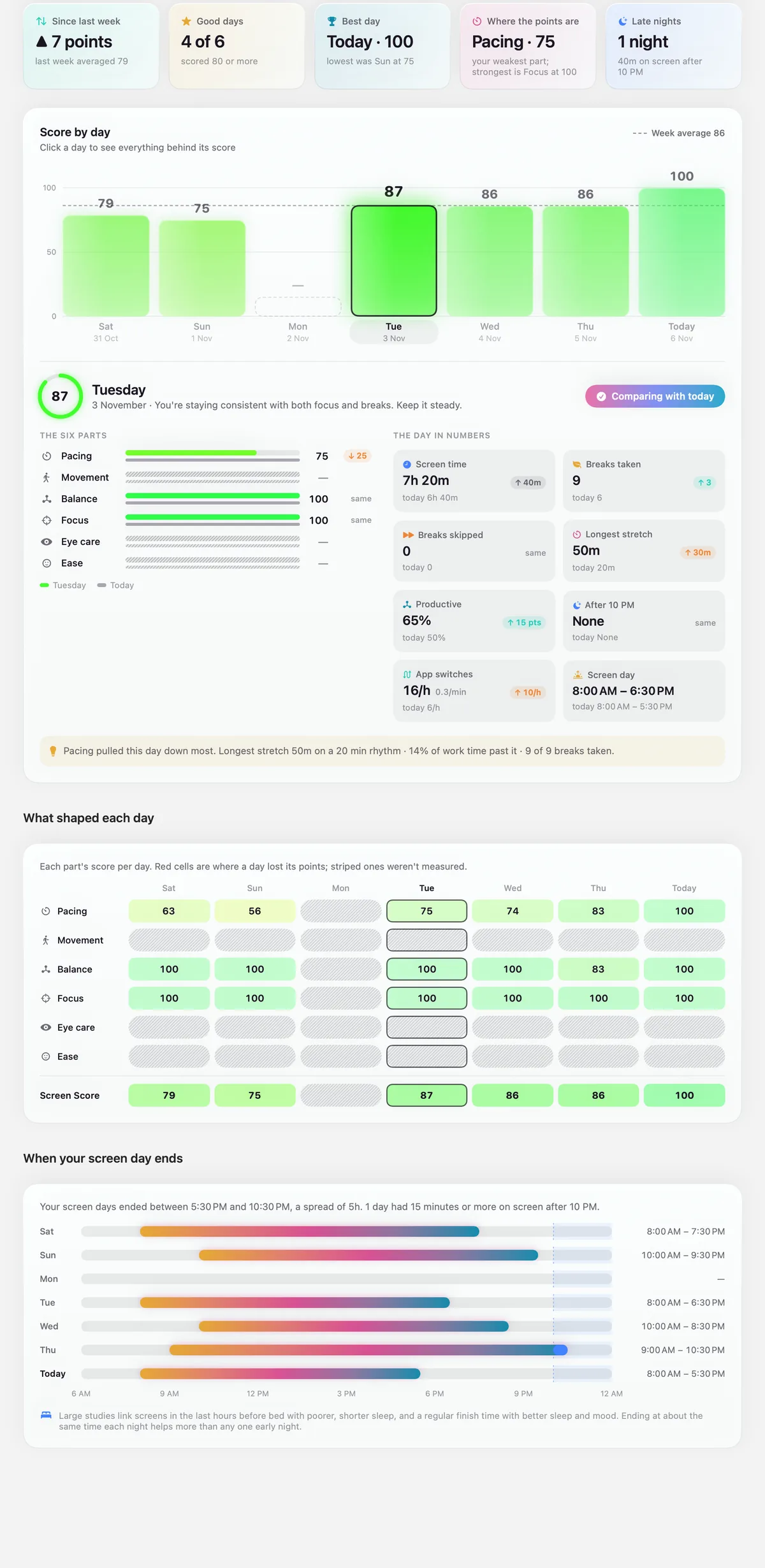
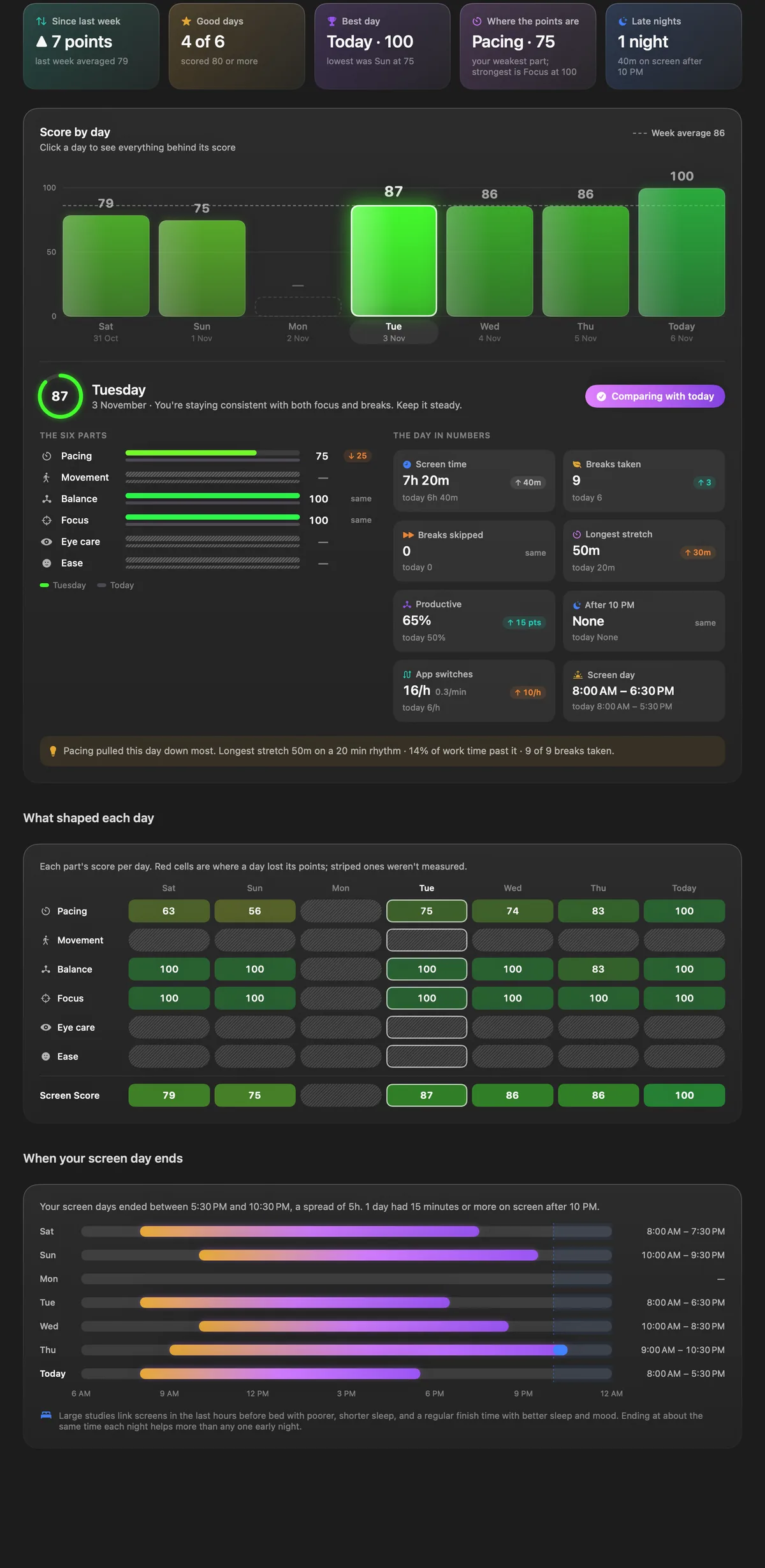
This week. Seven days side by side, with any day comparable against the rest and against last week.
04 — Breaks
20 · 20 · 20
A break screen you don’t want to skip.
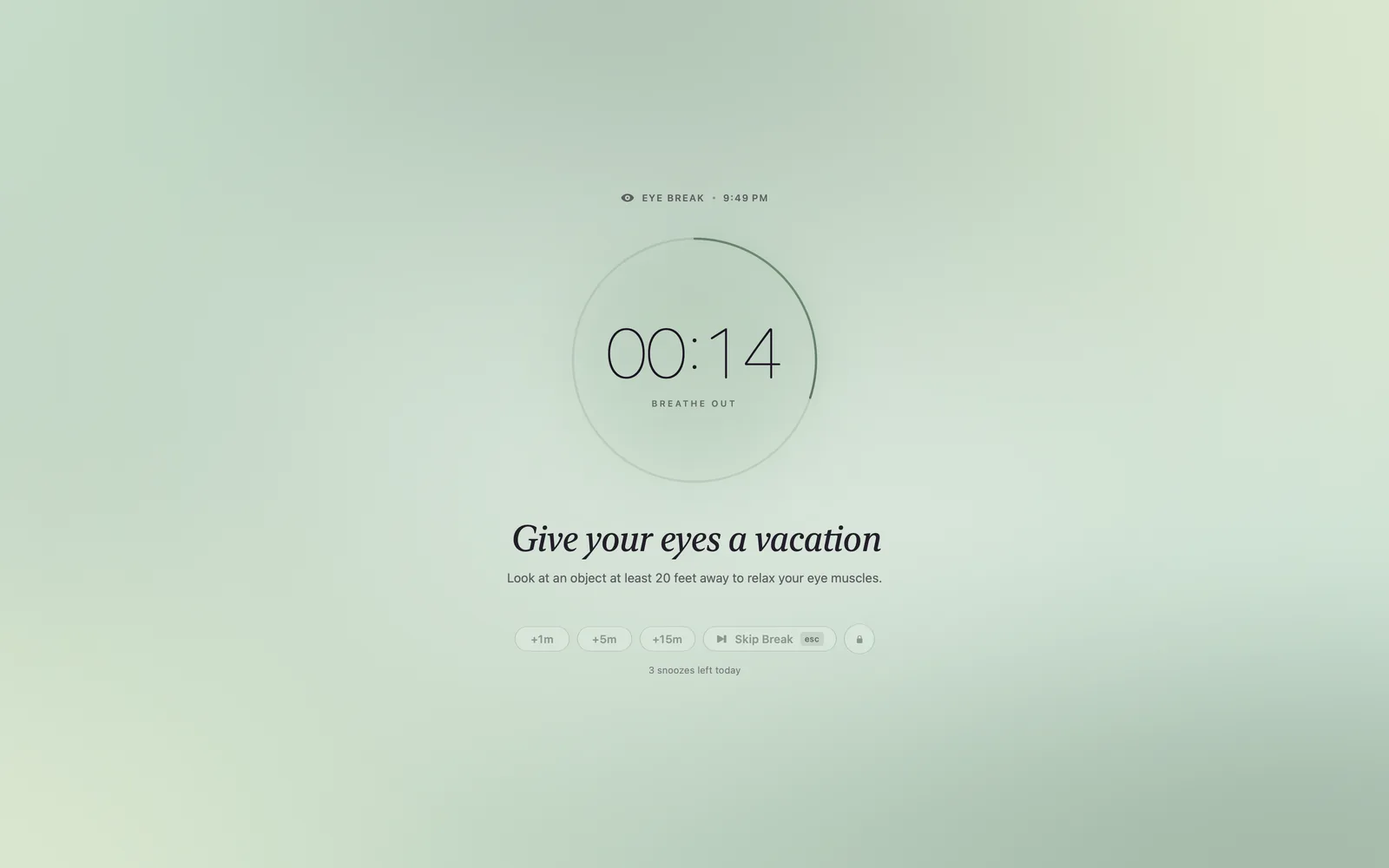
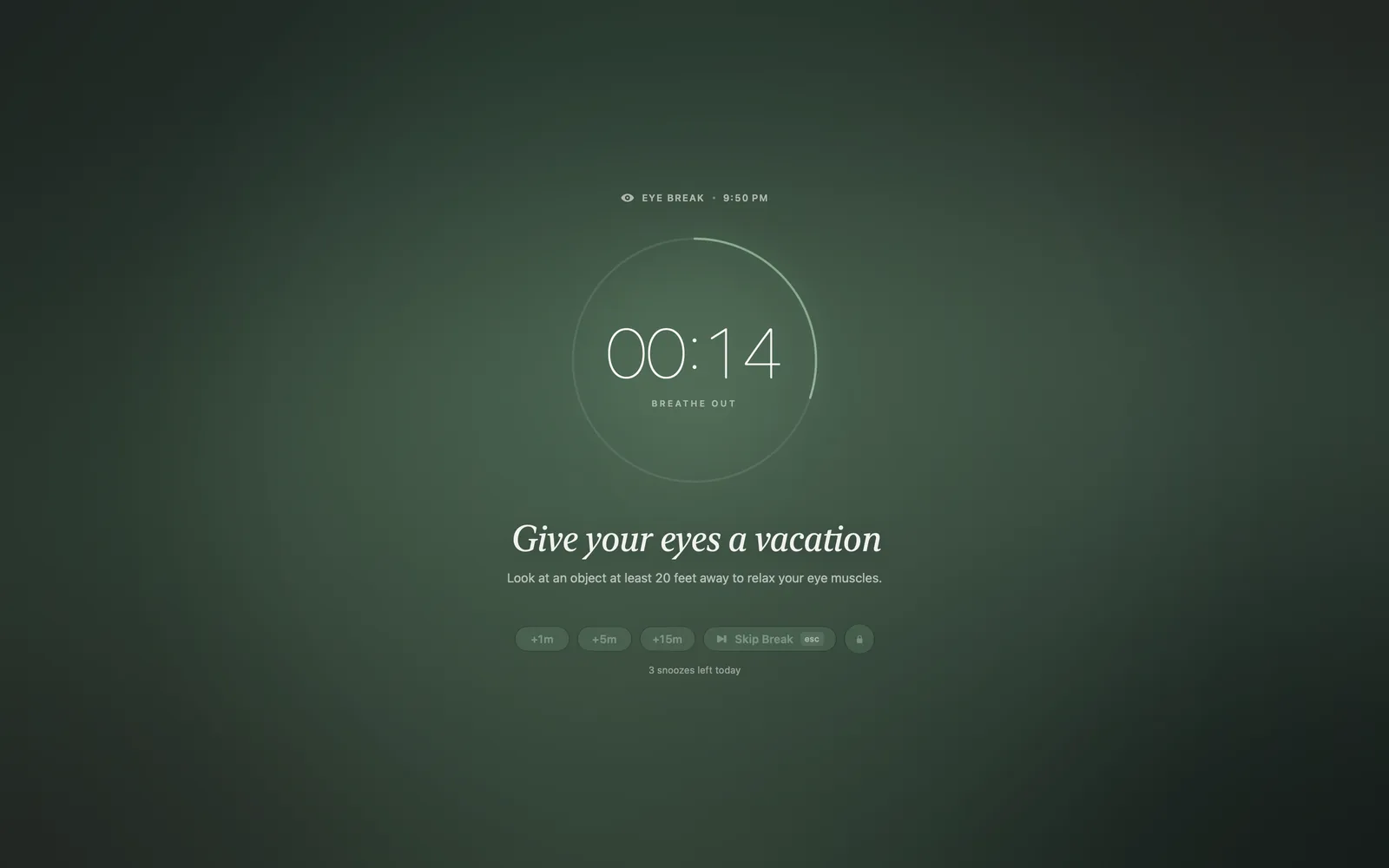
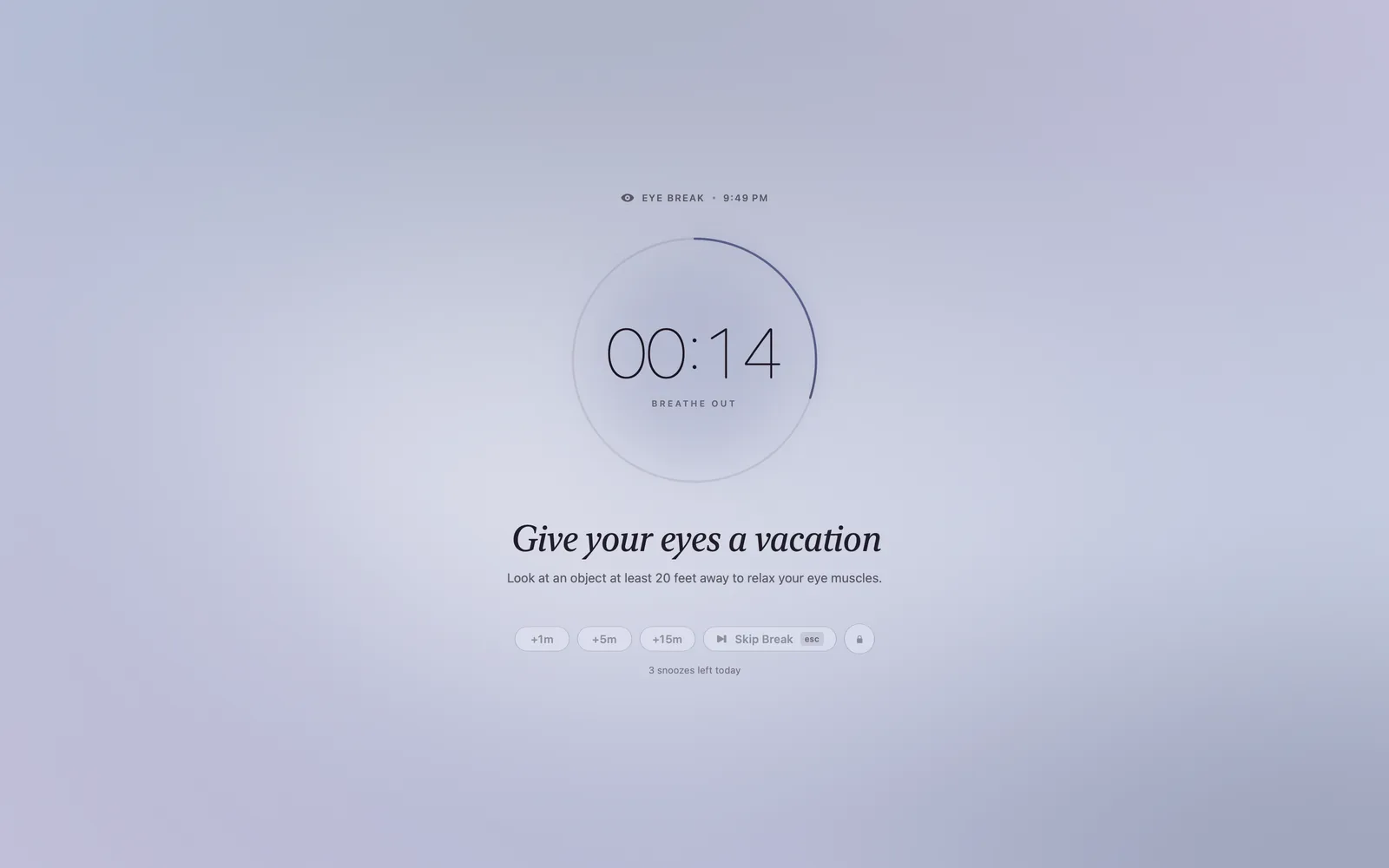
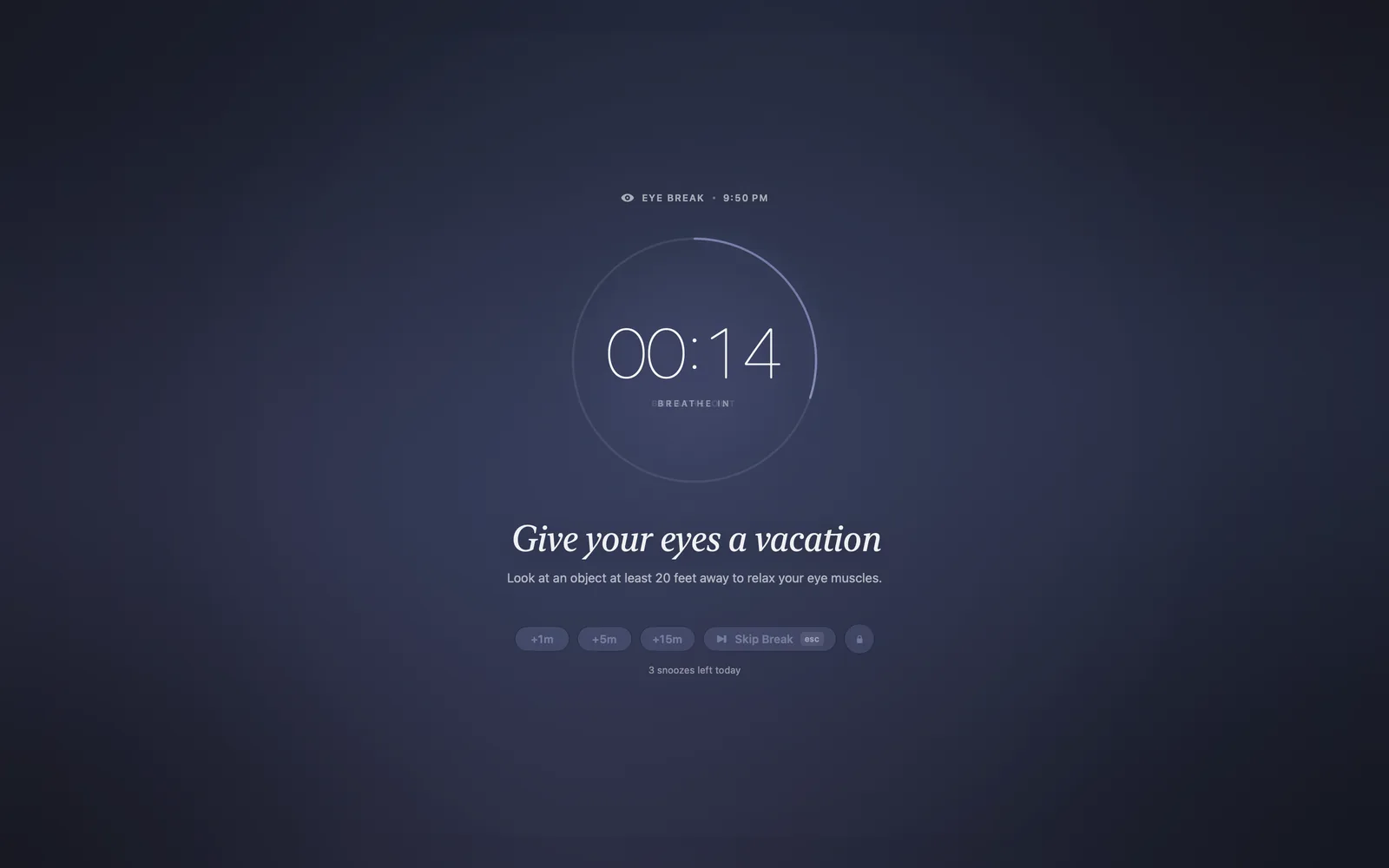
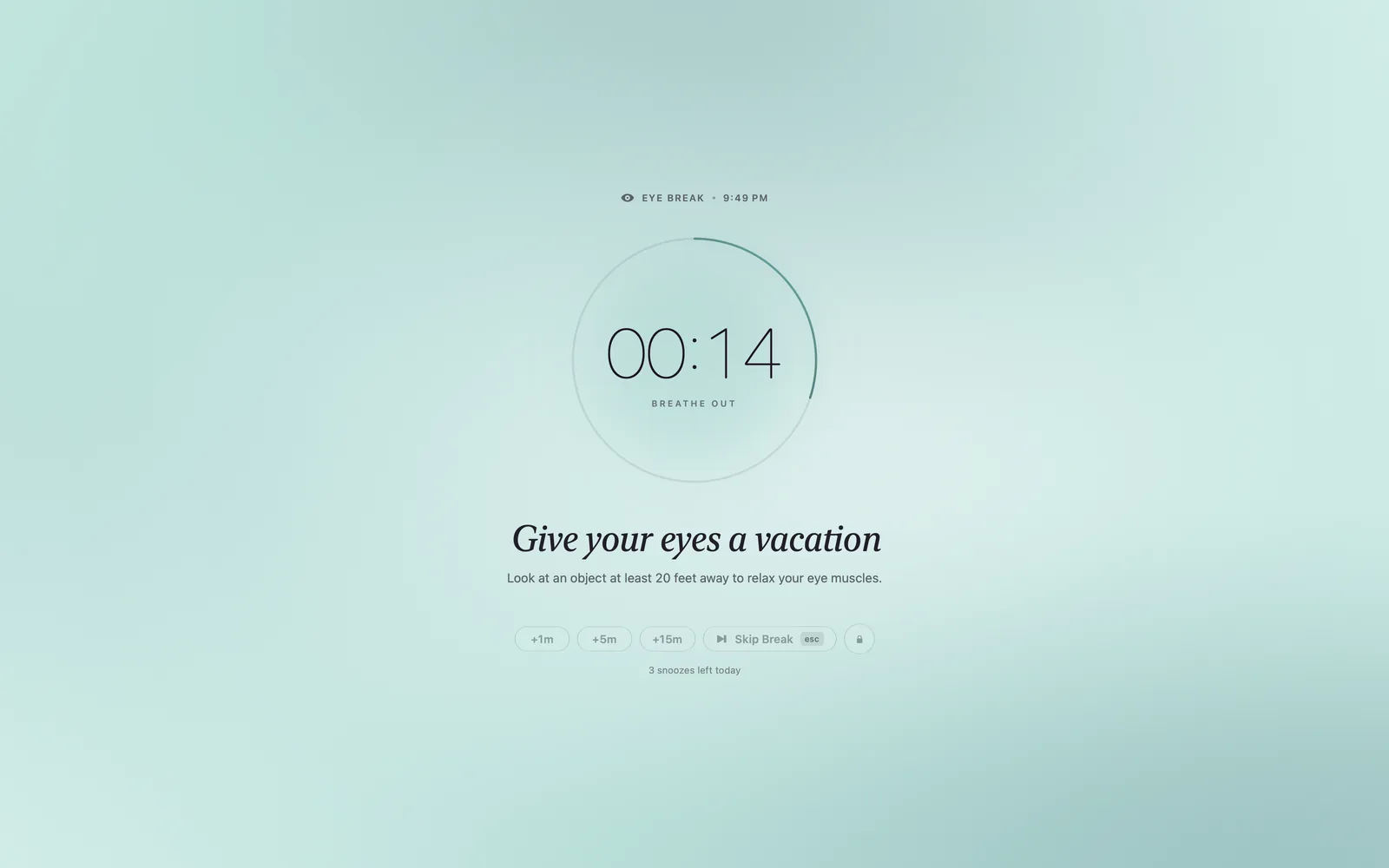
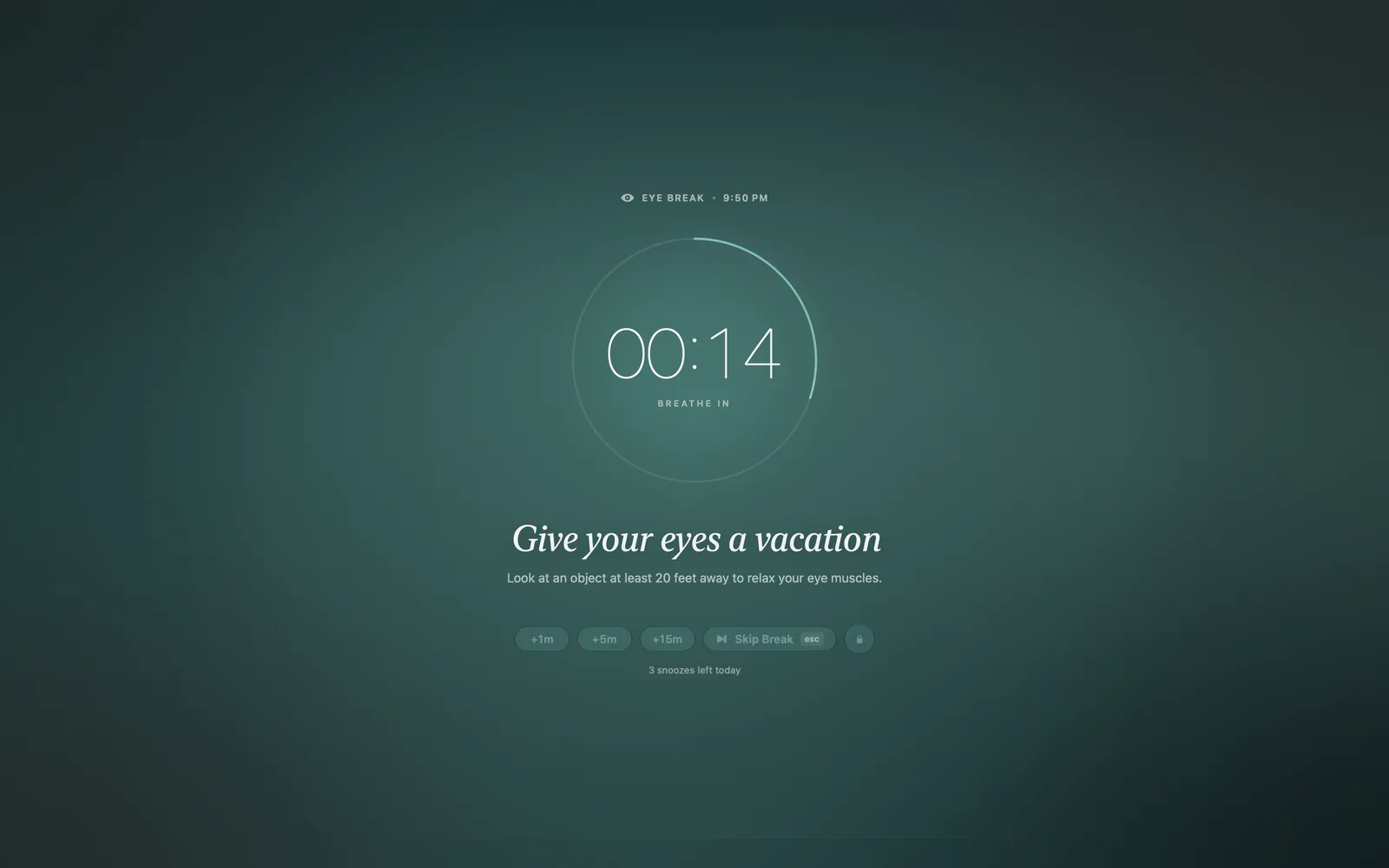
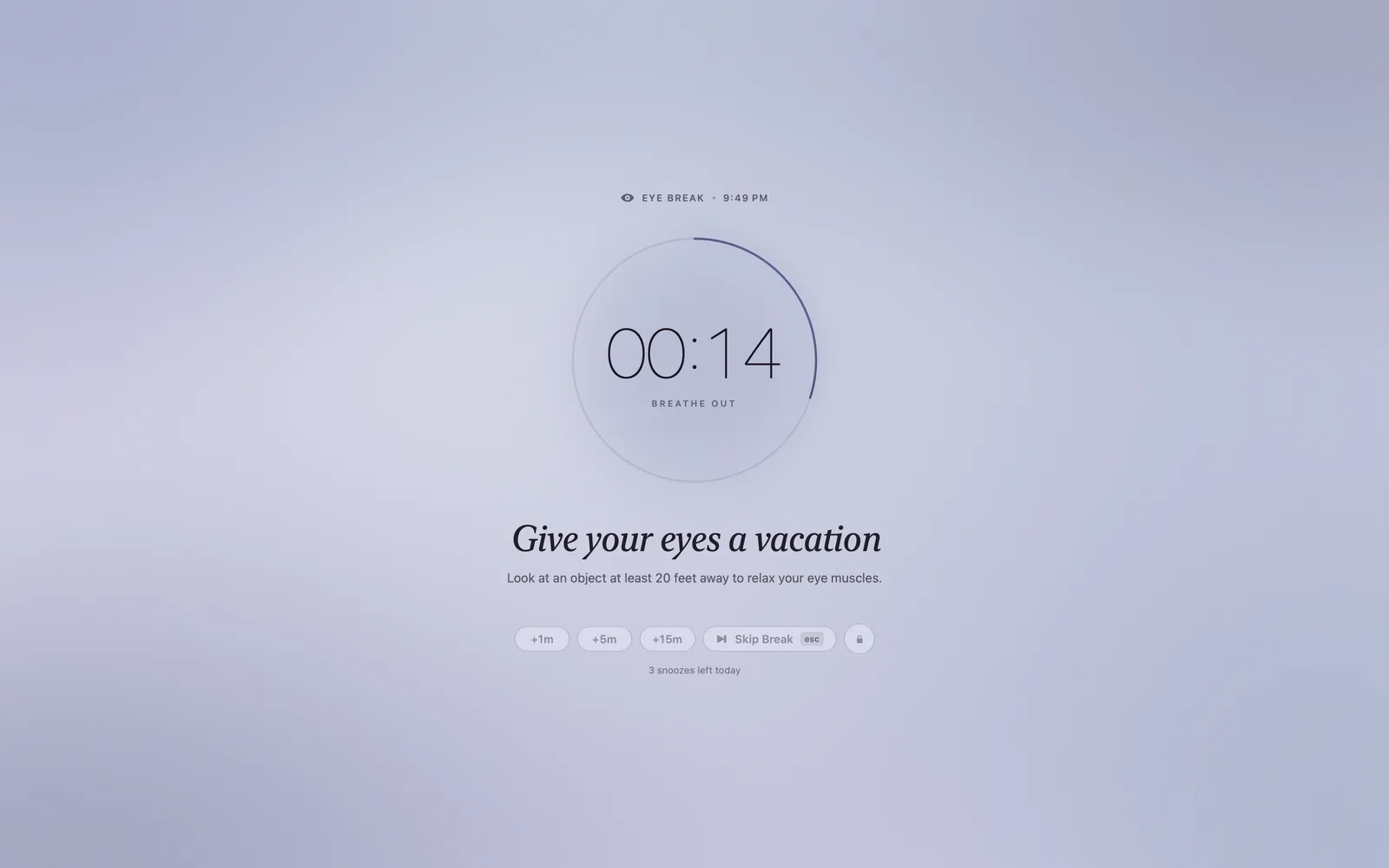
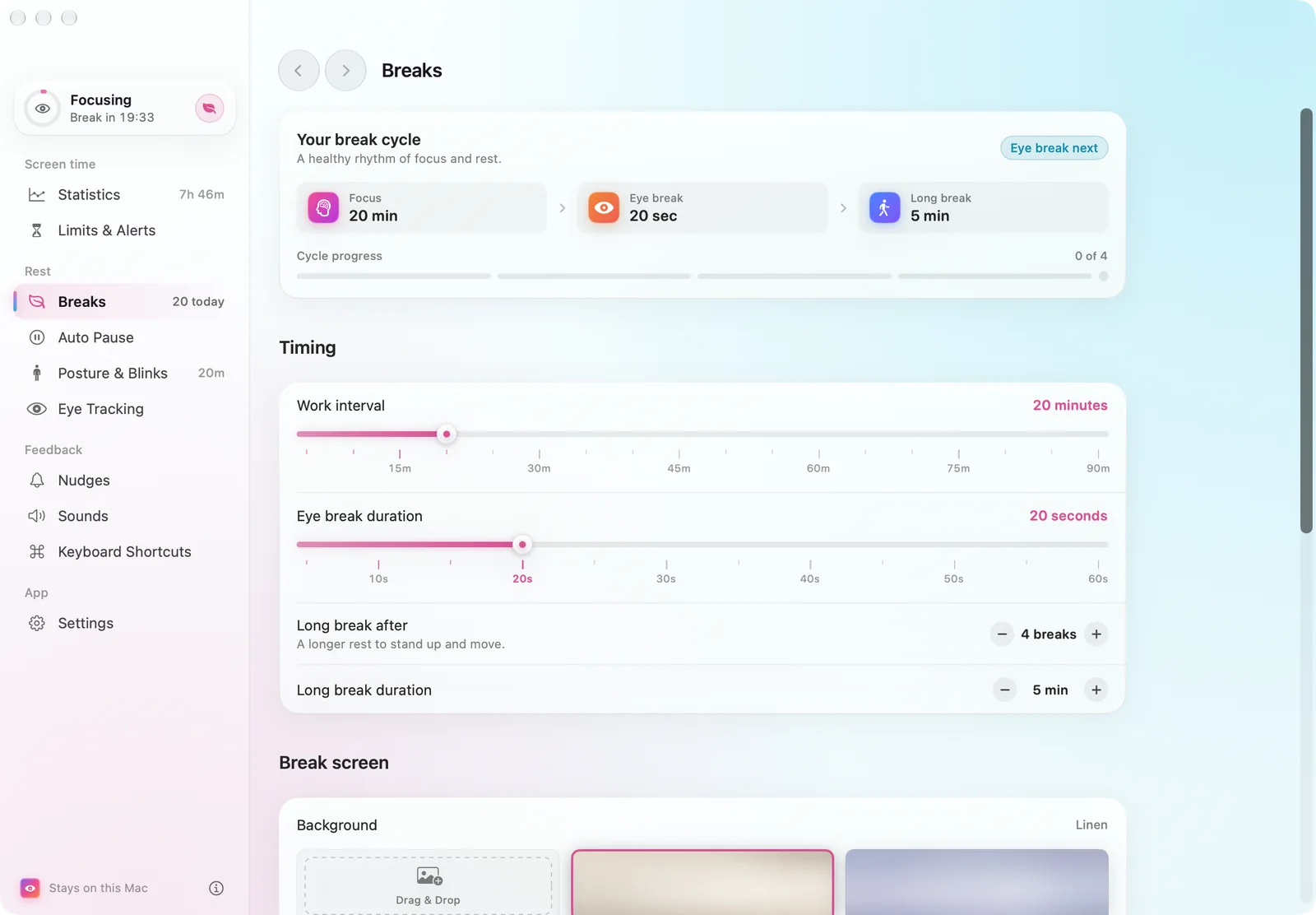
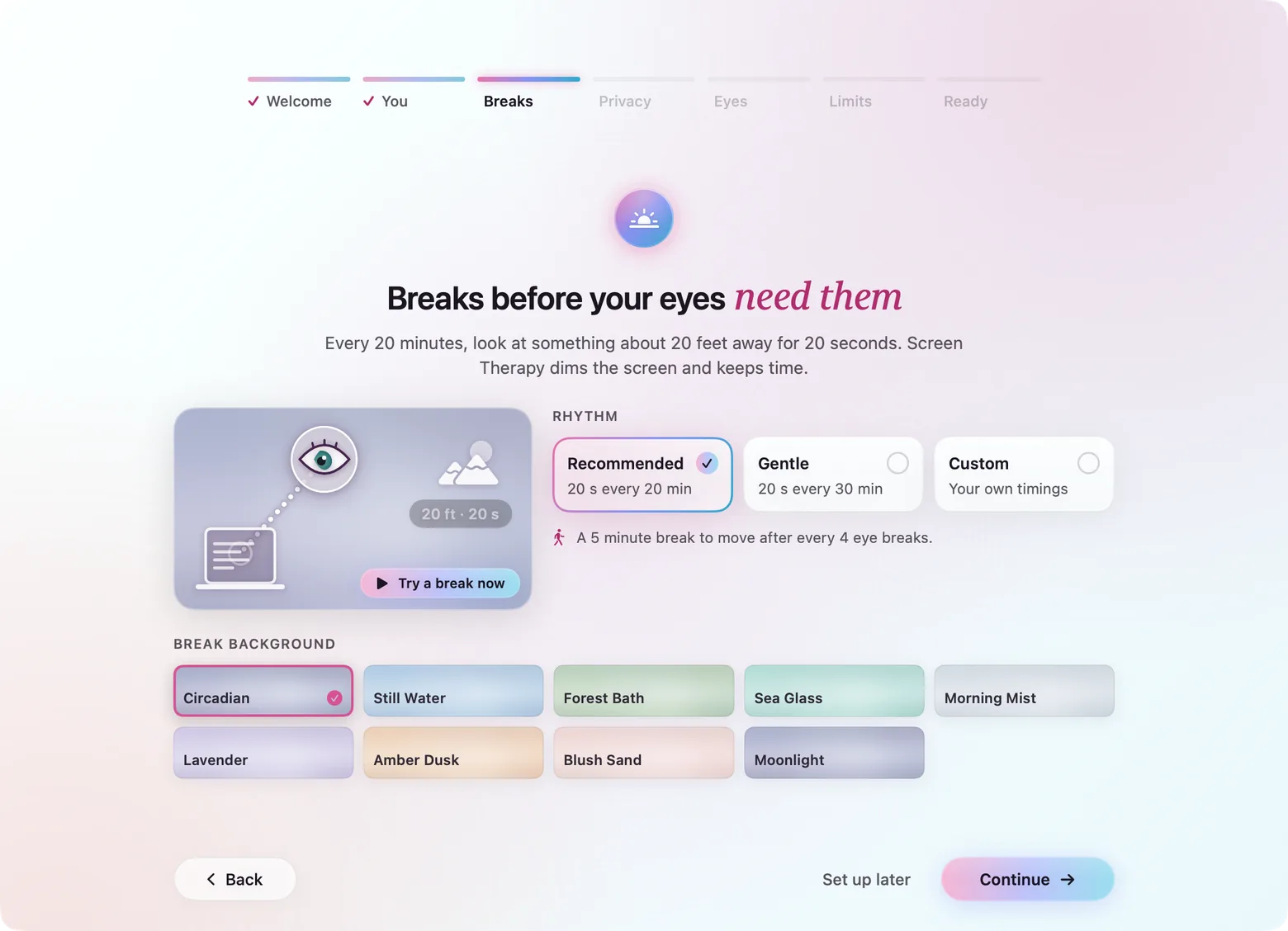
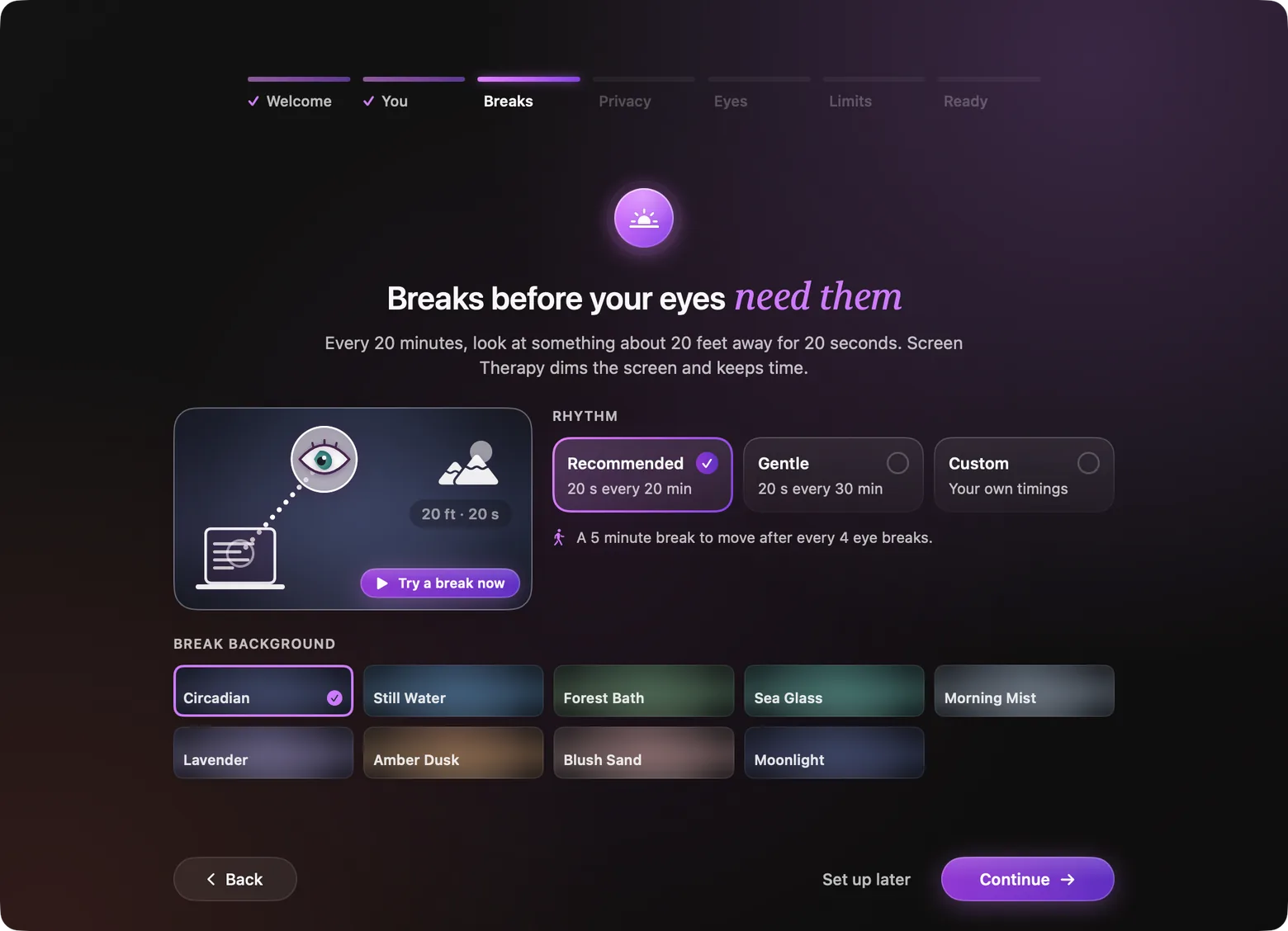
Every 20 minutes, look 20 feet away for 20 seconds; after a few of those, a longer break. The break covers every display with one centred Liquid Glass control bar and a breathe in, breathe out cue on a 10-second cycle — six breaths a minute. The scenes are animated mesh gradients chosen from colour research: soft, low-saturation colours, blues and greens for lower arousal, and evening palettes low in the blue light that suppresses melatonin.
Circadian
Follows the time of day; warm and dim at night
Forest Bath
Greens that restore attention
Sea Glass
Low-arousal blues and teals
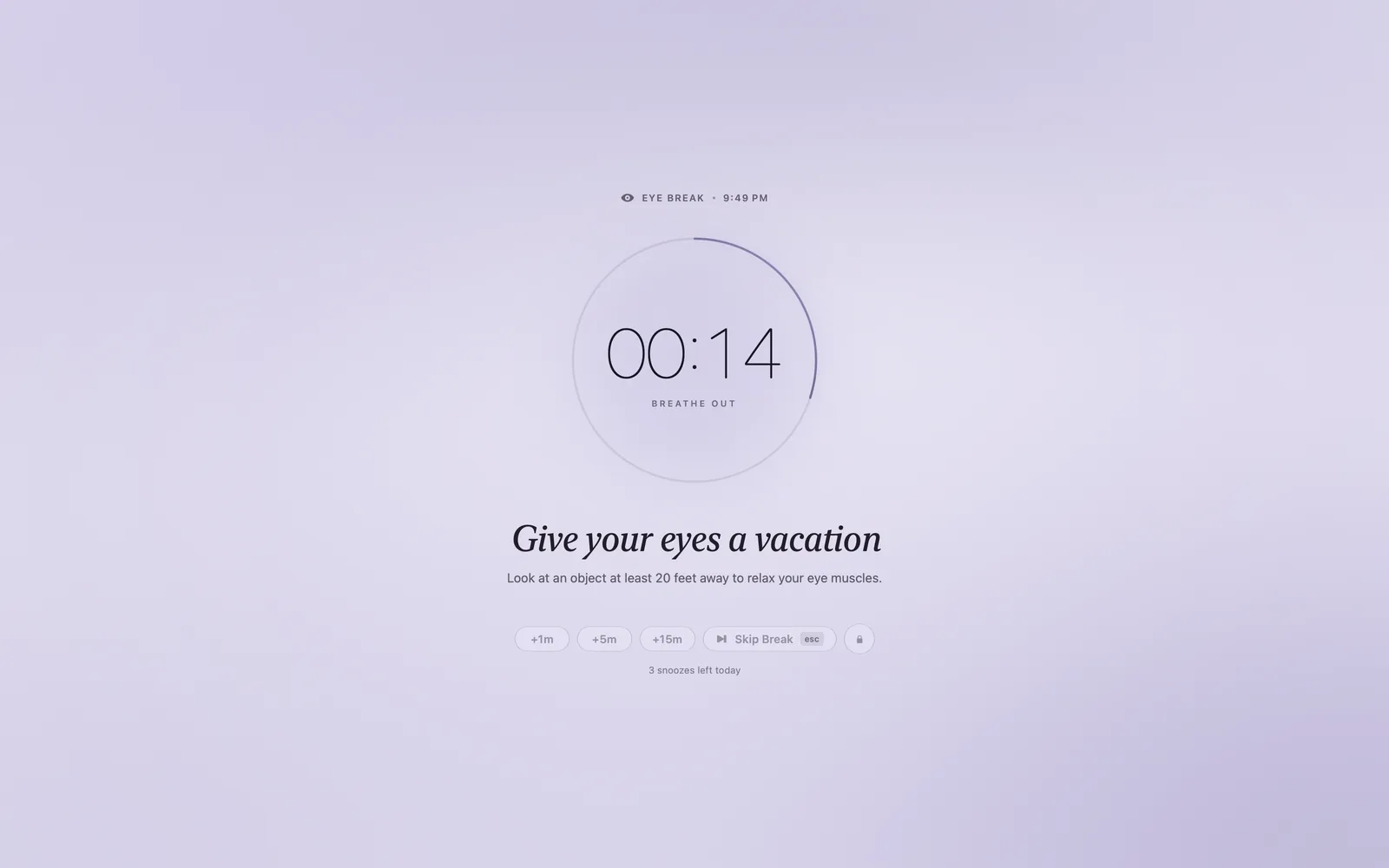
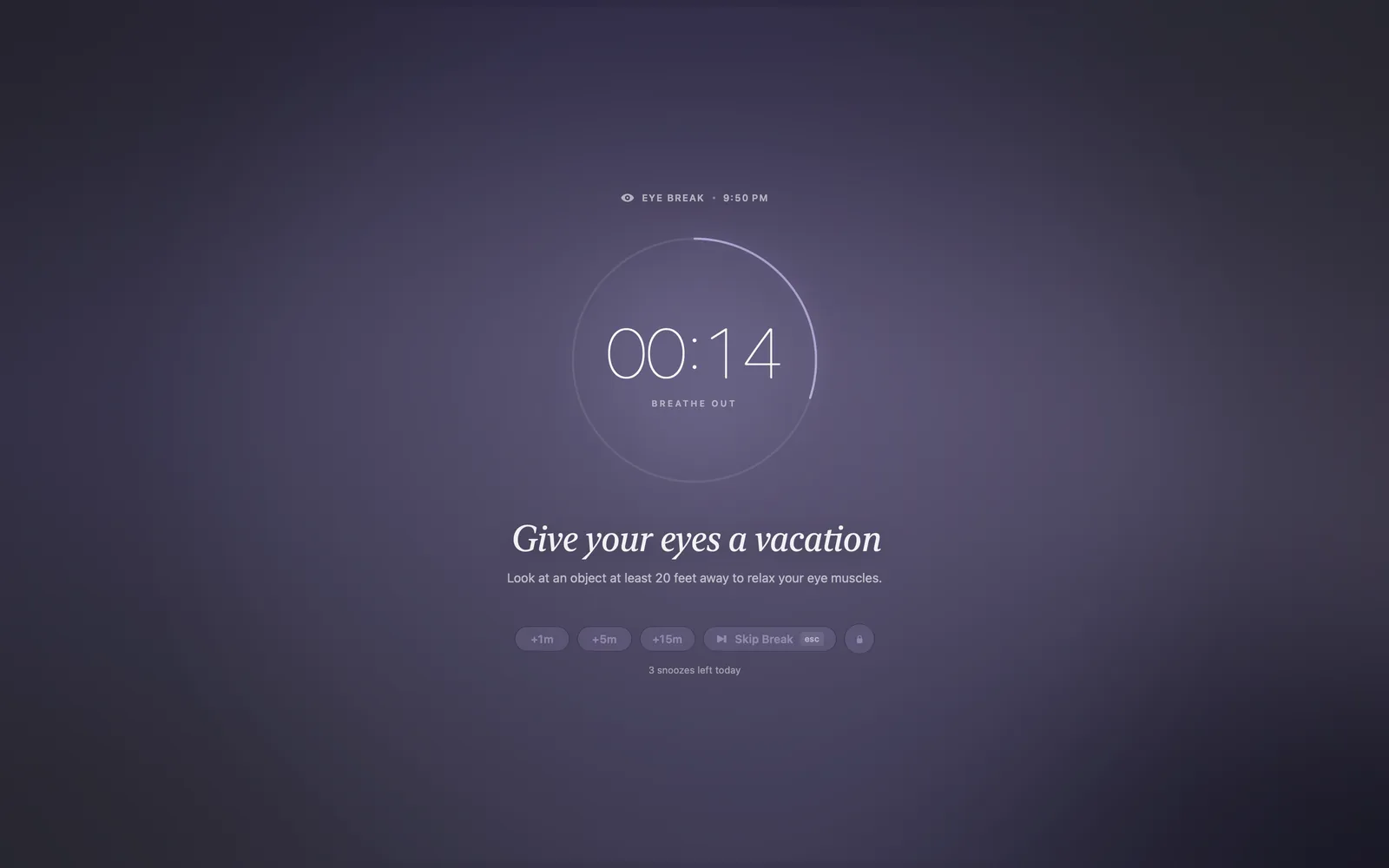
Lavender
Soft, low-saturation violet
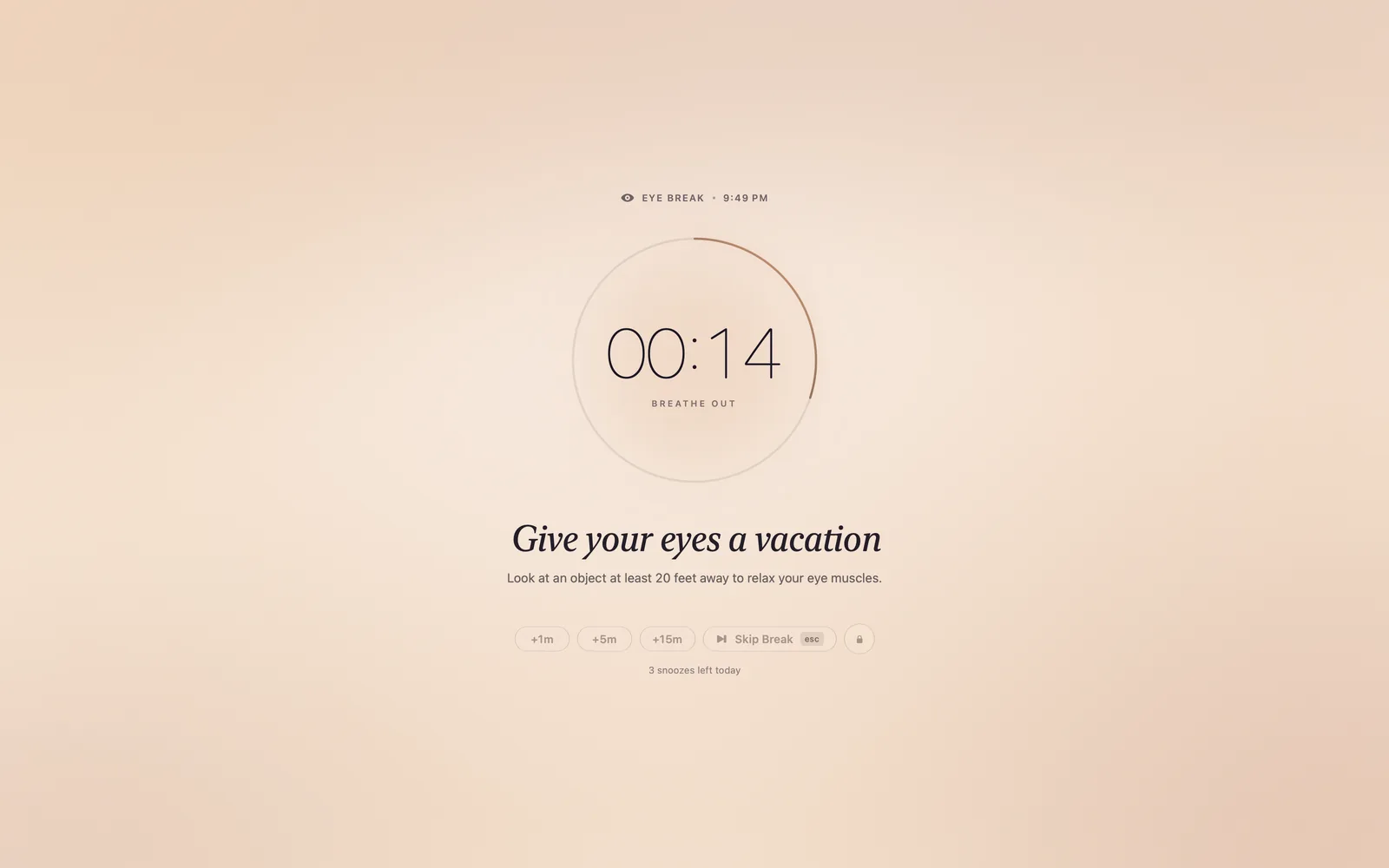
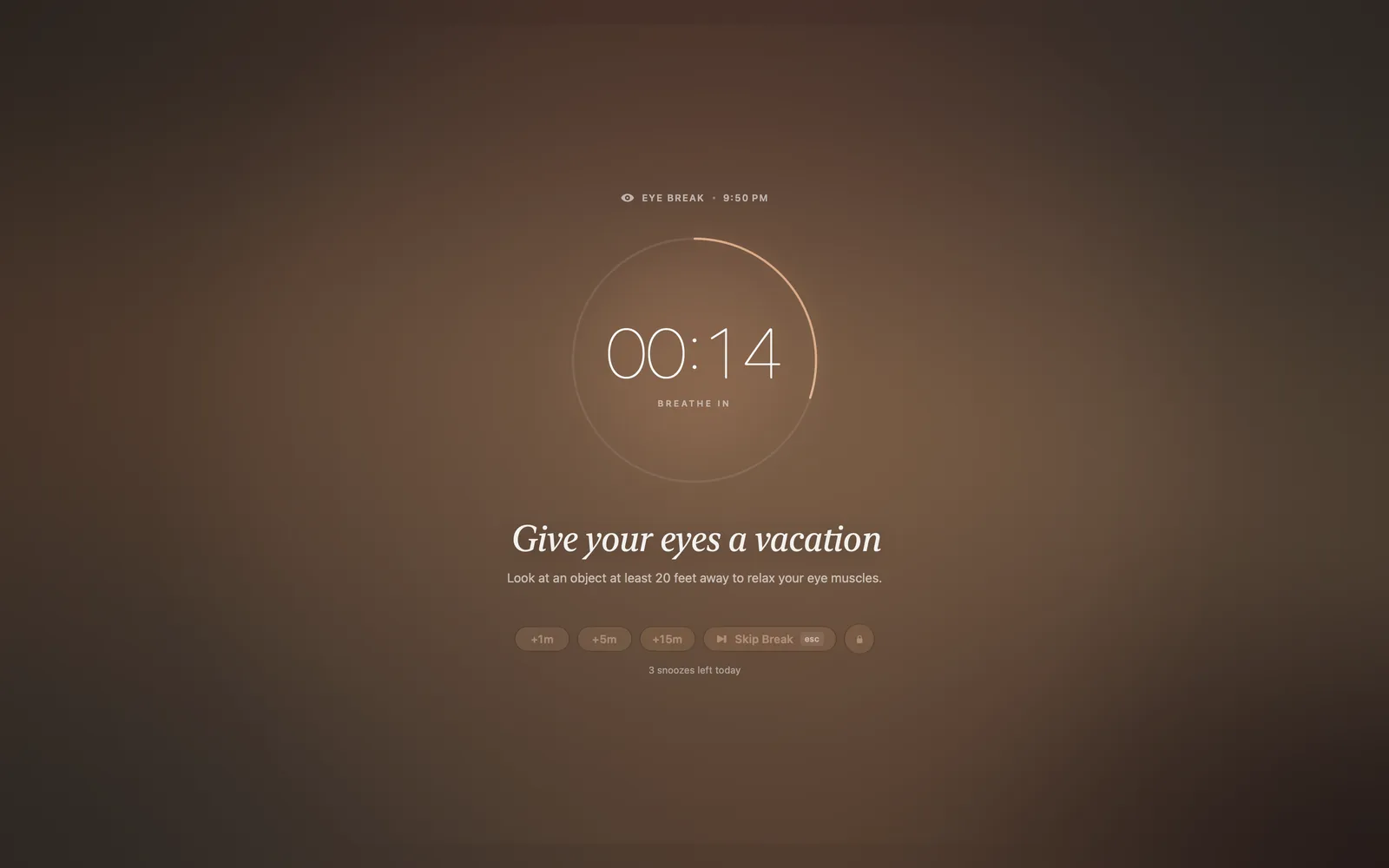
Amber Dusk
Evening palette, low in blue light
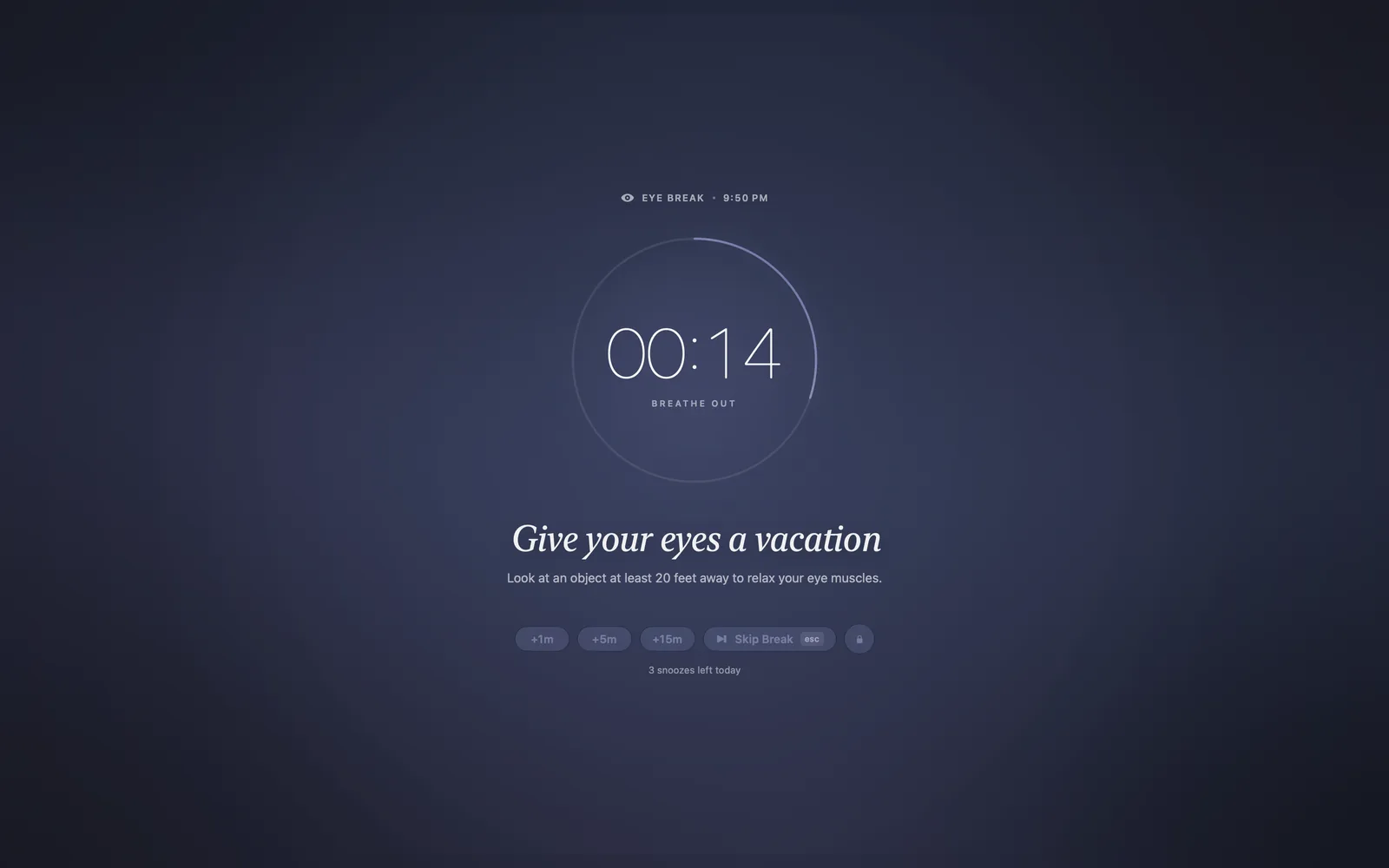
Moonlight
For late nights
05 — Smart Pause
Breaks that wait for a good moment.
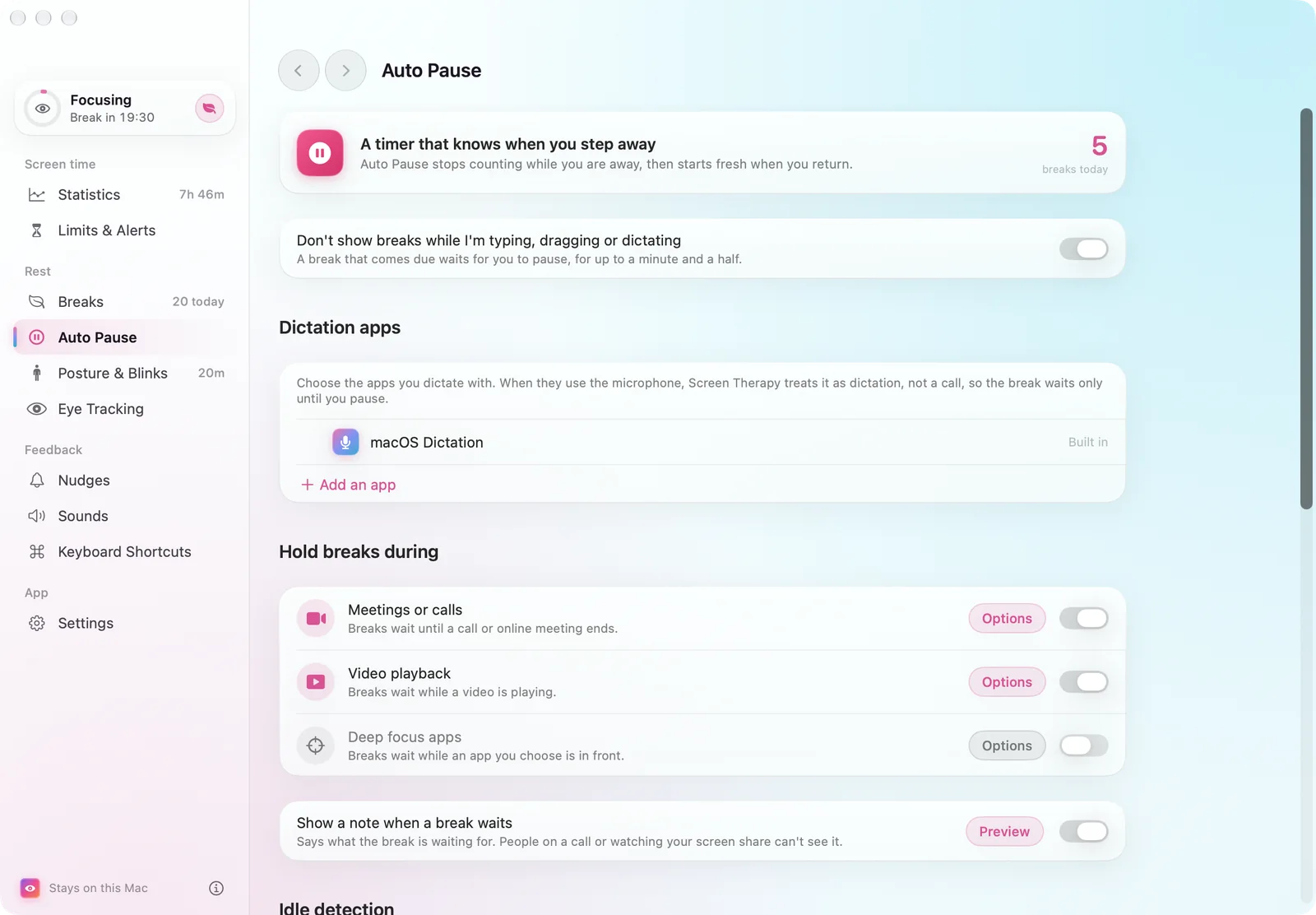
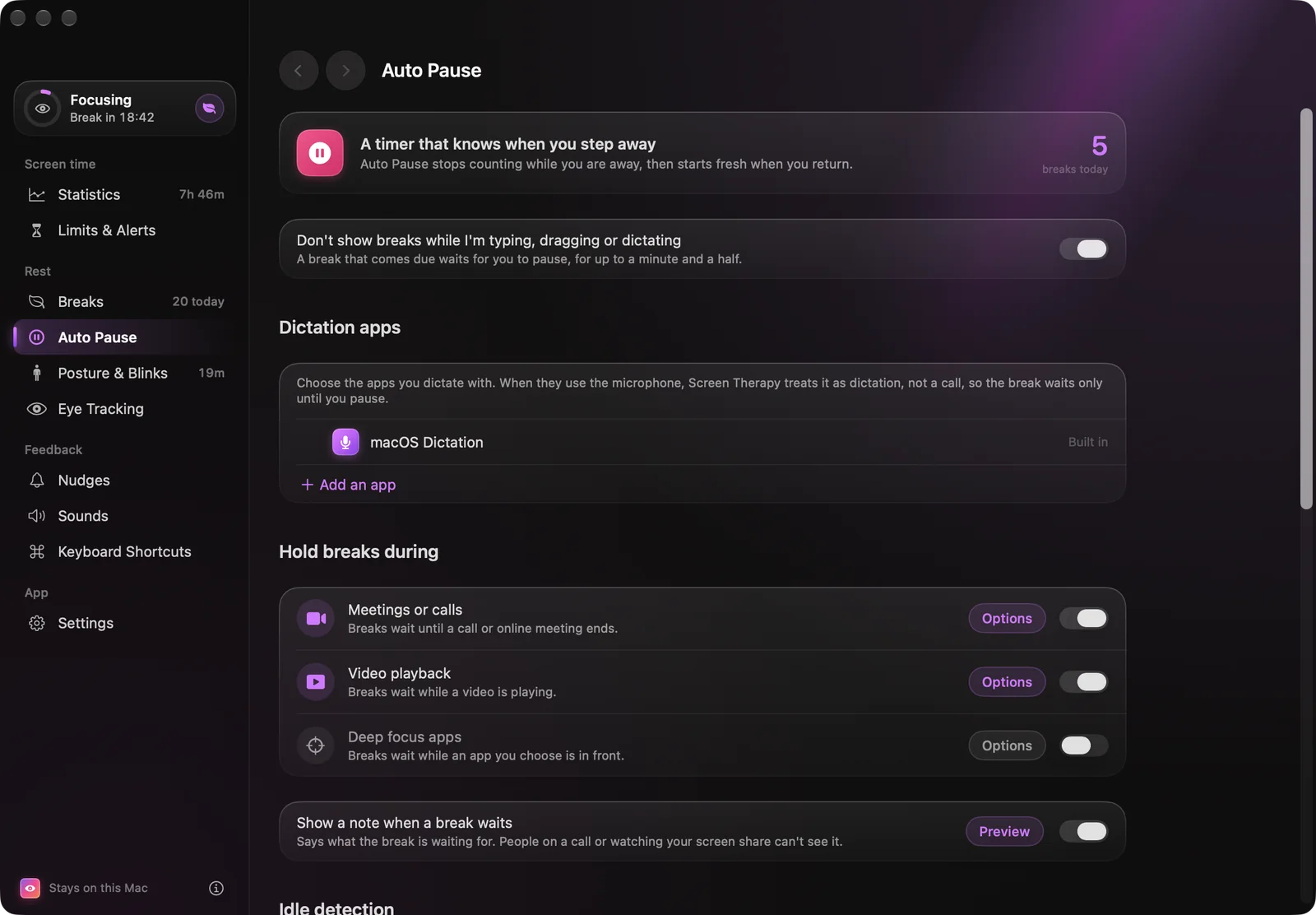
A break that lands mid-sentence gets skipped, and a skipped break teaches nothing. When one comes due, Smart Pause holds it while you’re in the middle of something, with a quiet note by the pointer that stays out of screen shares. Natural breaks count too: a few seconds of camera check after you stop typing sorts each one into stepping away, resting your eyes, looking down at a phone, or locking the Mac. Meetings count as work, never as breaks.
| Holds for | How it knows | Waits |
|---|---|---|
| TypingA key in the last 2.5 seconds | A key in the last 2.5 seconds | Up to 90 s |
| DraggingA drag in the last second, or the button held | A drag in the last second, or the button held | Up to 90 s |
| DictationA dictation app or macOS Dictation has the microphone | A dictation app or macOS Dictation has the microphone | Up to 90 s |
| CallA meeting app is in a call | A meeting app is in a call | Until it ends, plus a minute |
| VideoAnother app is keeping the display awake | Another app is keeping the display awake | Up to an hour |
| Focus appAn app you chose is in front | An app you chose is in front | Until you switch away |
Typing, dragging and dictation share a 90-second limit, so a held key can’t keep breaks away for good.
06 — Eye tracking
Optional · off until you agree
The camera sees a face. The app keeps a number.
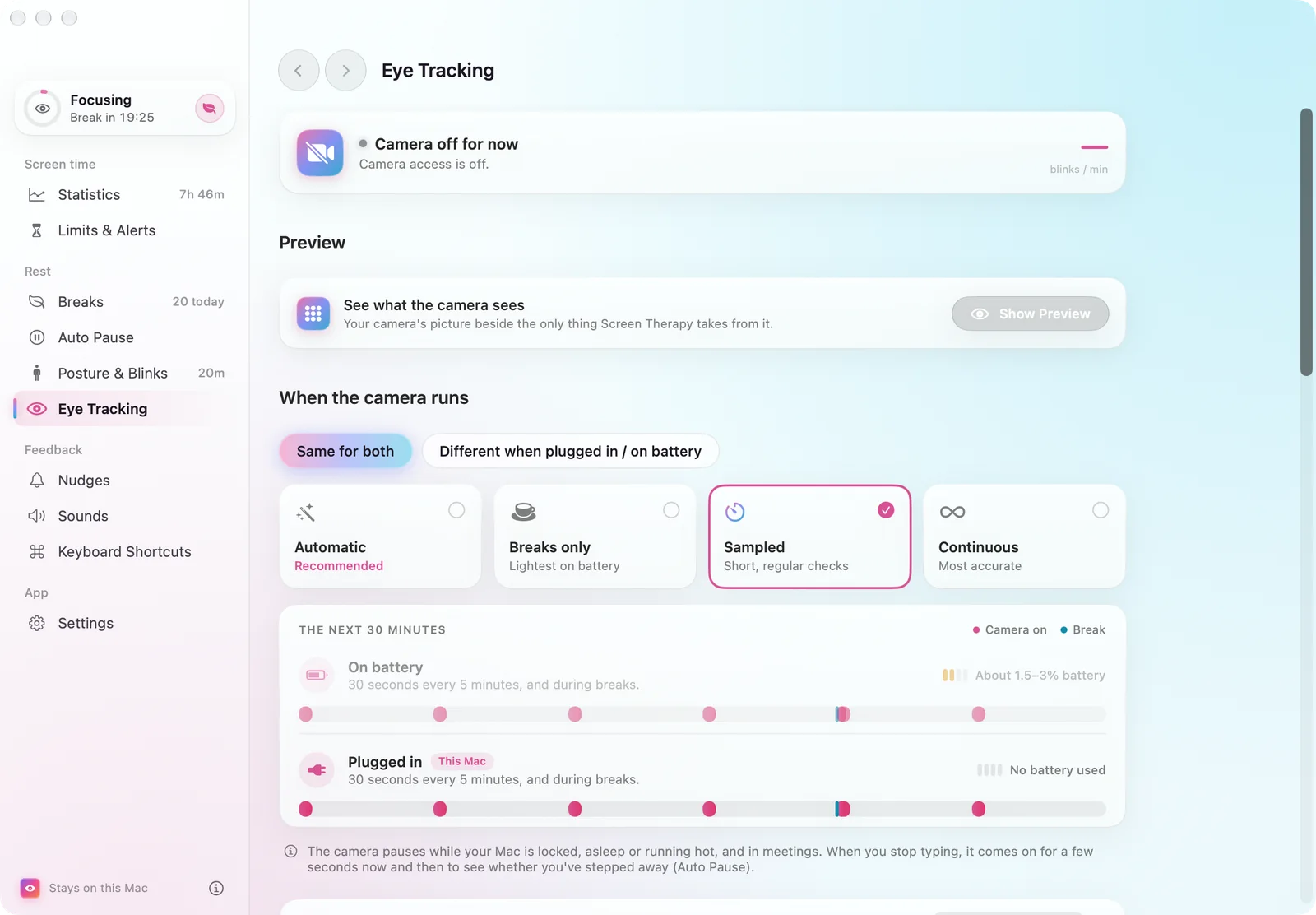
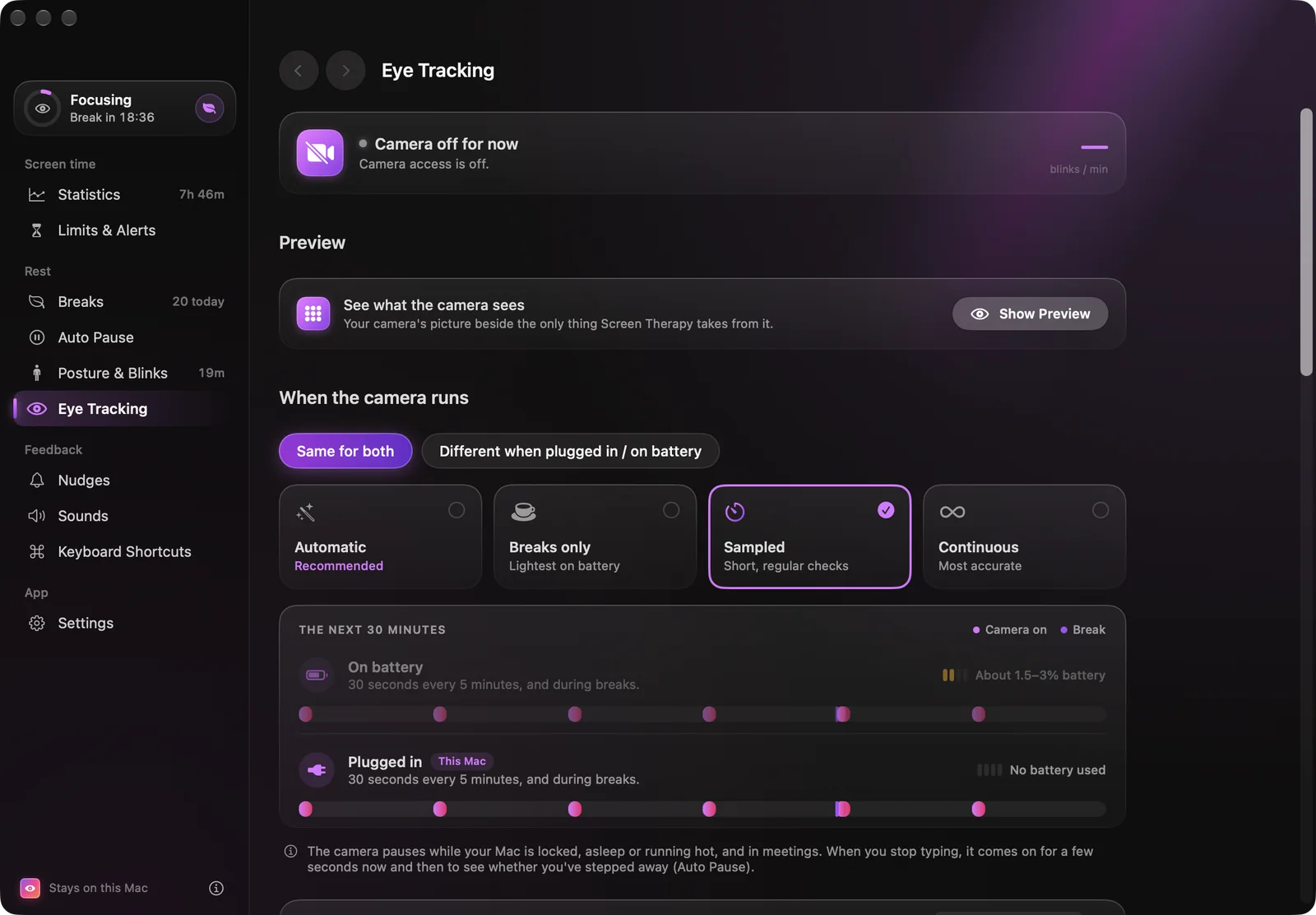
With the camera on, Screen Therapy counts blinks and nudges you when the rate drops, notices a brow held tense, follows tiredness through the day from heavy eyelids, long blinks and yawns, and checks whether you actually looked away during a break. The setup guide shows exactly what it takes: the camera’s picture next to the only thing the app uses — the face mesh, drawn live as a halftone print.
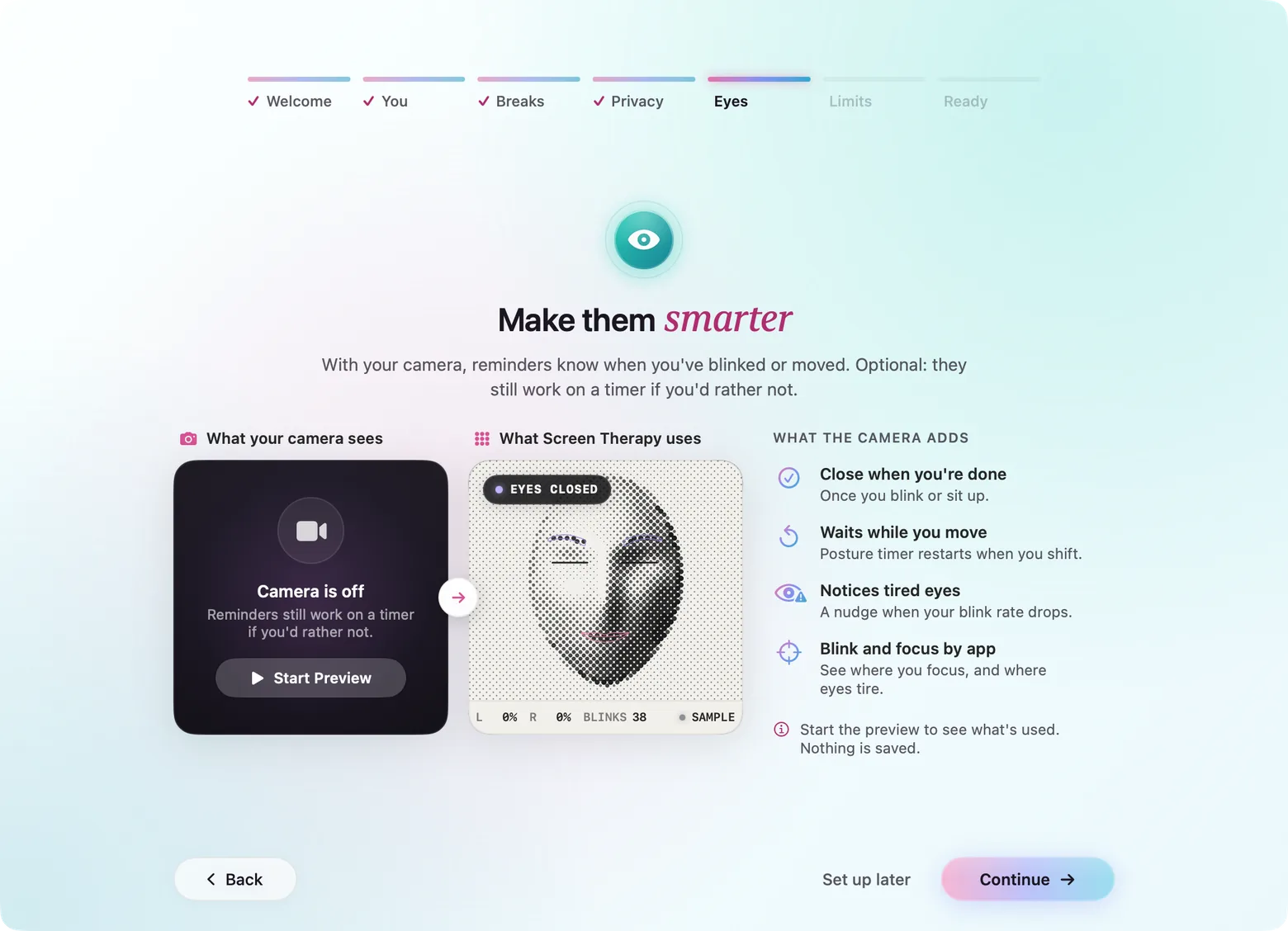
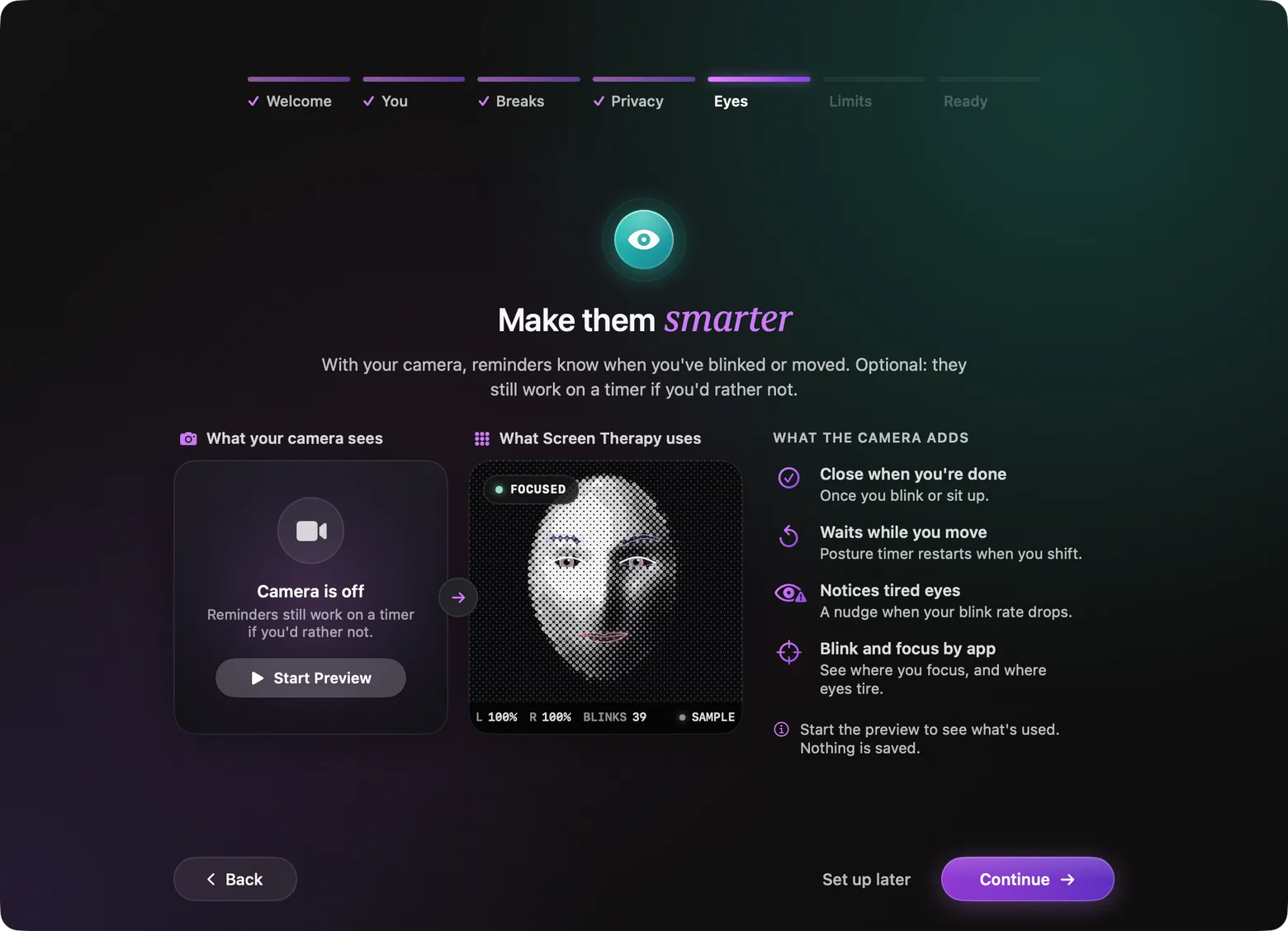
The setup guide’s sample face, rendered frame by frame from the app’s own halftone view.
- 01
Camera
AVFoundation, 15 fps
Only on the schedule you pick: breaks only, sampled, or continuous — with separate choices on battery and on the charger.
- 02
BlazeFace
0.29 MB · 0.9 ms
Finds the face, then sleeps to 2 fps once the mesh is tracking on its own.
- 03
Face Mesh V2
478 points · 2.7 MB
3D landmarks including 10 iris points, tracked from frame to frame.
- 04
Blendshapes V2
52 scores · 1.0 MB
eyeBlink, browDown, jawOpen, eyeSquint… the movements the face is read as.
- 05
Signals
Swift, per minute
Blinks, look-aways, eye rests, focus level, brow tension, yawns. The frame is dropped; only numbers remain.
Reminders that wait until you’ve done it.
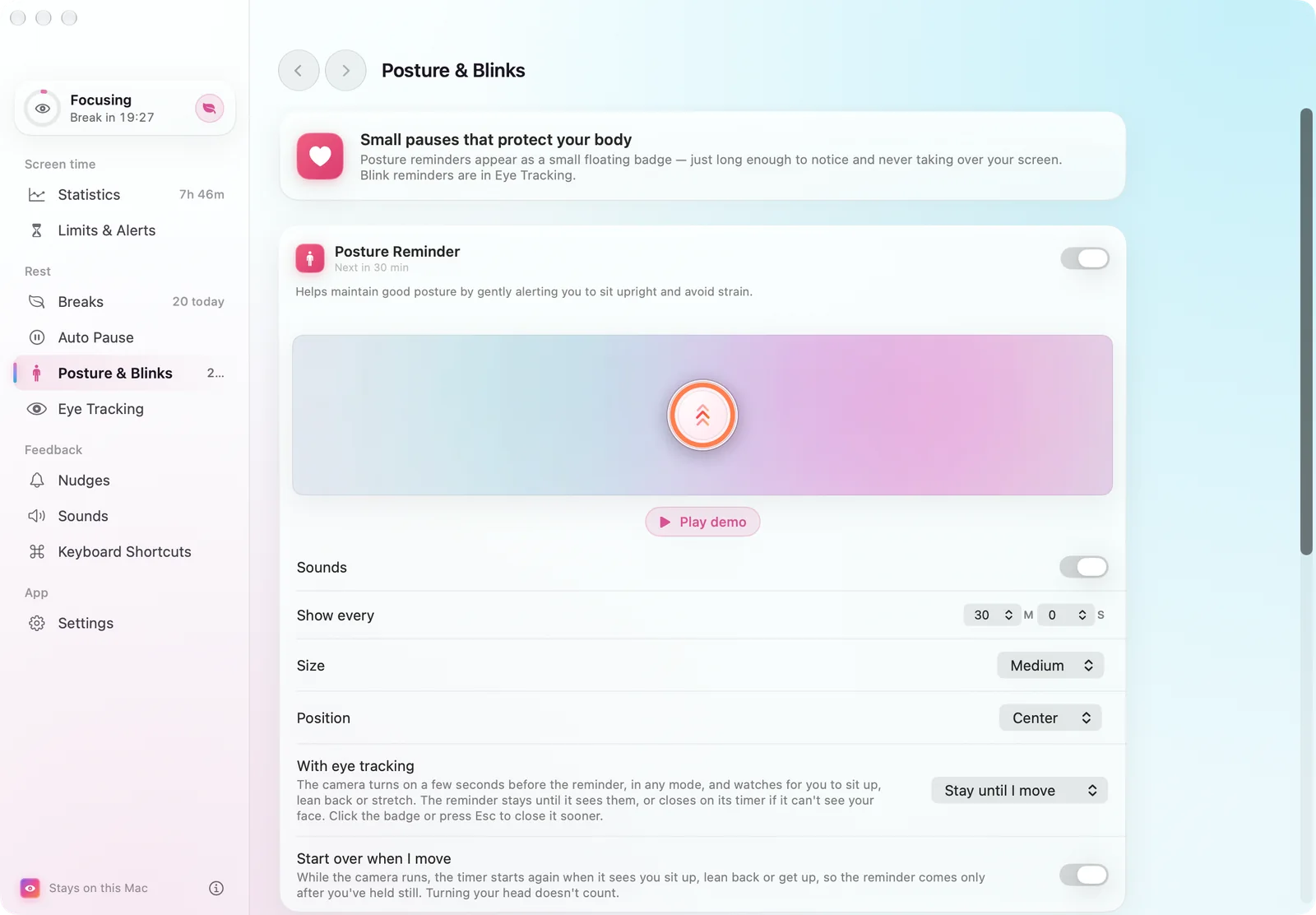
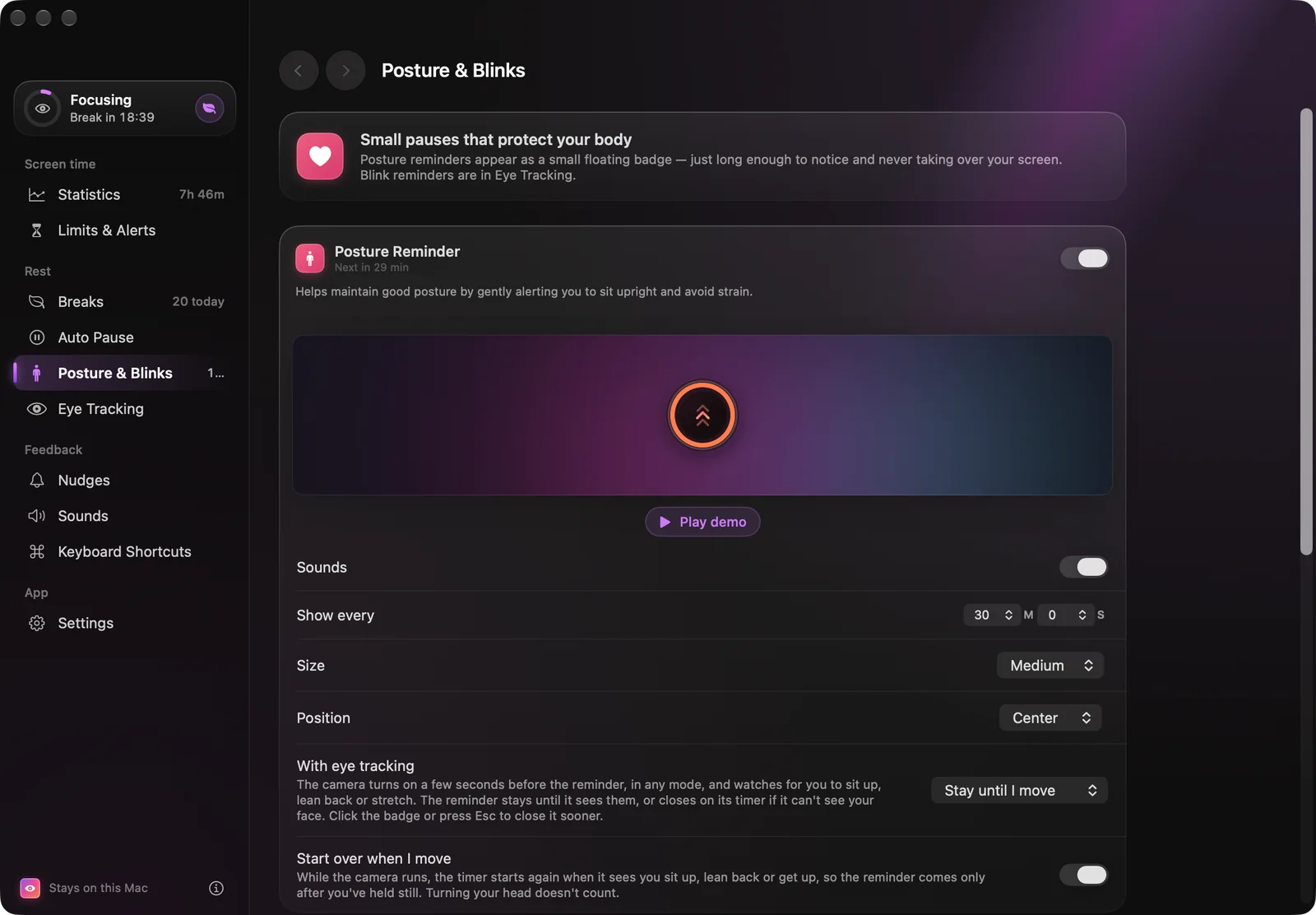
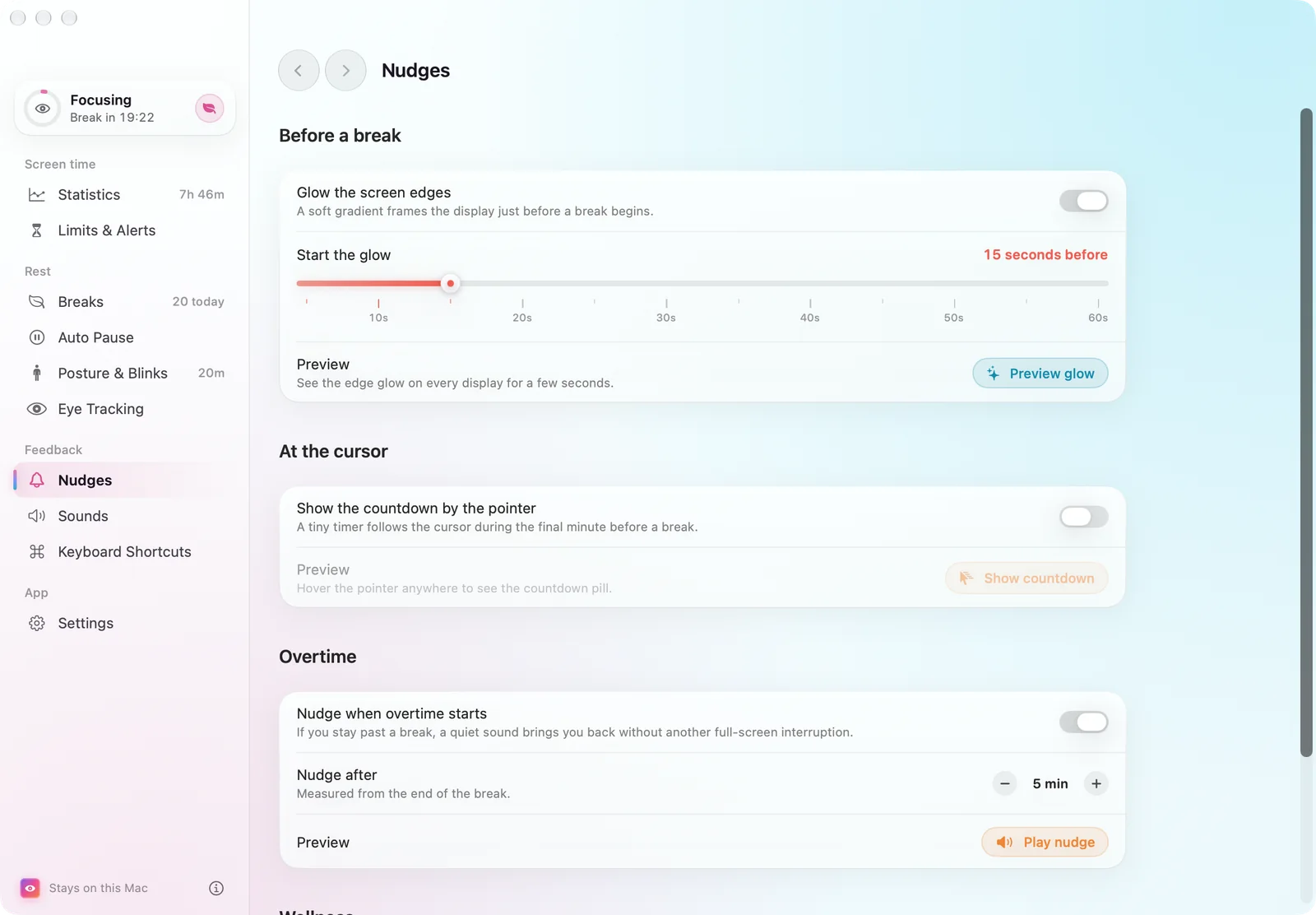
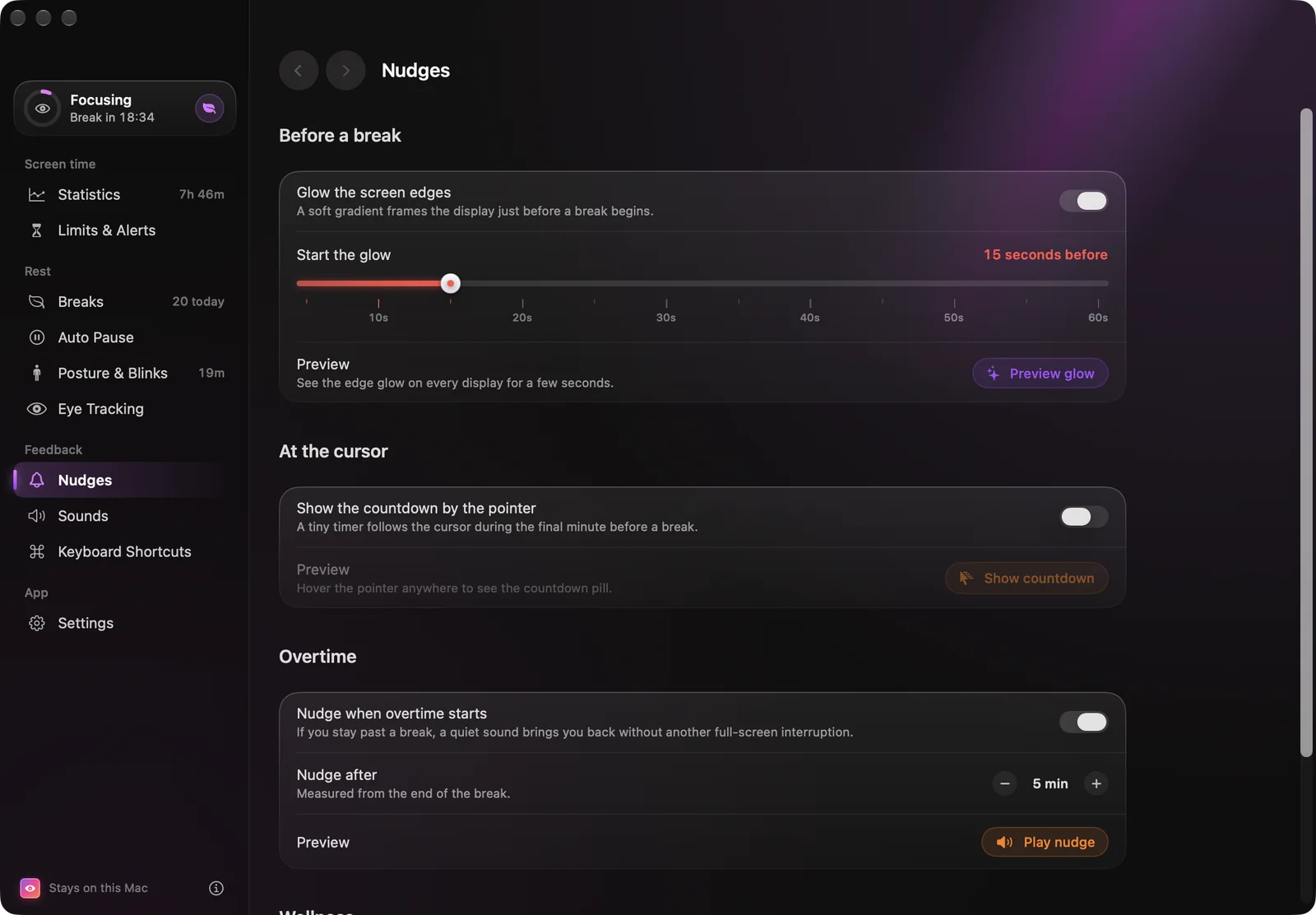
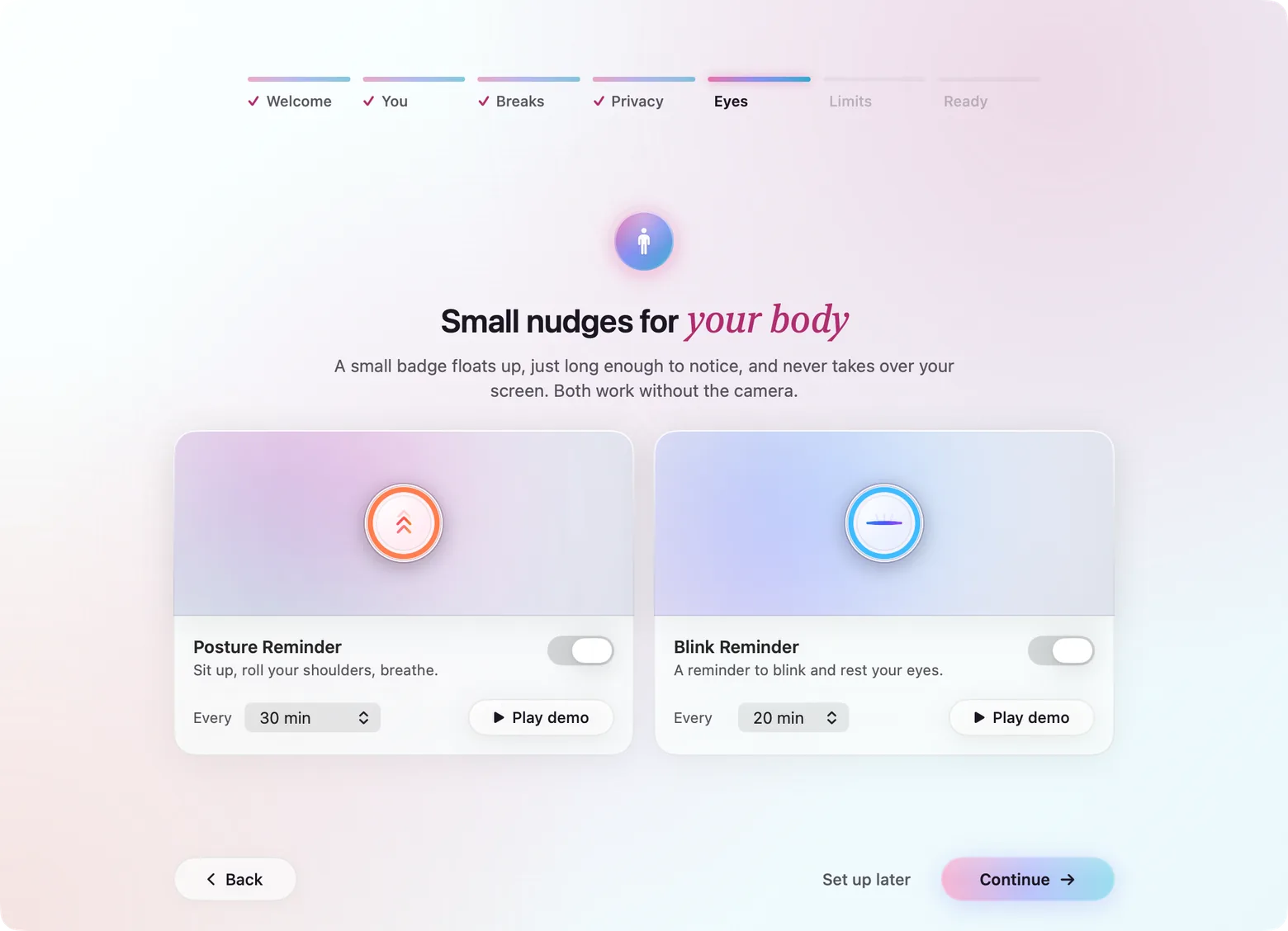
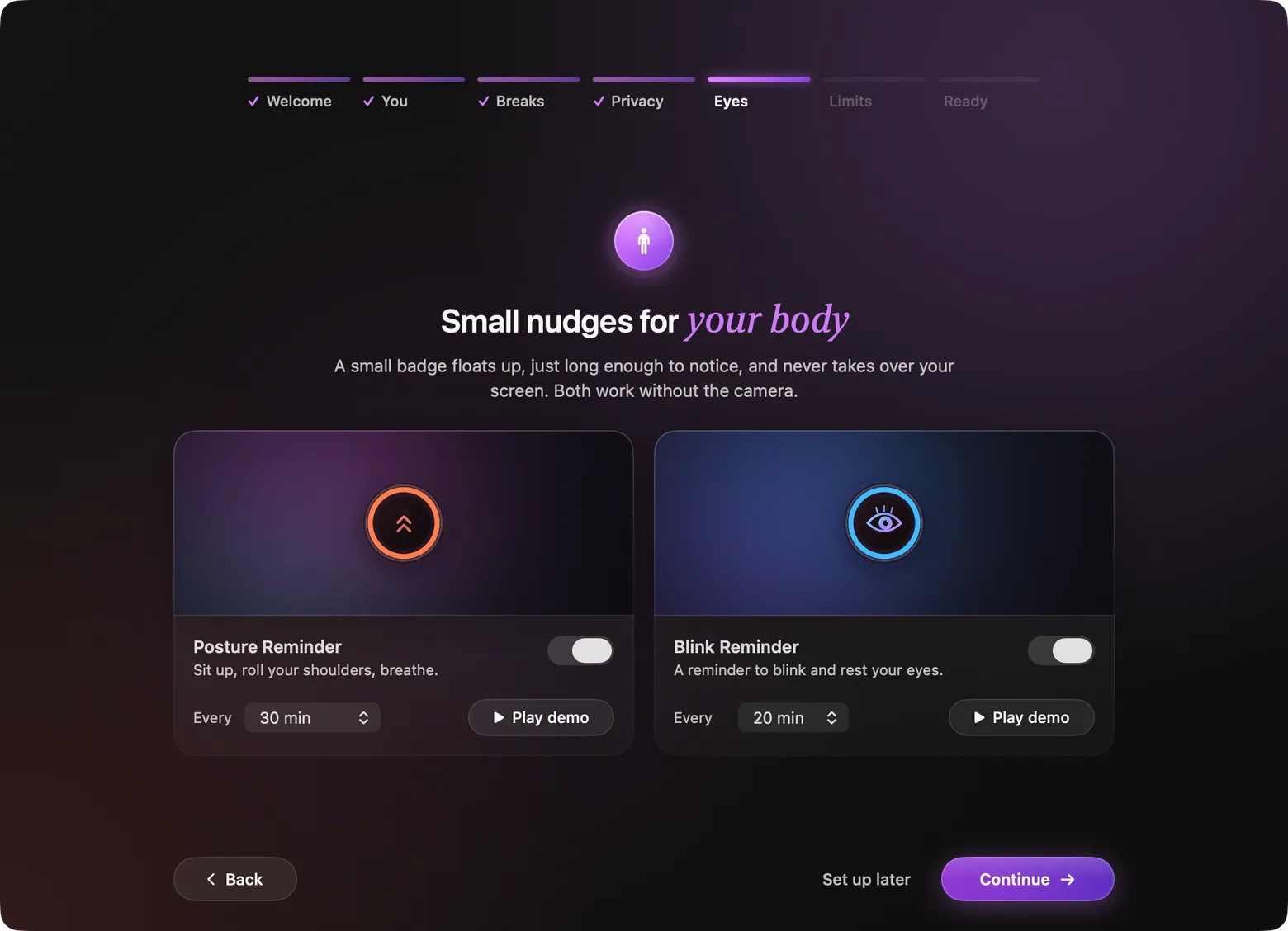
Small floating badges: chevrons lift for posture, an eye blinks for blink. With the camera, the badge fills as it sees you move or counts your blinks, and closes itself once you have — no timer while it can see your face. A blur halo, a two-tone rim and ripple rings keep it visible on any background, and it can hide itself from screen recordings.
07 — Every setting
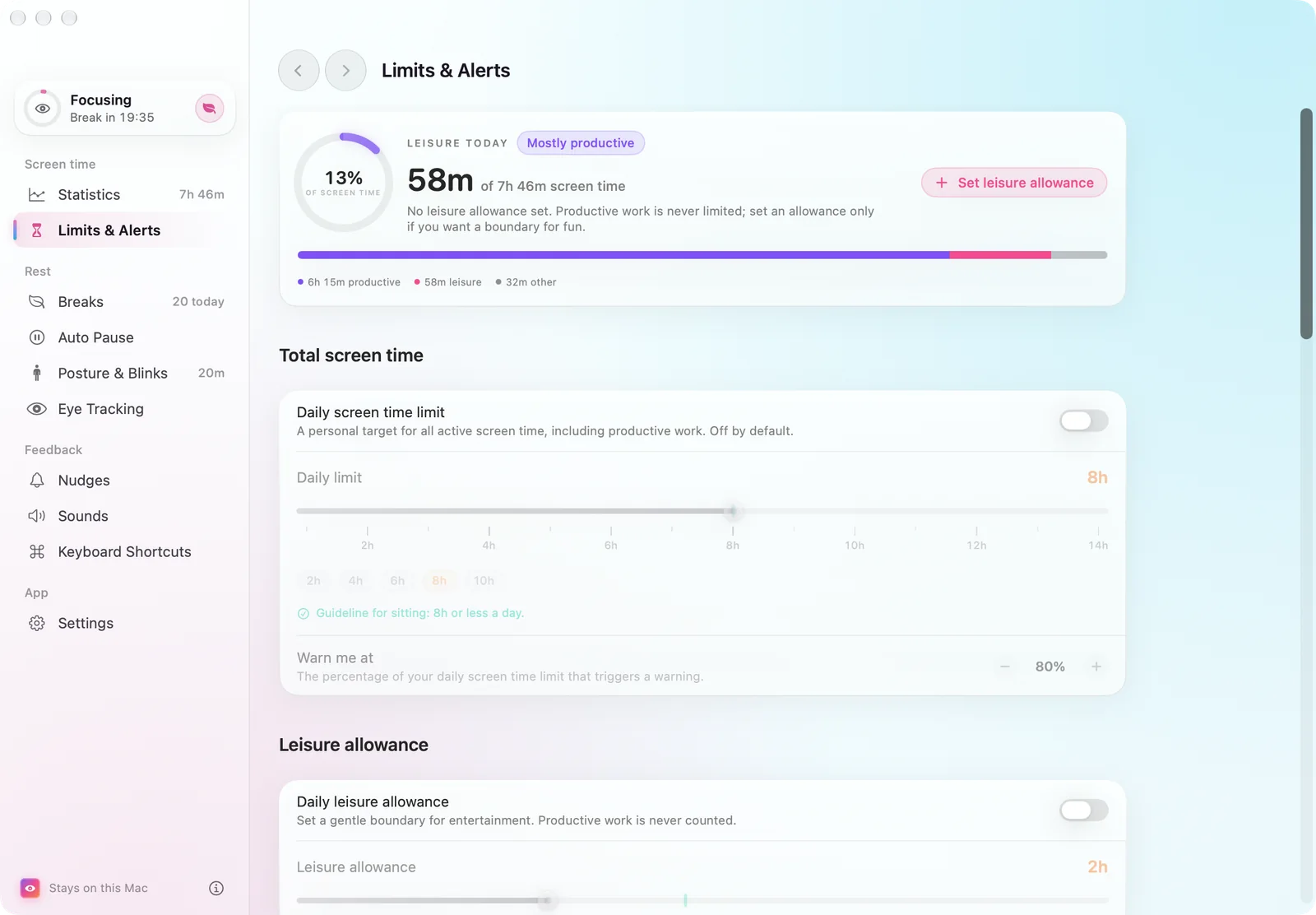
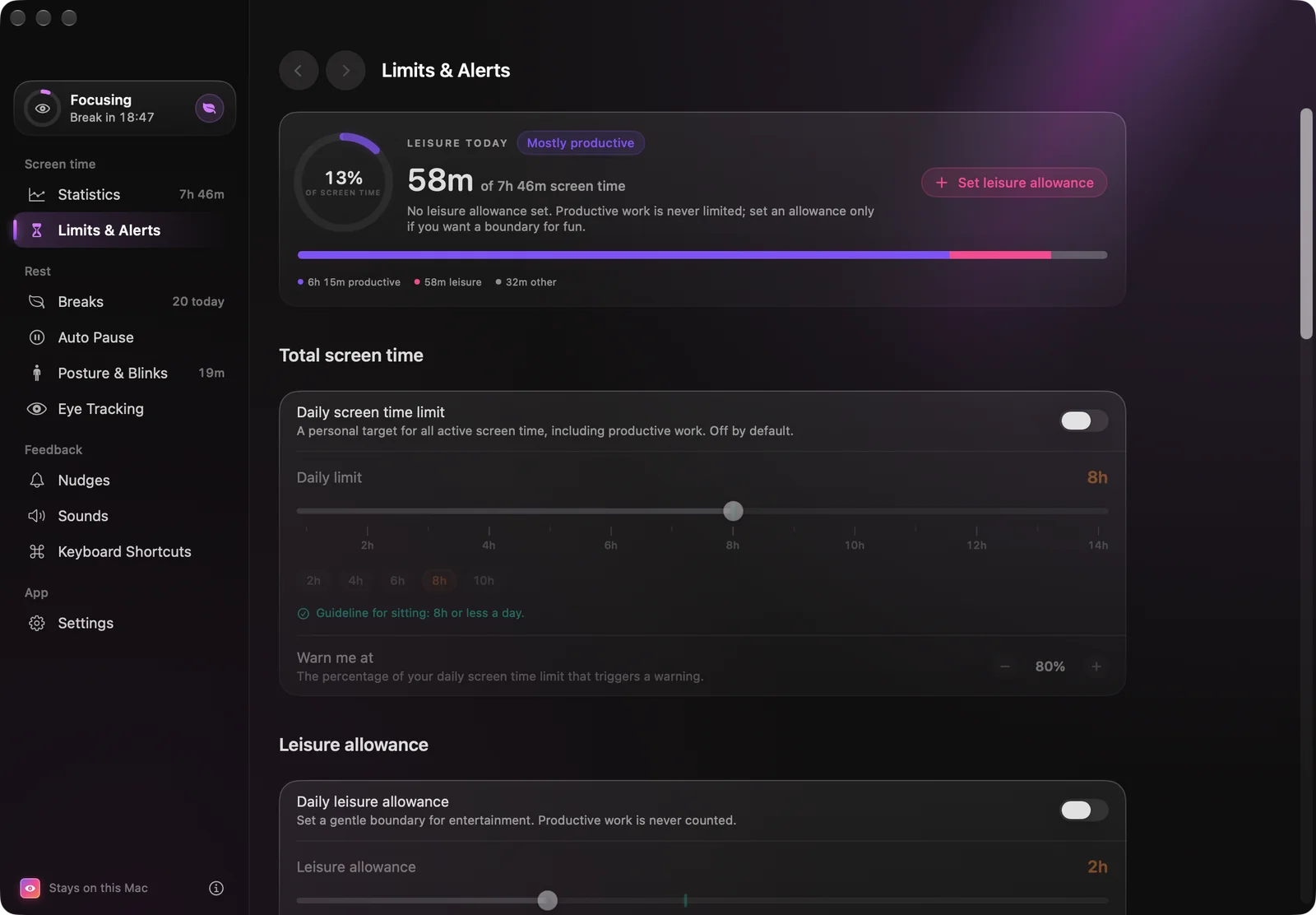
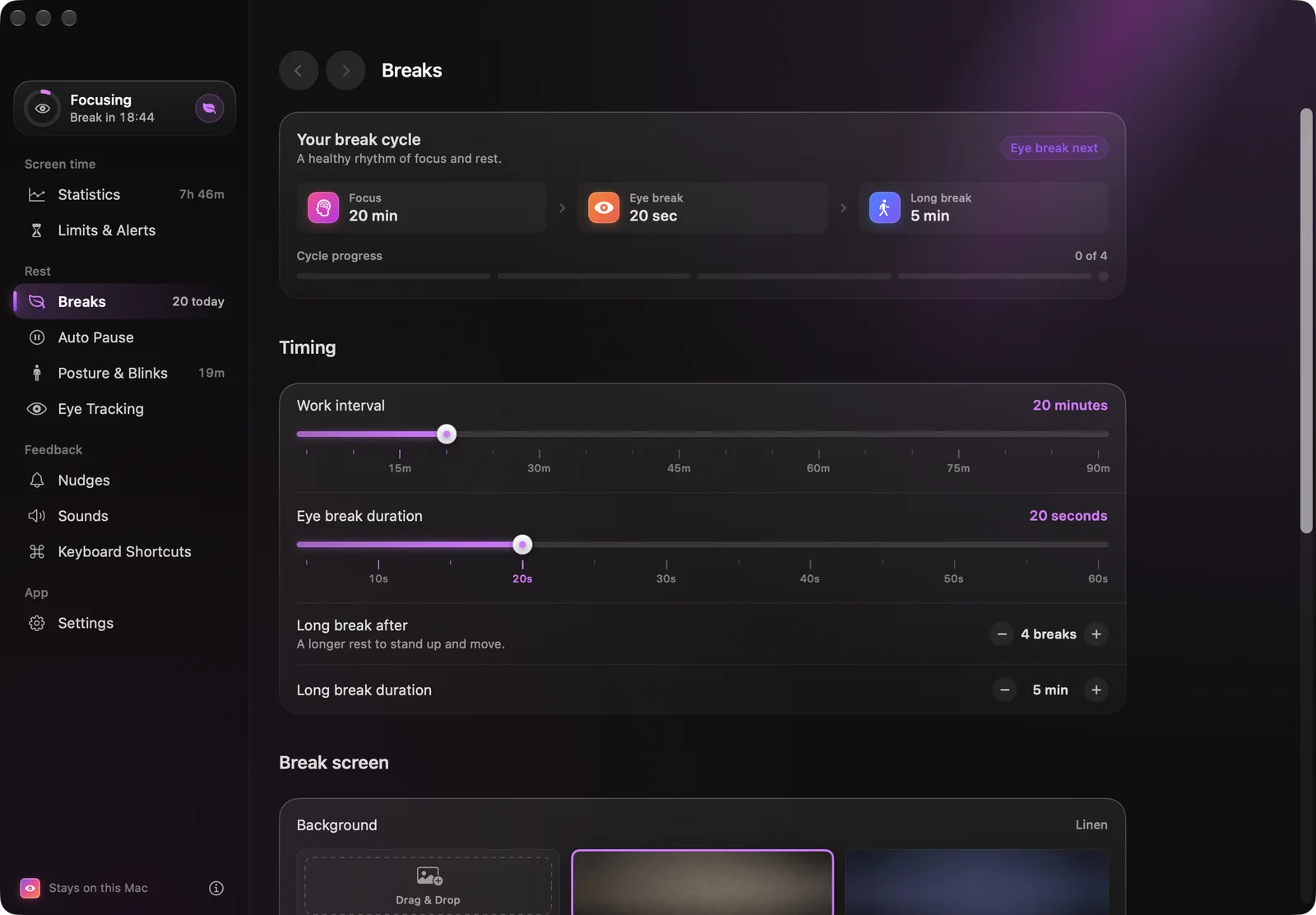
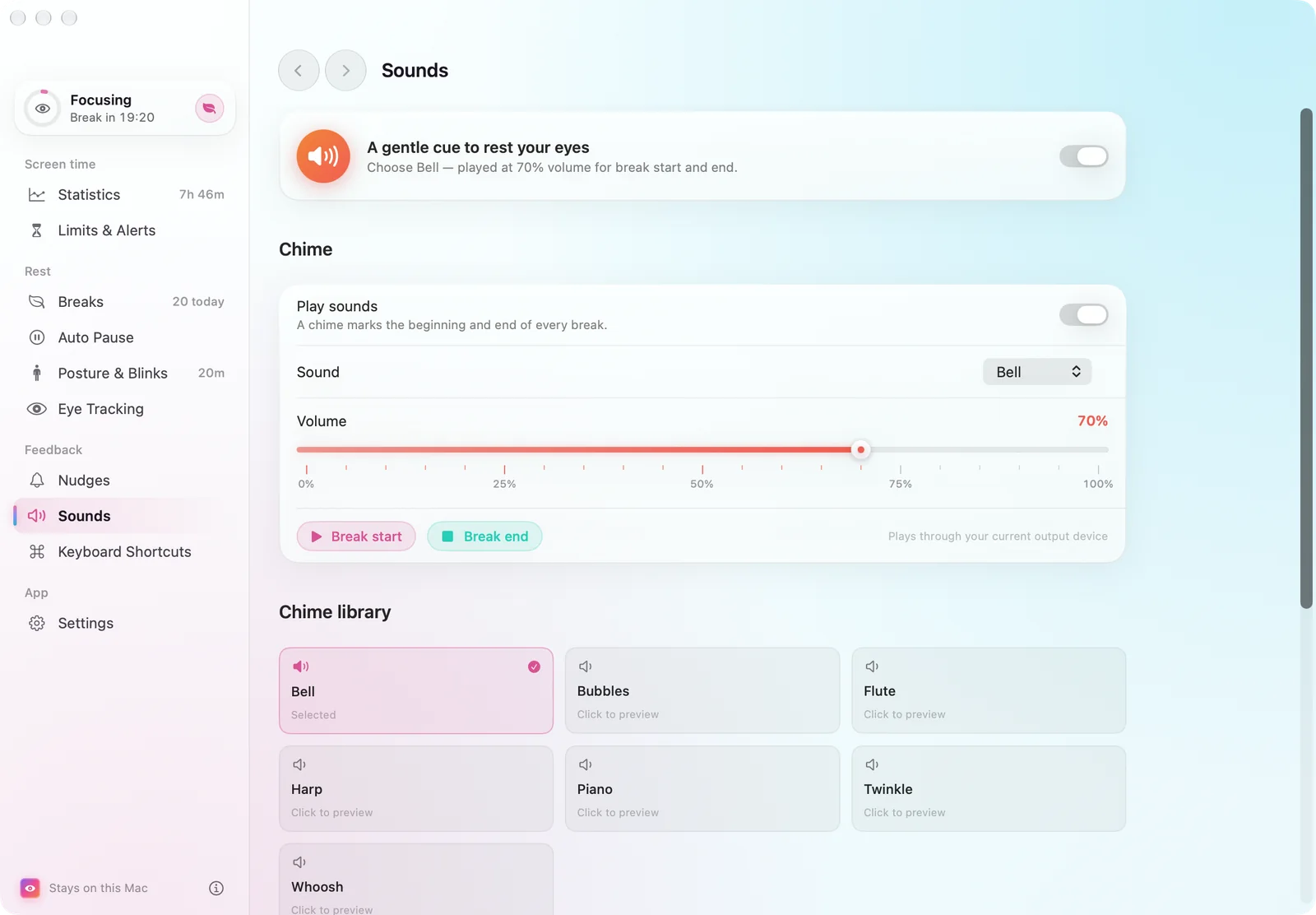
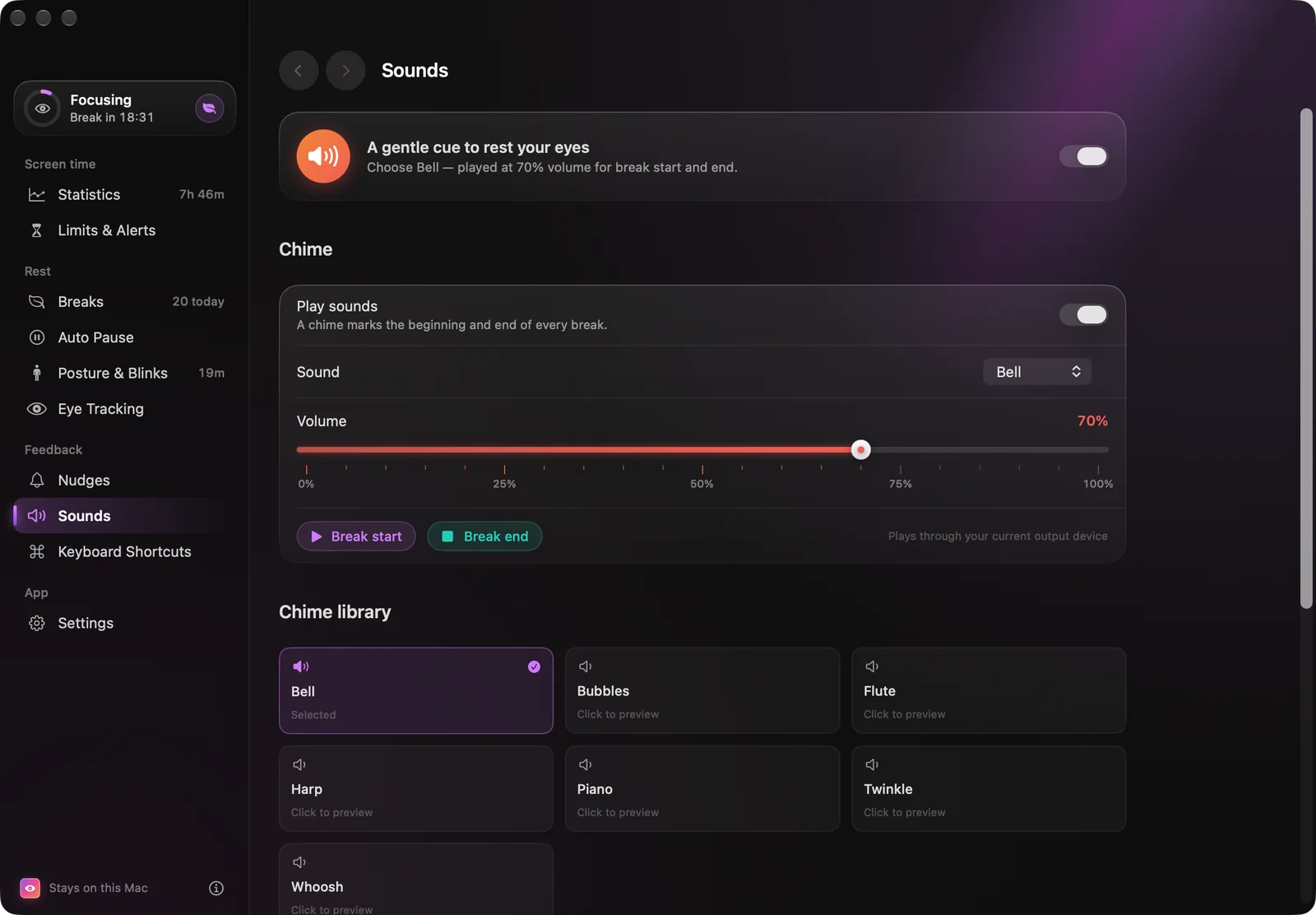
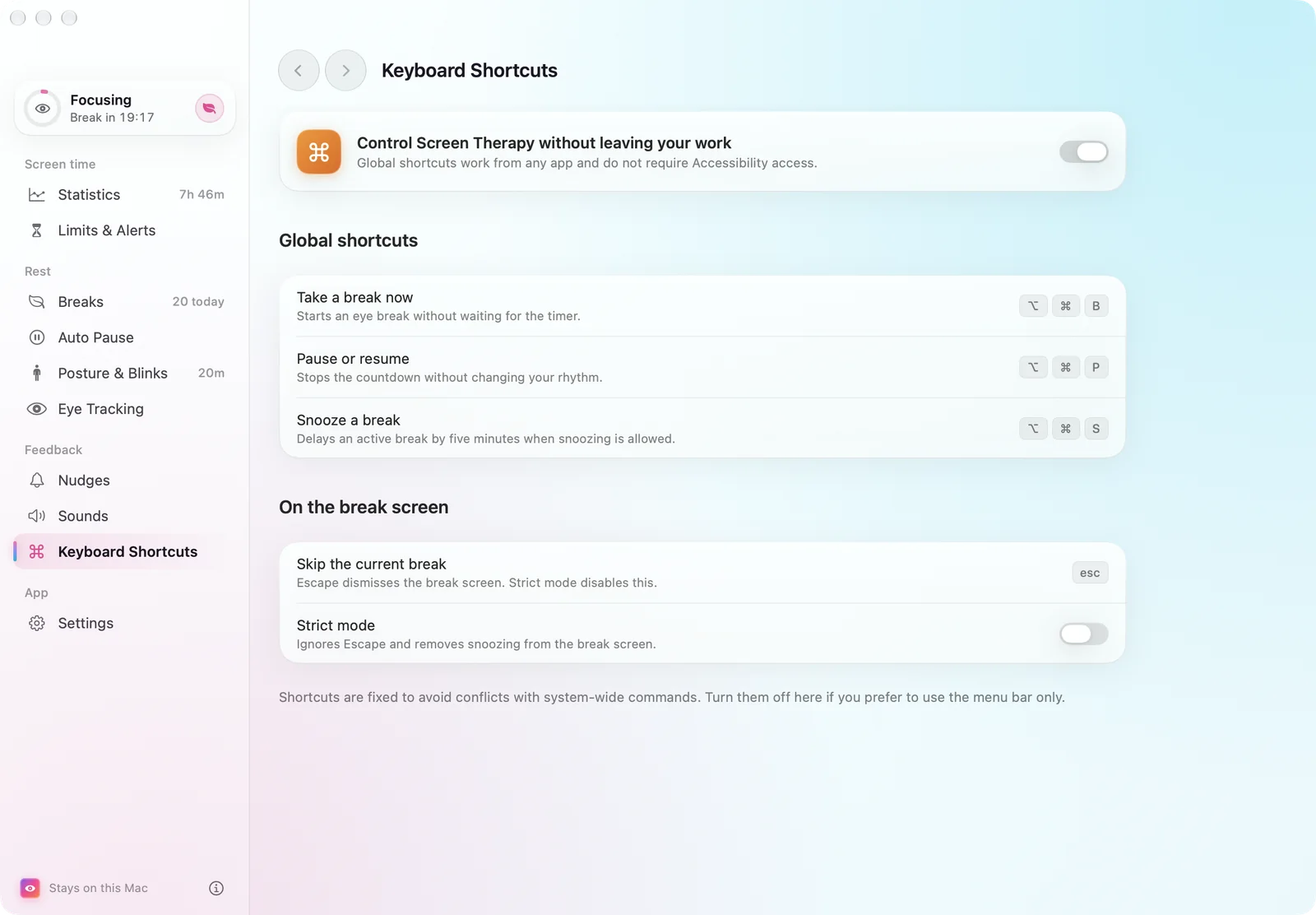
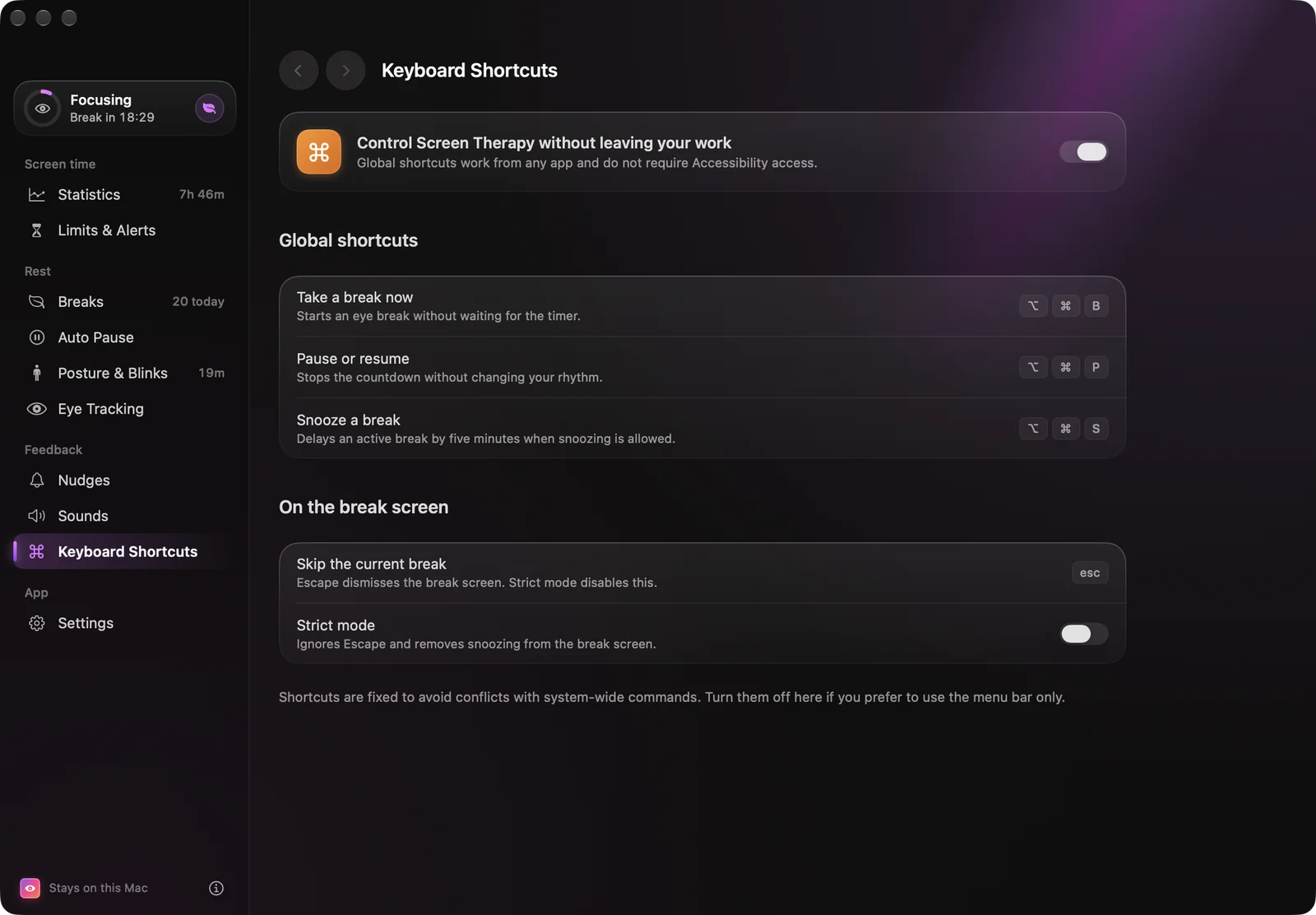
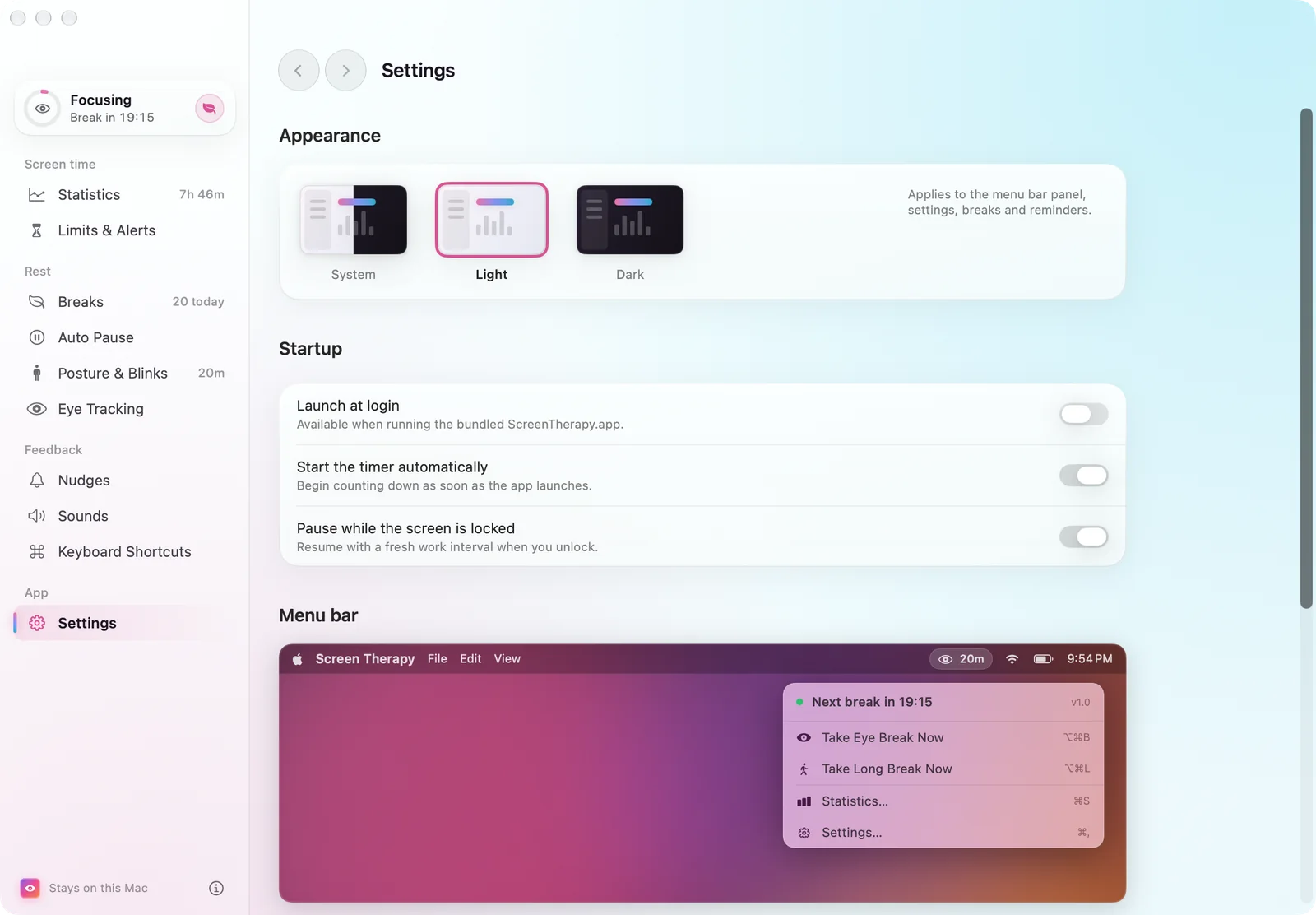
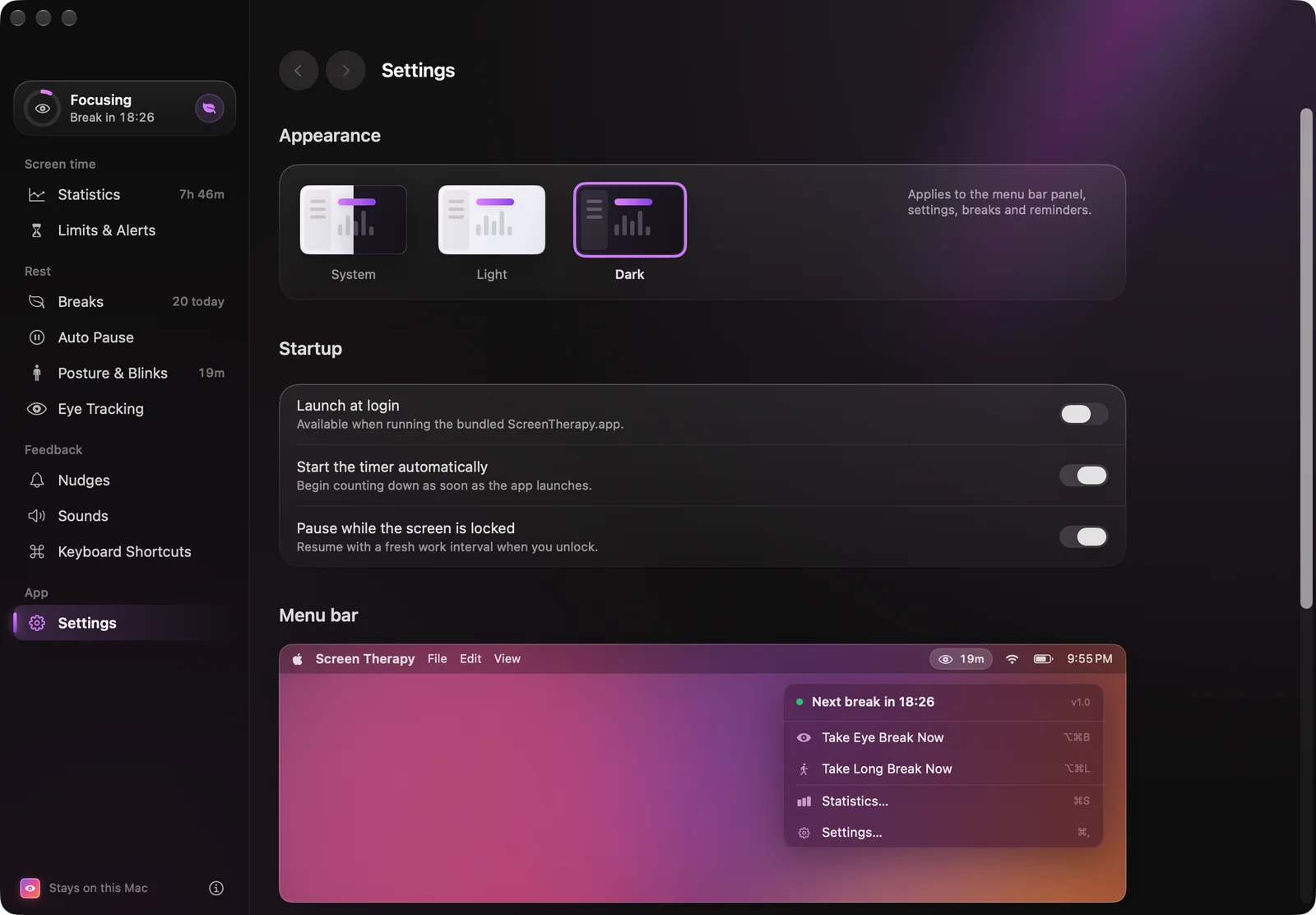
Ten pages of settings, none of them a list of switches.
Each page leads with a live preview of what it changes, and every slider is a ruler that lands on round values. Liquid Glass controls on macOS 26, with frosted fallbacks back to macOS 13.
08 — First run
A setup that asks before it watches.
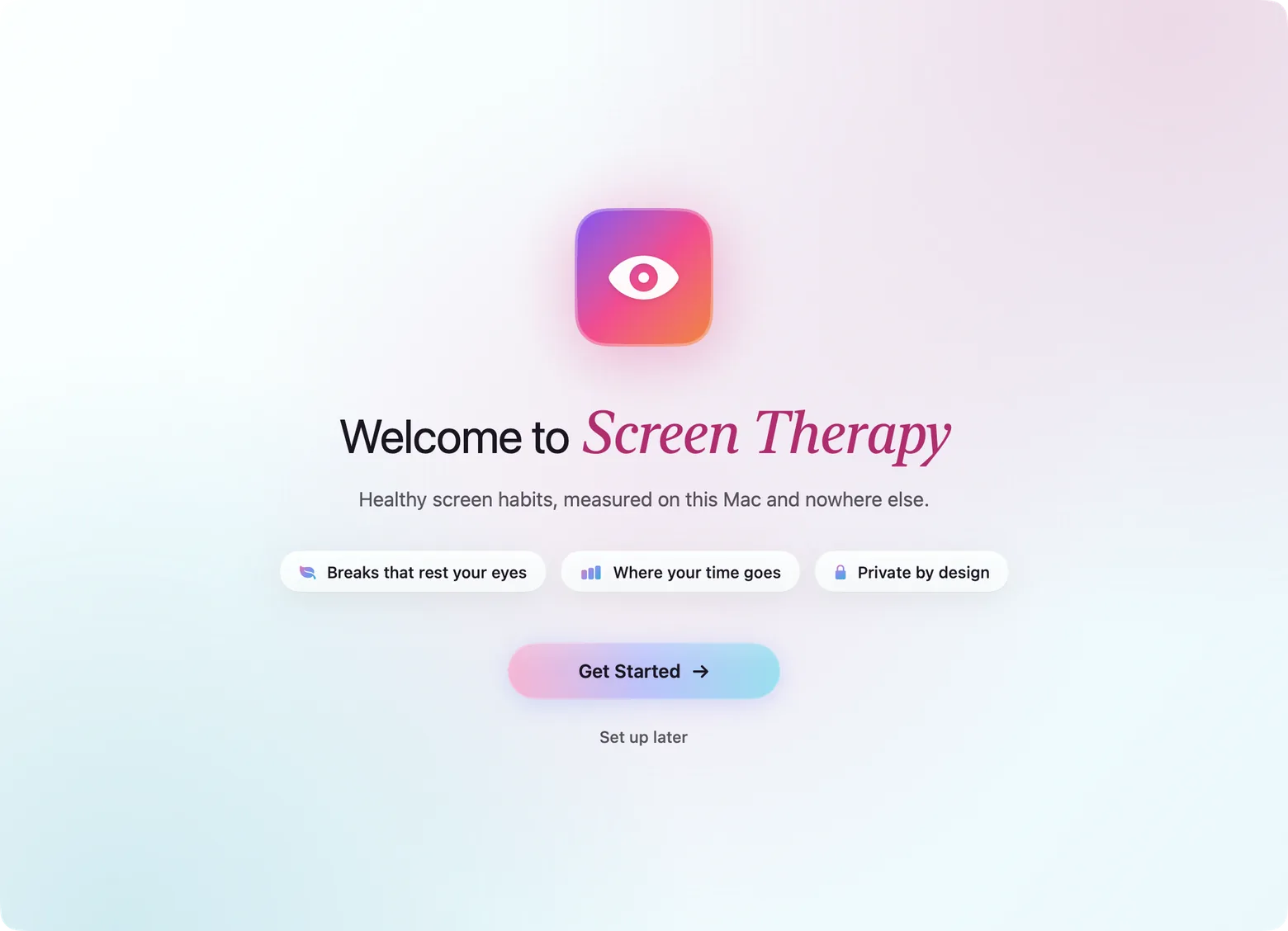
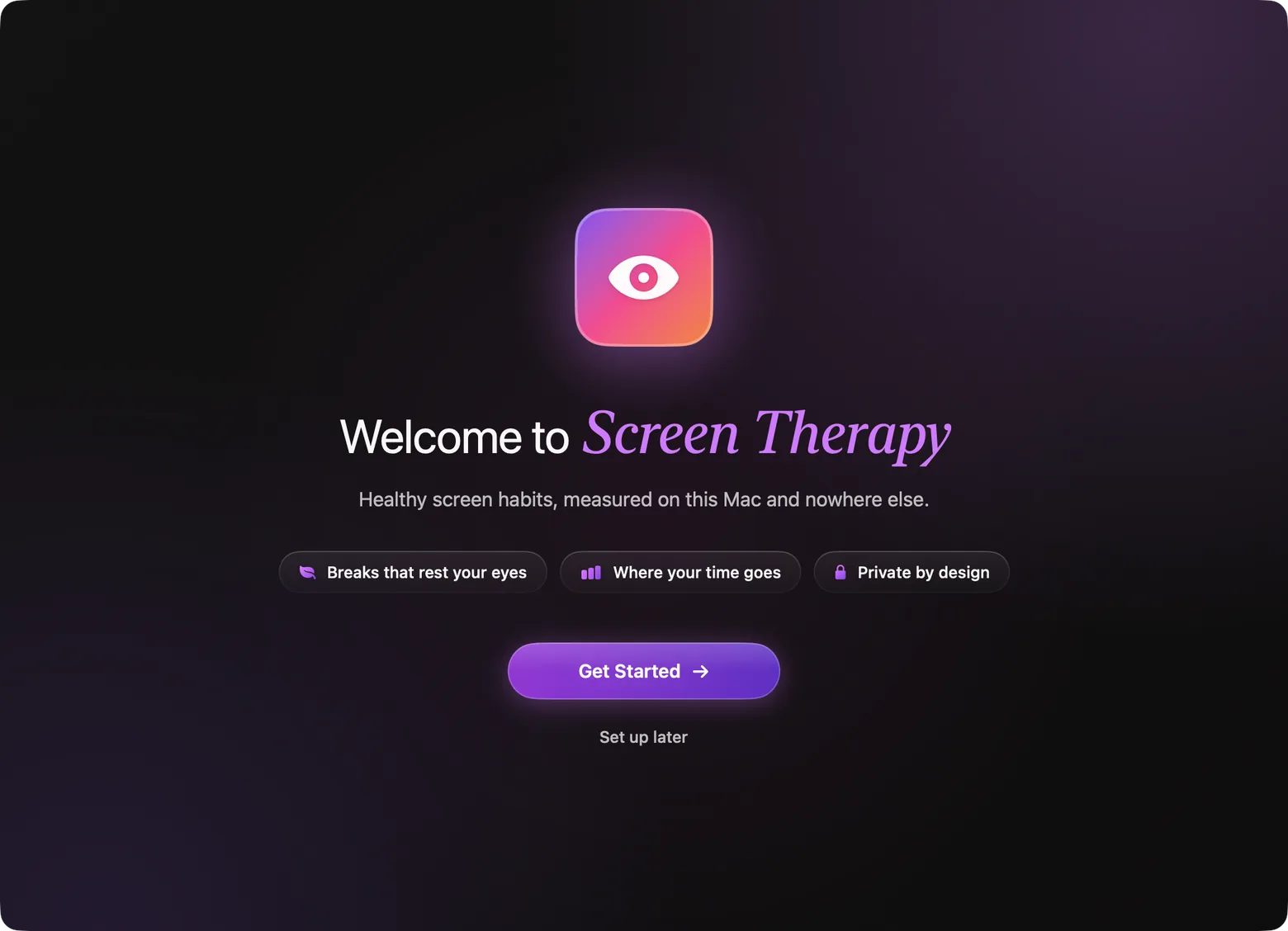
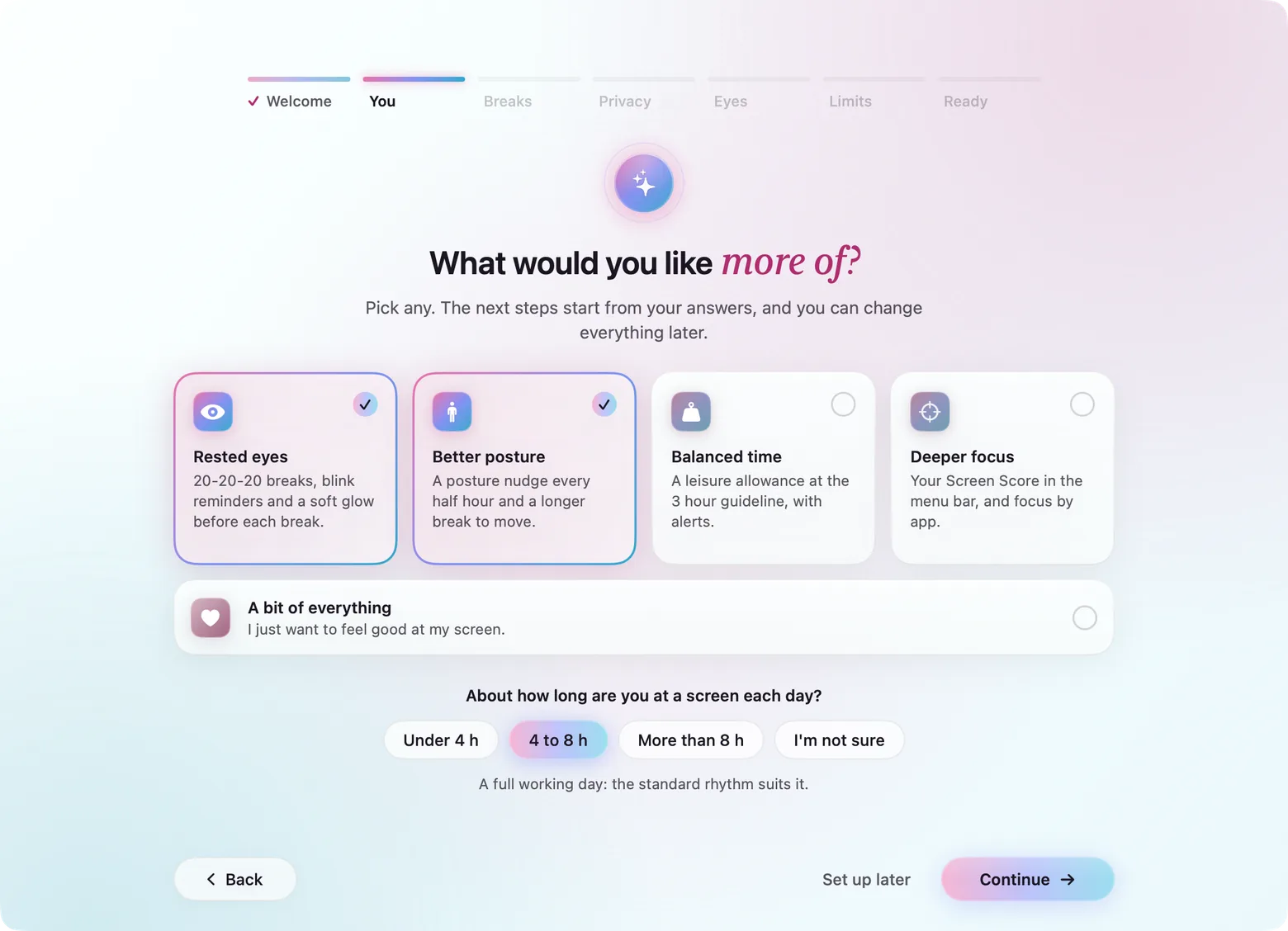
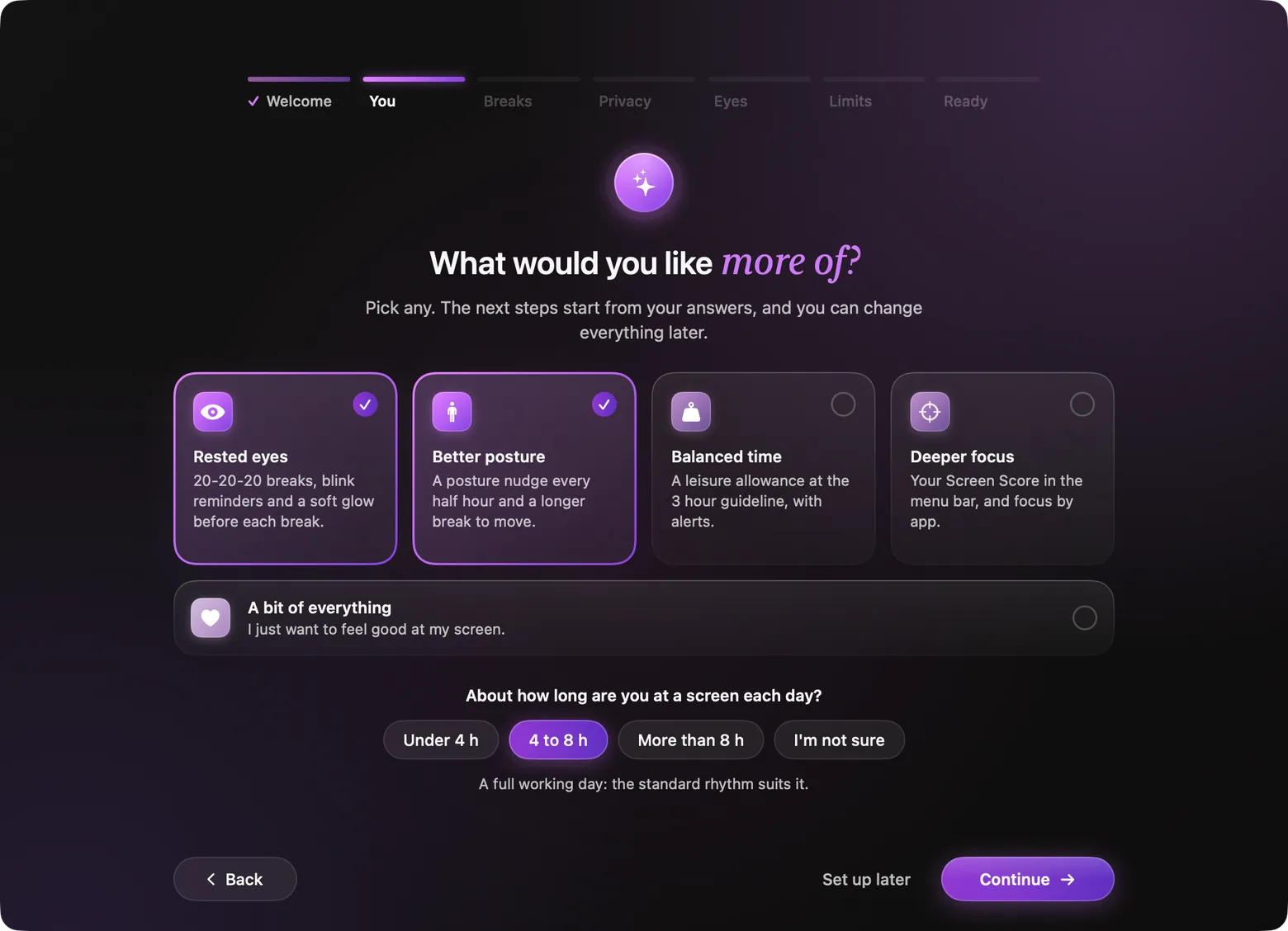
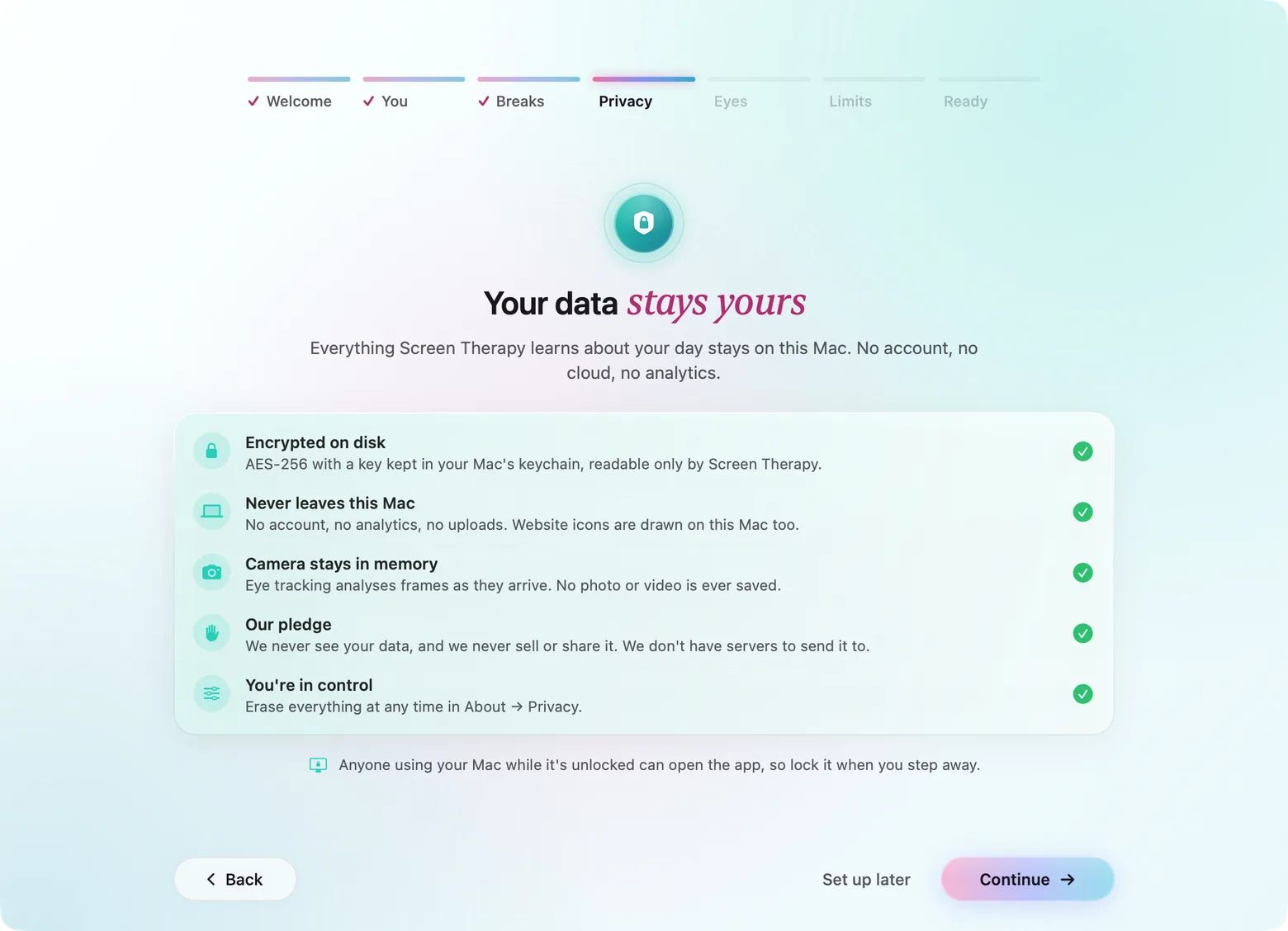
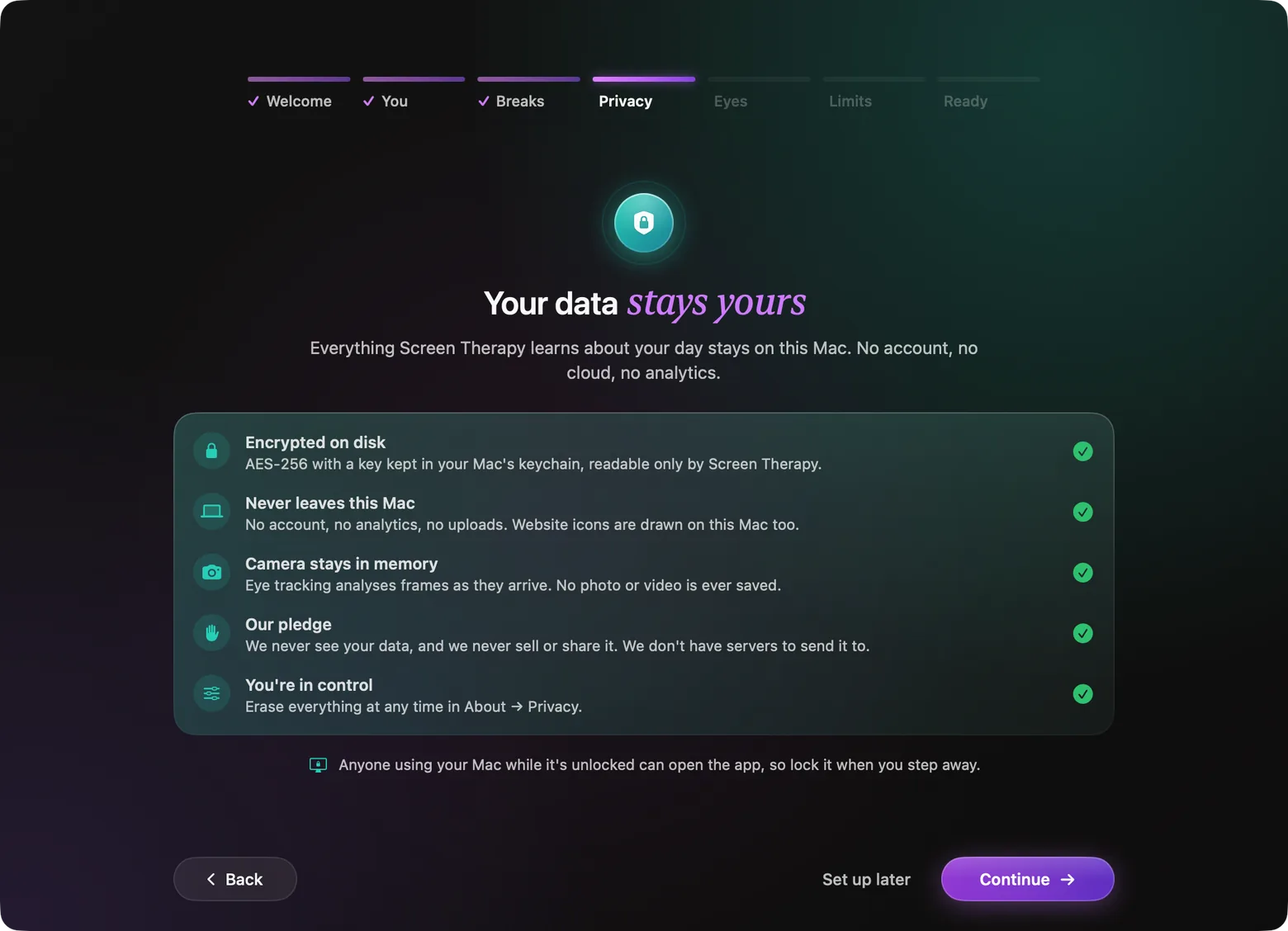
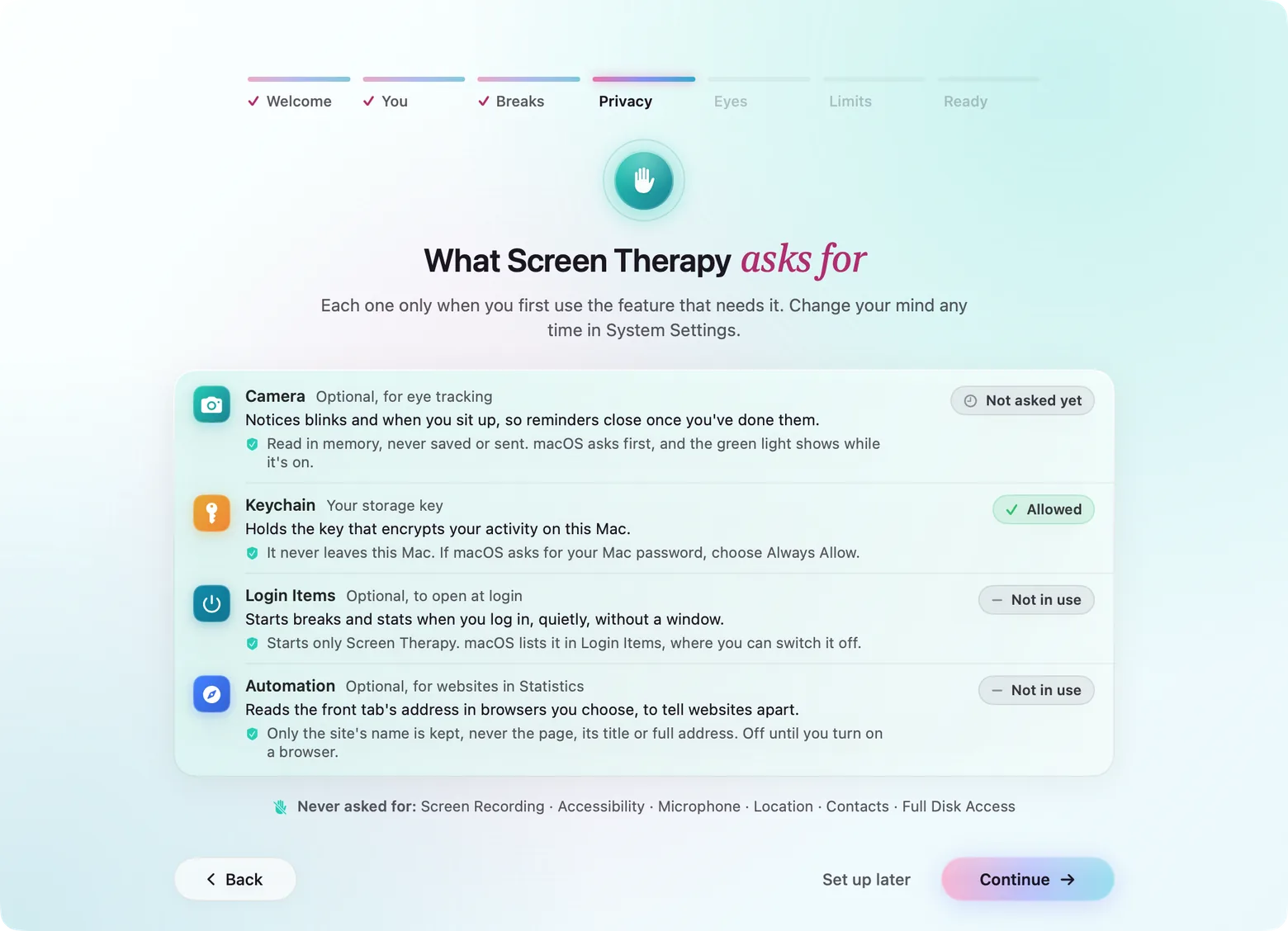
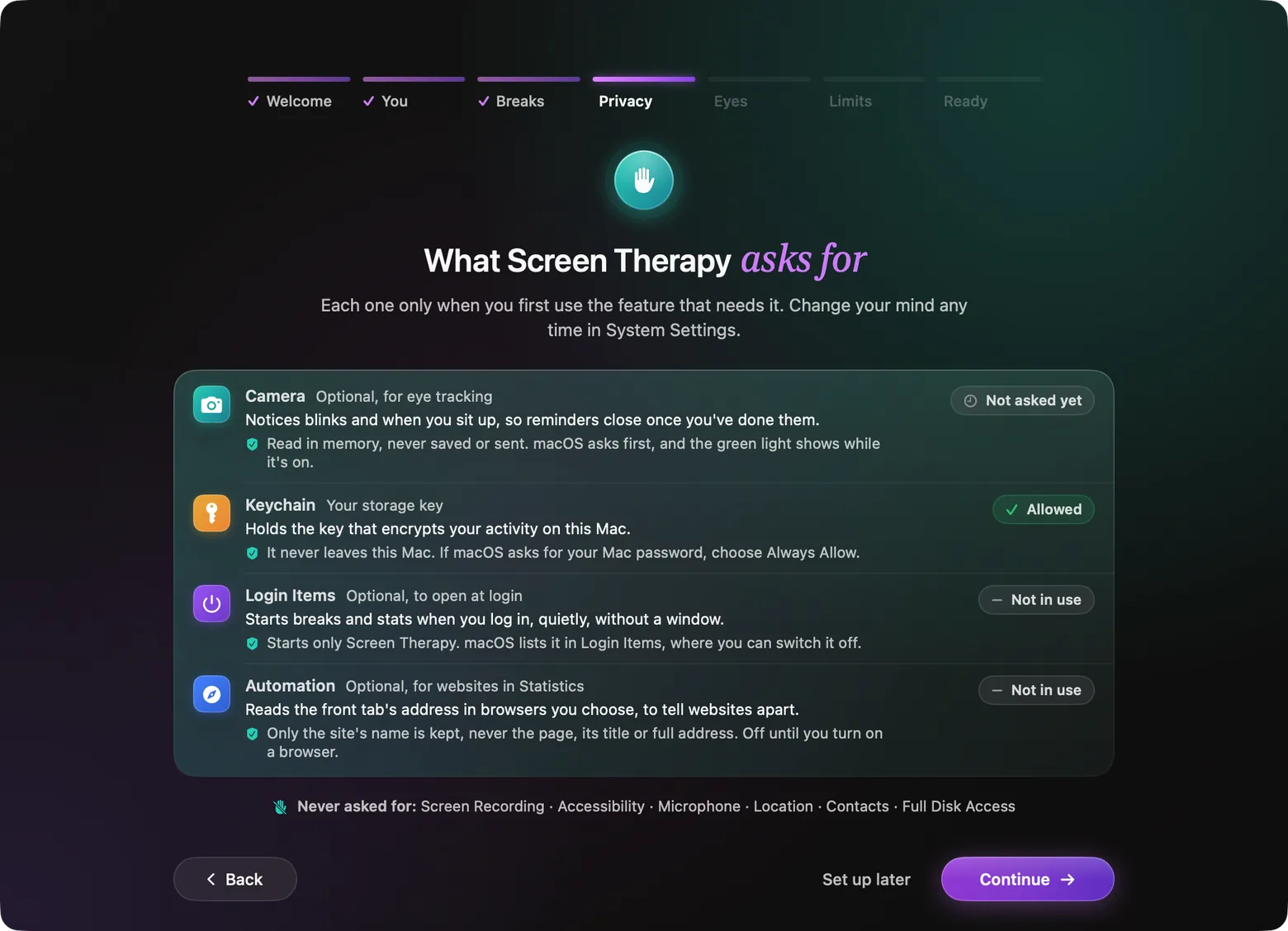
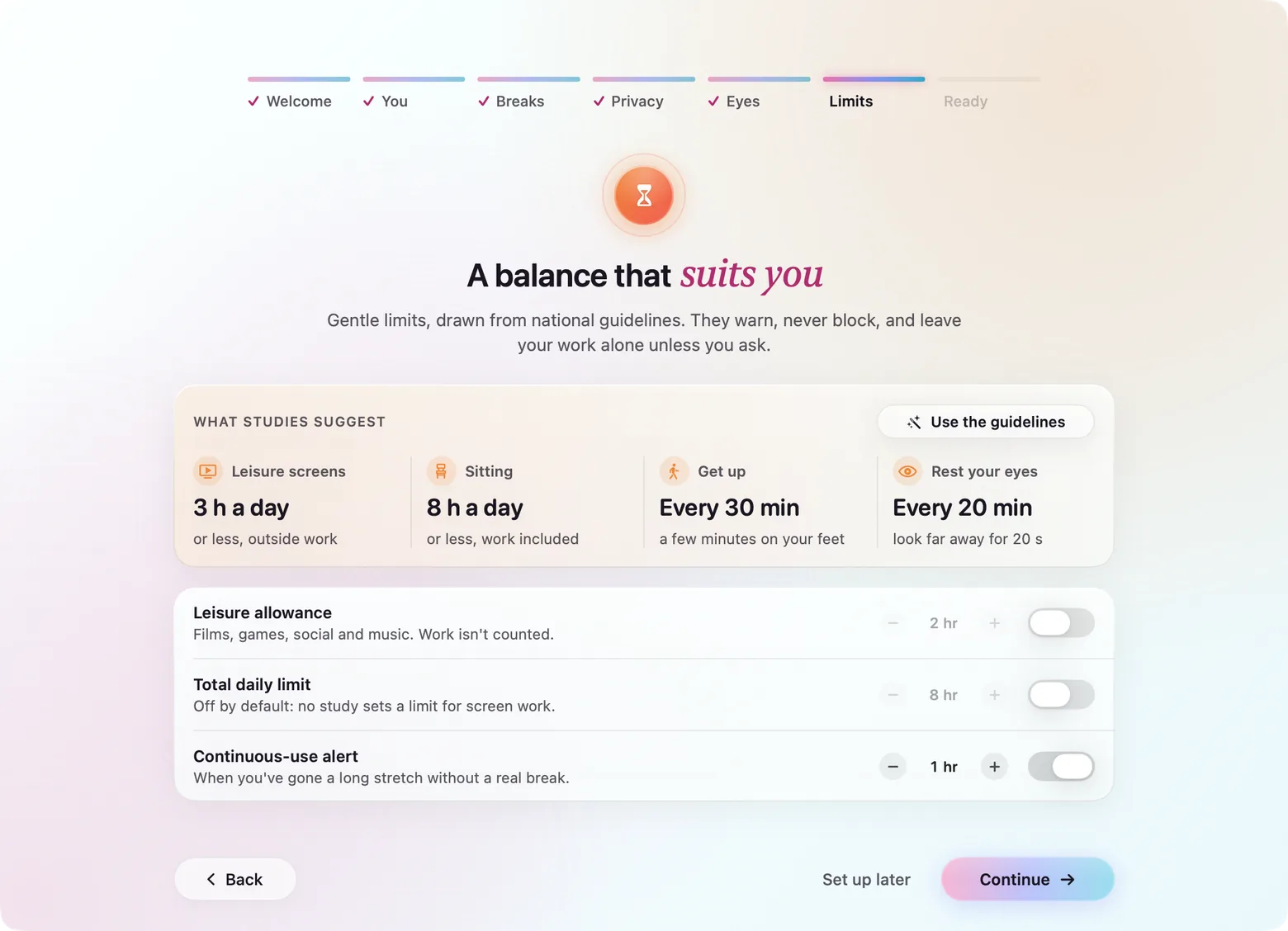
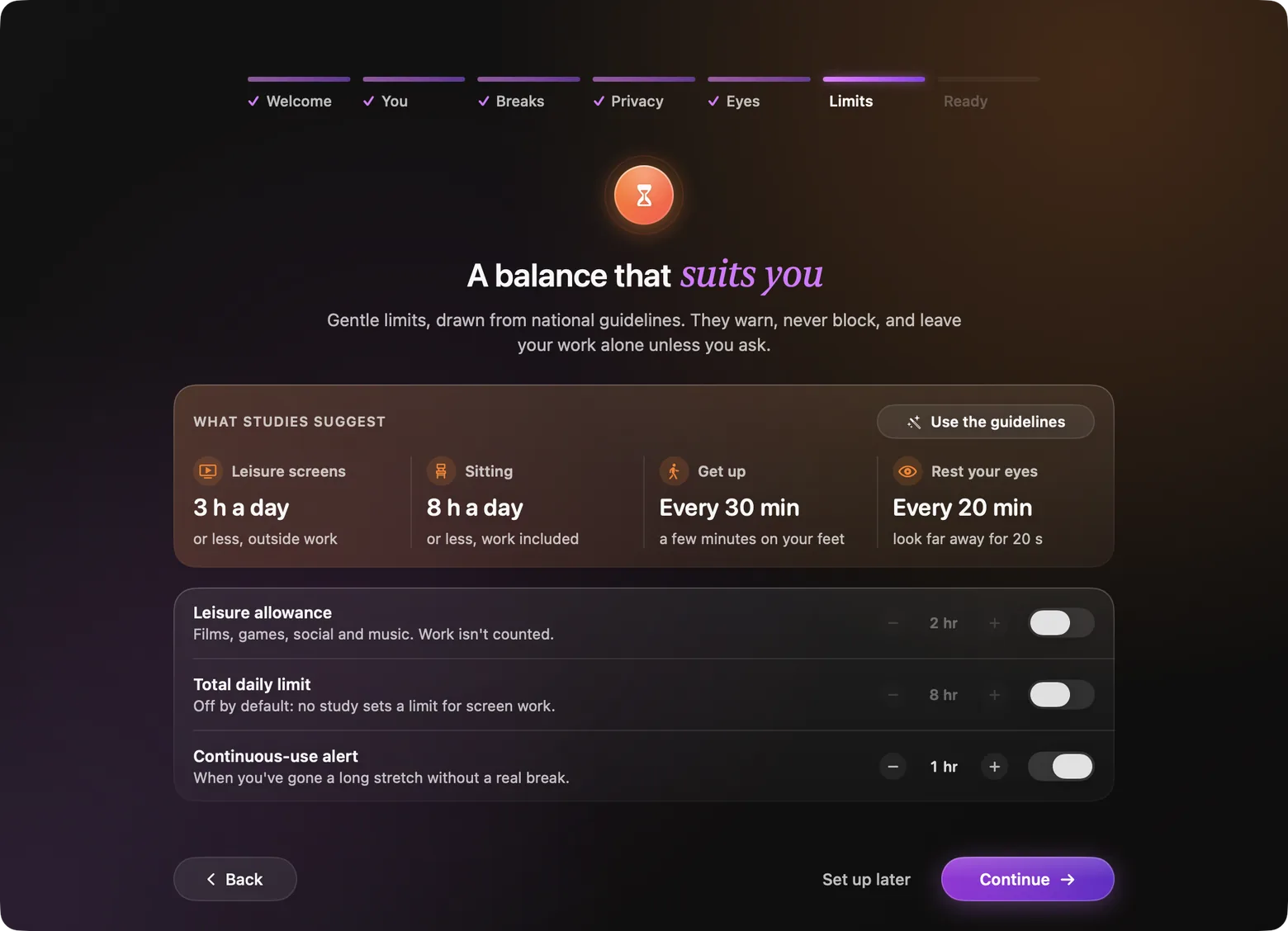
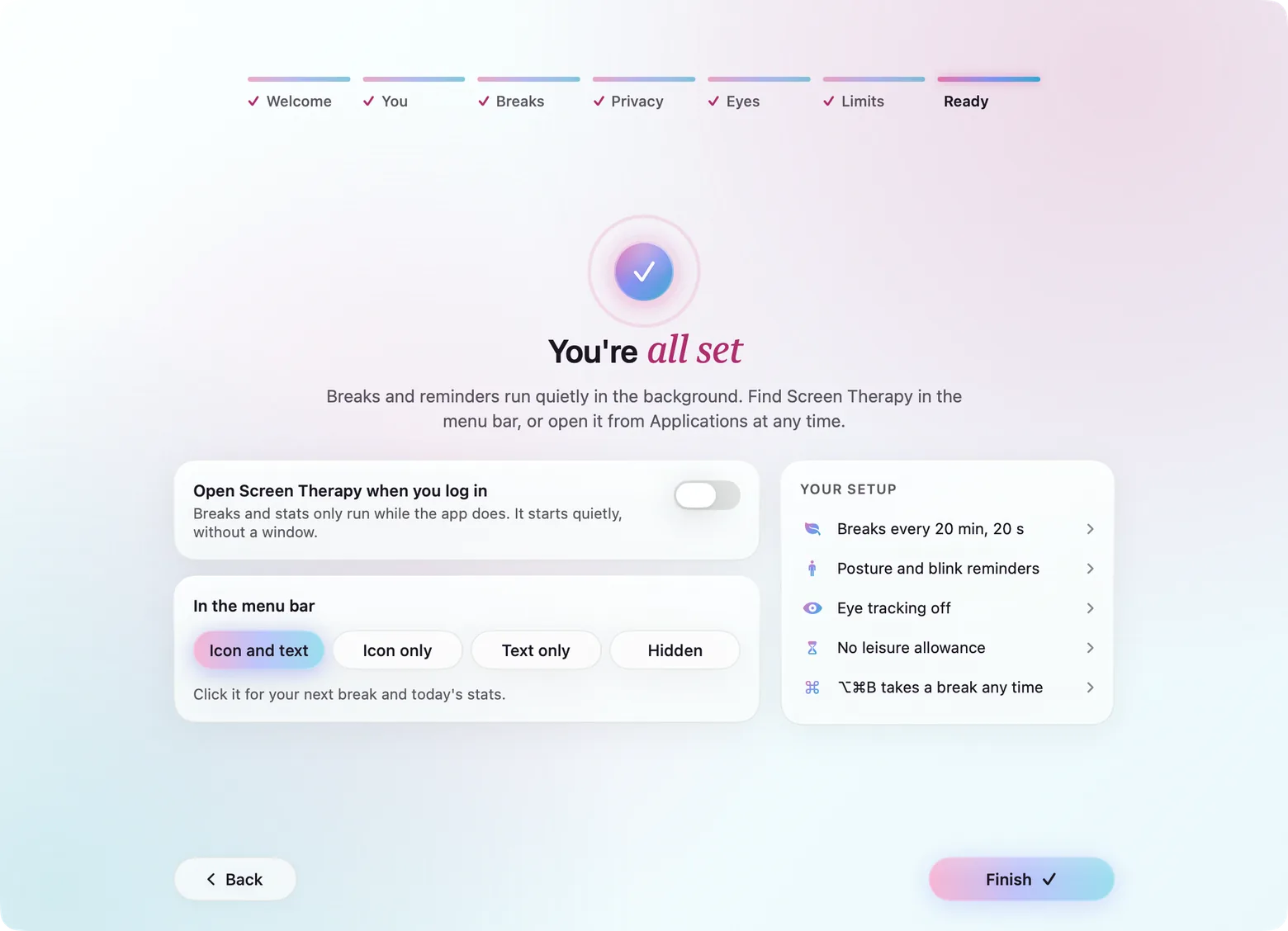
Nine short steps: how long you’re at the screen, how breaks should feel, what stays private, which permissions it needs and why, reminders, the camera (optional, with a preview first) and limits drawn from screen-time guidelines. The app is useful with every optional step skipped.
Hard problems
Four decisions that shaped the build.
- 01
A machine-learning pipeline that fits inside a menu bar app
macOS has no ARKit-style face tracking, so every signal is built from plain webcam frames. Google's MediaPipe BlazeFace, Face Mesh and Blendshapes models were converted op by op from TFLite to Core ML with a pinned, SHA-256-checked converter, and each was verified against TFLite to within 0.034 px. They run on the Neural Engine at about 4 ms a frame. Apple's own Vision framework was tried first and cost twice the CPU, so it was cut from the app and kept in a separate lab for comparison.
- 02
Finding the CPU that wasn't ours
Profiling showed the app at 22–24% of a core with the camera on, and most of it wasn't eye tracking. macOS Reactions were running hand-gesture models on every frame, and an open Settings window was redrawing animated previews at 30 fps while AppKit rebuilt drag regions on every frame. Gestures are now switched off in the bundle, animations pause when the window isn't in front, and the camera preview hands frames straight to the window server. That brought the 1080p preview from 27% of a core to 2.7%.
- 03
Not every look-away is a distraction
Looking down at the keyboard, or at a second screen while typing, isn't losing focus. Glances under two seconds are ignored, looking away while there's input doesn't count, and anything over 20 seconds counts as an eye rest. Focus is judged minute by minute, and the face is read only as movements (a smile, talking, a yawn, a lowered brow), never as a guess at feelings.
- 04
Private by construction
There is no account, no server and no analytics. Usage is read from public AppKit APIs (the frontmost app, idle time), never from Apple's private Screen Time stores. 120 days of stats are sealed with AES-GCM under a 256-bit keychain key, each file bound to its own name. Camera frames are analysed in memory and never written down. An early version fetched site favicons, which told every site you'd visited about it; that request was removed.
Performance
- Of an M1's CPU, averaged across a working day with sampled eye tracking on
- <2%Of an M1's CPU, averaged across a working day with sampled eye tracking on
- To run BlazeFace, Face Mesh and Blendshapes on a tracked frame
- 4 msTo run BlazeFace, Face Mesh and Blendshapes on a tracked frame
- Network requests, accounts or analytics. Everything stays on the Mac.
- 0Network requests, accounts or analytics. Everything stays on the Mac.
- Lines of Swift across the app, the shared engine and the lab, with 50 test suites
- 40KLines of Swift across the app, the shared engine and the lab, with 50 test suites
How it's built
- Client
- Native Swift 5.9 with SwiftUI and AppKit: a menu bar app with a status item, a popover, a main window, full-screen break overlays on every display and floating reminder badges
- Backend
- No server. A Swift Package with three targets — the app, a shared EyeTrackingCore engine, and an Eye Tracking Lab used for tuning — and 50 XCTest suites, including snapshot tests for every screen
- Data
- 120 days of stats in Application Support, sealed with AES-GCM (CryptoKit); the 256-bit key lives in the keychain and settings in UserDefaults
- Services
- Google MediaPipe BlazeFace, Face Mesh V2 and Blendshapes, converted to Core ML and run on the Neural Engine; AVFoundation, IOKit power sources, CGEventSource and NSWorkspace
What shipped
- 01A stats-first menu bar panel and a main window with a Screen Score and seven Review pages, for today or the week
- 02Full-screen break screens on every display, with nine animated mesh-gradient scenes, six wallpapers and a breathing cue
- 03On-device eye tracking: MediaPipe face models converted to Core ML, verified against TFLite, at a few milliseconds per frame
- 04Smart Pause, which holds a break while you type, drag, dictate, take a call or watch a video, and sorts each break into stepping away, eye rest, looking down or locked
- 05Posture and blink badges that wait until the camera sees you move or blink
- 06A first-run setup wizard, encrypted local storage and an Eye Tracking Lab for recording and replaying labelled sessions
Next project
EpicQuest→A treasure hunt hidden inside a film series — watch, decode, win